
Android
Connect via Wi-Fi Direct auf Android
Wi-Fi Direct is a separate connection type built into Android. It lets two compatible devices exchange data directly, without a router, hotspot, or shared internet access. This makes it useful for transferring files, mirroring a screen, or connecting an accessory when no regular Wi-Fi network is available.
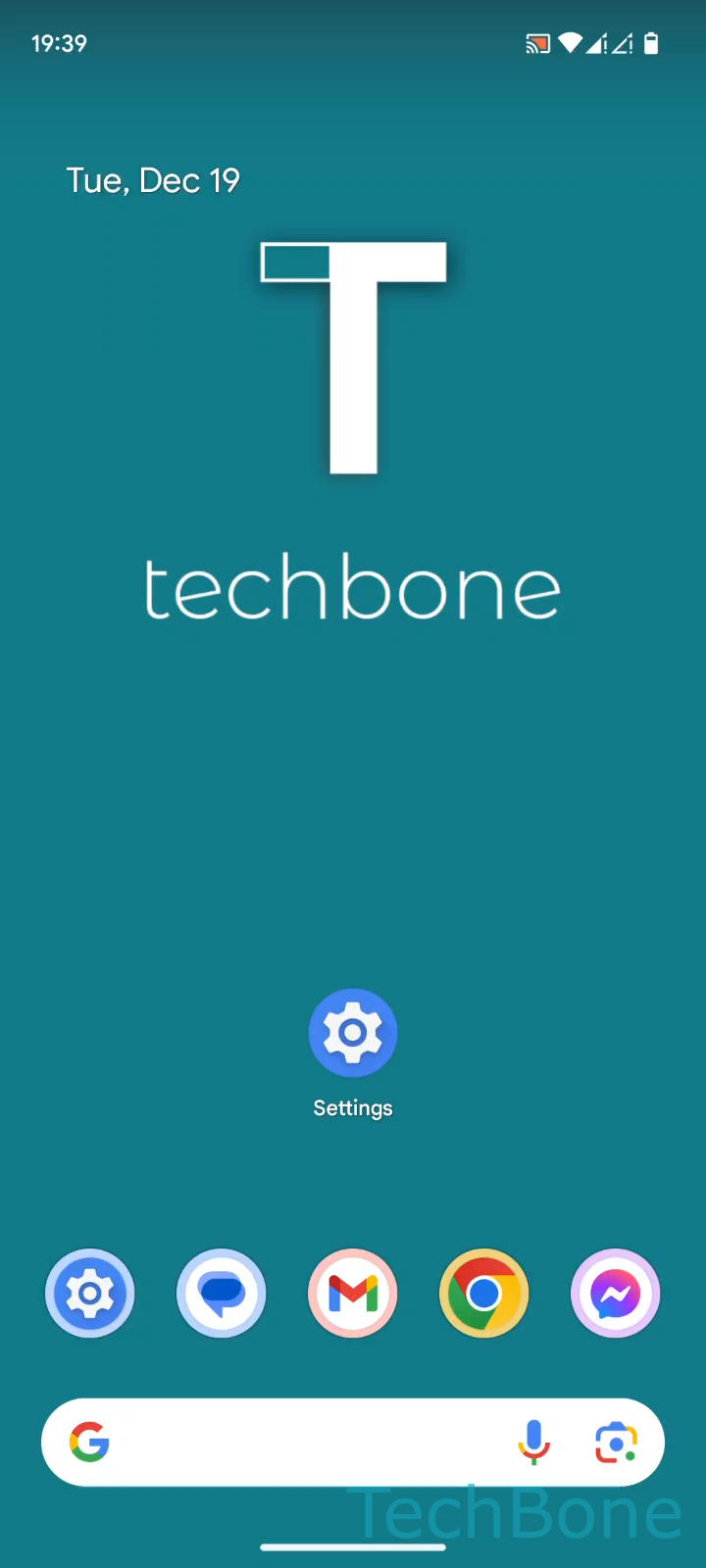
The feature is hidden inside the network settings rather than the main Wi-Fi toggle, which is why many users overlook it. On Android, you reach it through Tap on Settings ➔ Tap on Network & internet ➔ Tap on Internet ➔ Tap on Network preferences ➔ Tap on Wi-Fi Direct ➔ Select an Available device.
Both devices need Wi-Fi Direct support and must have the menu open at the same time so they can detect each other. Once a device appears in the list, tapping it sends a connection request that the other side has to confirm.
Wi-Fi Direct is not a replacement for a home network with internet access. If you only need to reach the internet, connecting to a regular Wi-Fi network or hotspot is the better option. Use Wi-Fi Direct specifically when two devices need to talk to each other without any router in between.