Skip to content
TechBone
Android

Android: Turn Location Access (GPS) On or Off

When maps, weather or delivery apps cannot find your position, Location access is usually switched off or restricted for that app. Android uses GPS, Wi-Fi and mobile network data to calculate your position, and this whole service can be disabled with a single toggle. A quick check in the settings shows whether the problem sits at the system level or inside the app itself.

3 min3 steps
Version

Step by step

1 / 3

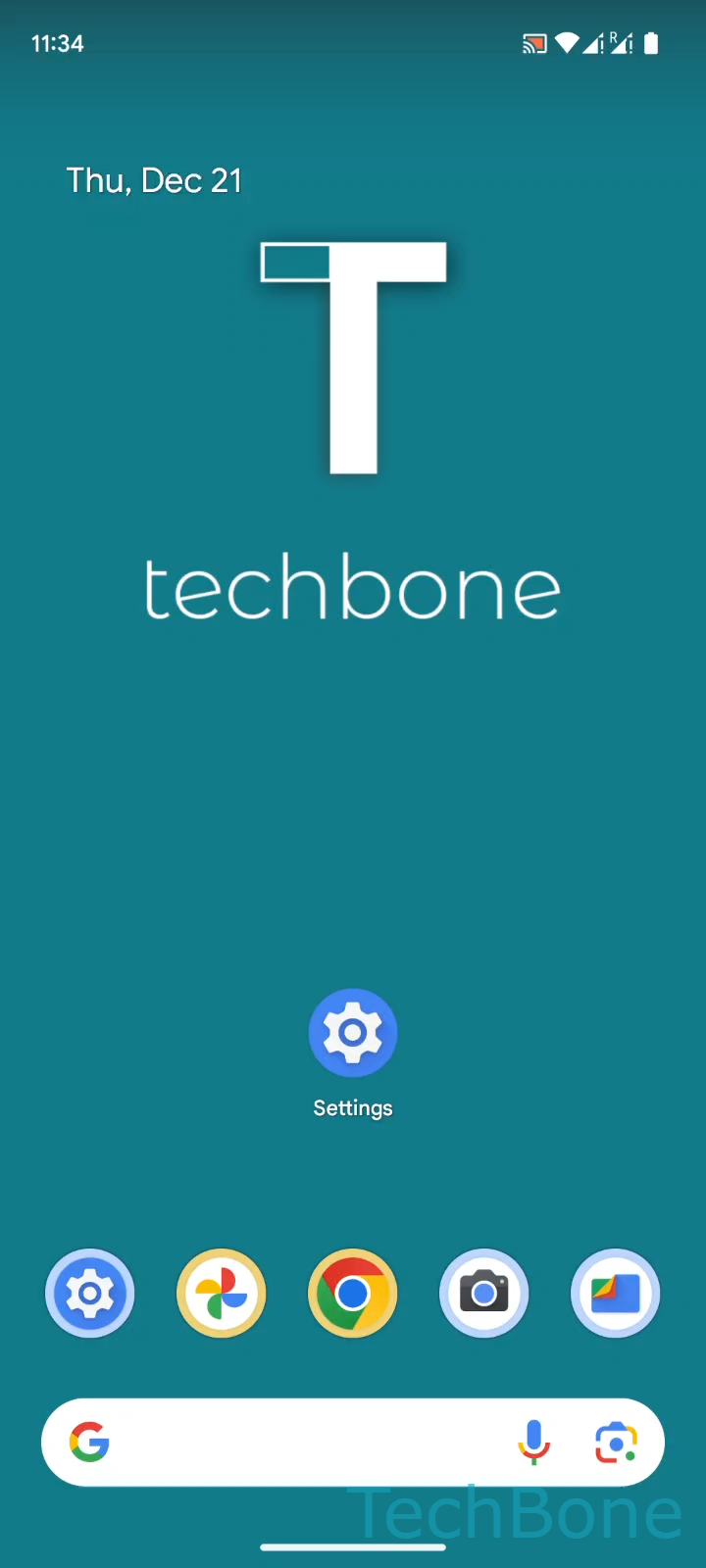
Step 1 of 3: Tap on **Settings**

1

Tap on Settings

Live simulator

Android 14 · Android 14
Turn Location (GPS) On or Off – Android 14: step 1 – Tap on Settings
Tap on Settings
1 / 3

Scroll or use the buttons for the next step

Feedback

Was the guide correct?

Help others: confirm the path or report a problem.

19

Confirmations

Forum verified this path

Android

Turn Location (GPS) On or Off auf Android

If an app suddenly stops showing your position, the system-wide Location toggle is the first thing to check. Android combines GPS satellites, Wi-Fi networks, mobile network data and device sensors to estimate your position, and all of this runs through one central switch.

To find it, go to Tap on SettingsTap on LocationEnable or disable Use location. Turning this off stops every app from accessing your position, not just the one you are currently using.

This differs from per-app location permissions, which control access for individual apps only. If the system-wide toggle is on but one app still cannot find you, check that app's own permission settings instead.

The same toggle is also reachable from the quick settings panel, which is faster for occasional use. Use the full settings menu when you want to check related options like location accuracy or recent app requests at the same time.

Keep in mind that disabling location saves battery but breaks features like navigation, weather updates for your area and location-based reminders until you turn it back on.

Frequently asked questions

Some apps keep prompting because they request the permission on every launch. Check the app's own permission entry, since the system toggle at Tap on SettingsTap on Location only controls whether location data is available at all, not whether an app is allowed to ask for it.