
Huawei
Add a New Home Screen Page auf Huawei
Huawei phones running EMUI do not have a button labelled 'Add home screen' anywhere in settings. Instead, the system creates a new page the moment you drag an app icon far enough toward the edge of the current screen.
This behavior lives inside the home screen's own layout engine, not inside Settings. It reacts to touch position rather than to a menu command, which is why many users look for an option that simply does not exist as a toggle.
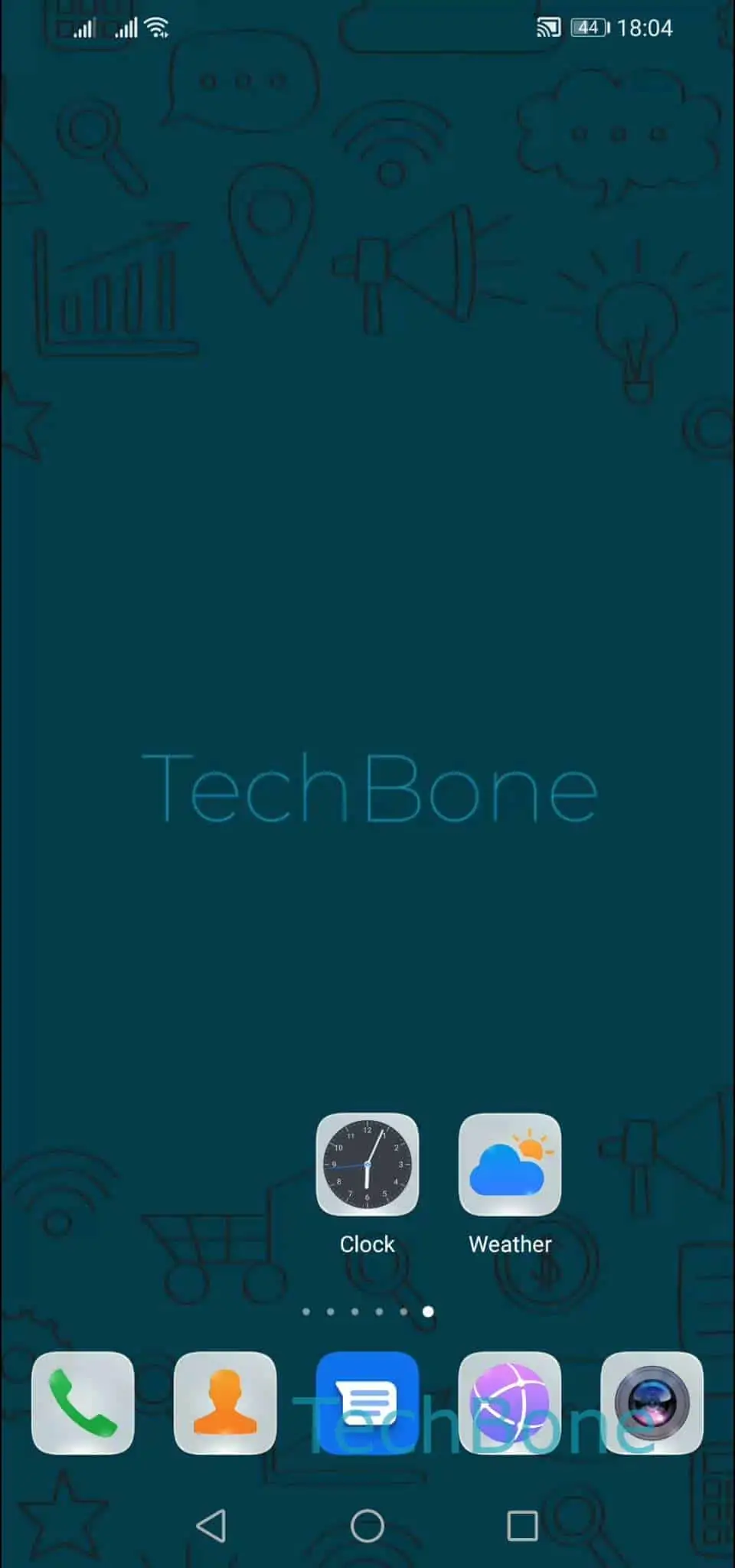
To trigger it: Tap and hold an app ➔ Drag the app to the edge of the screen ➔ Release the app to position it. Hold the icon until it lifts slightly, then move it past the last visible page indicator dot before letting go. EMUI inserts a blank page and drops the app there.
If nothing happens, the drag likely stopped short of the edge zone, so the icon lands back on the same page. Repeat the drag more slowly and watch the page dots at the bottom of the screen - a new dot appears once the drop zone is active.
An empty page is removed automatically once you move its last icon away, so pages you no longer need do not have to be deleted manually.