
Huawei
Add a Widget to Your Home Screen auf Huawei
A home screen icon only opens an app. A widget shows live content from that app directly on the screen, for example current stock prices, the next calendar entry or today's weather. On Huawei phones running EMUI, this feature stays hidden until you activate the widget picker manually.
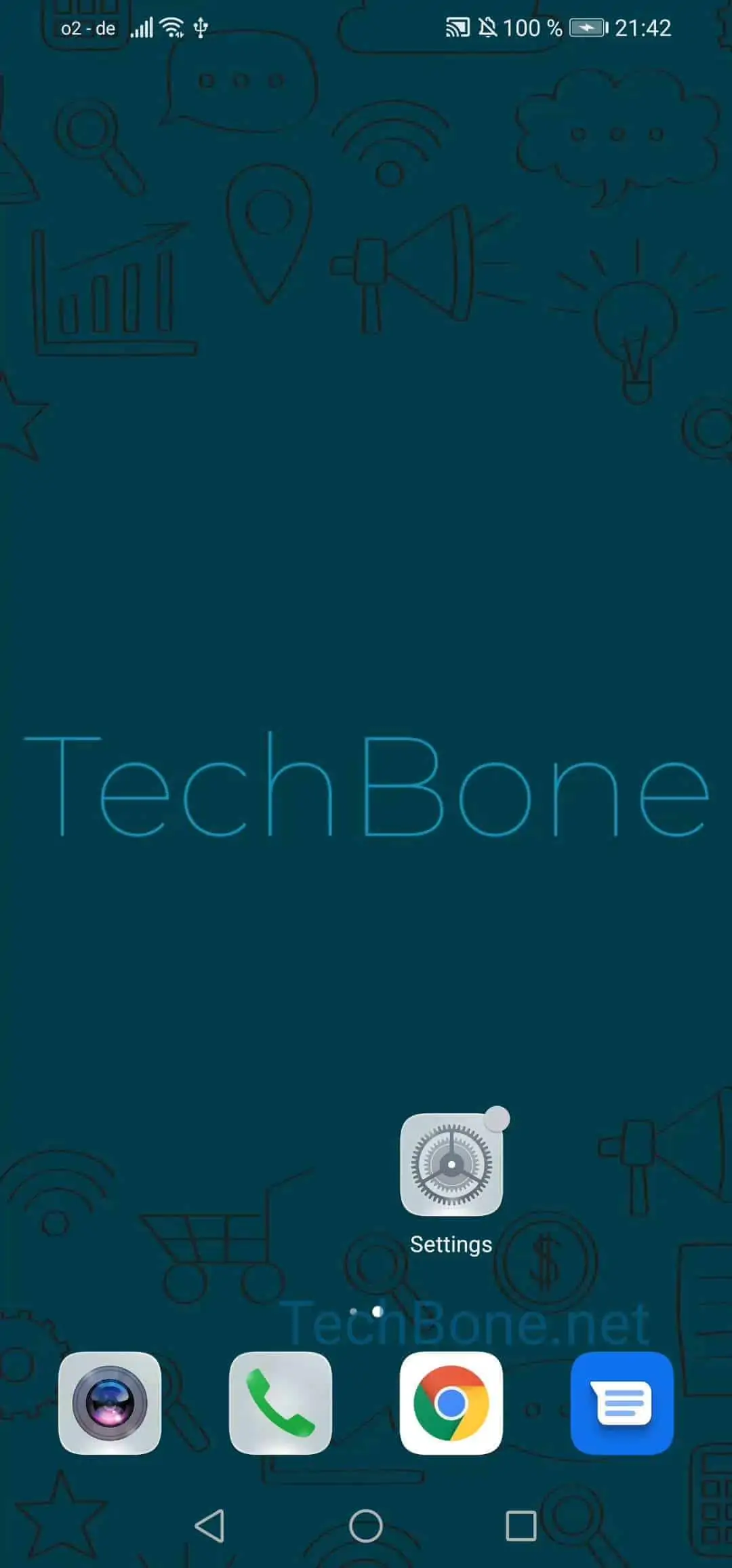
To place one, press and hold an empty spot on your home screen. This switches the screen into edit mode and reveals a menu with several layout options.
Follow this path: Tap and hold a free space on your home screen ➔ Tap on Widgets ➔ Choose a Widget ➔ Tap on your preferred option ➔ Tap on a free space on your home screen.
Most widgets come in several sizes. Larger versions show more details but take up more room, so pick the size that fits your layout.
If the widget list looks empty, the app itself may not offer a widget, or it needs an update first. Restarting your phone can also refresh the list if a newly installed app is missing.