Skip to content
TechBone
Huawei

Huawei: Add a Widget to Your Home Screen

If your Huawei home screen only shows app icons, you are missing out on live information like stock prices, weather updates or calendar entries. EMUI hides the widget picker behind a long-press gesture that many people never discover. Without it, every app stays closed and your screen only shows static icons instead of updated content.

4 min5 steps
VersionAndroid 10 · EMUI

Step by step

1 / 5

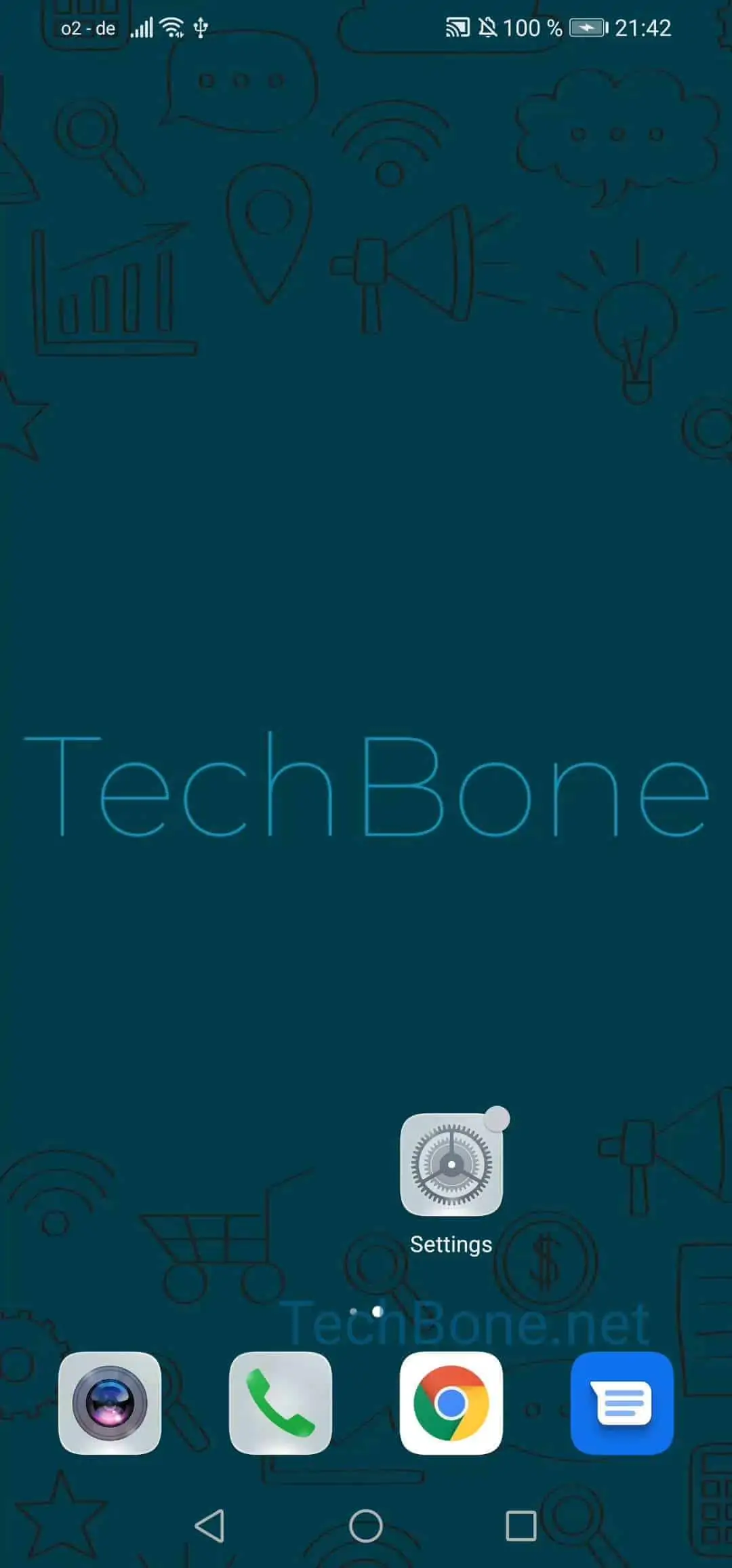
Step 1 of 5: Tap and hold a **free space** on your home screen

1

Tap and hold a free space on your home screen

Live simulator

Android 10 · EMUI
Add a Widget to Your Home Screen – EMUI: step 1 – Tap and hold a free space on your home screen
Tap and hold a free space on your home screen
1 / 5

Scroll or use the buttons for the next step

Feedback

Was the guide correct?

Help others: confirm the path or report a problem.

81

Confirmations

Forum verified this path

Huawei

Add a Widget to Your Home Screen auf Huawei

A home screen icon only opens an app. A widget shows live content from that app directly on the screen, for example current stock prices, the next calendar entry or today's weather. On Huawei phones running EMUI, this feature stays hidden until you activate the widget picker manually.

To place one, press and hold an empty spot on your home screen. This switches the screen into edit mode and reveals a menu with several layout options.

Follow this path: Tap and hold a free space on your home screenTap on WidgetsChoose a WidgetTap on your preferred optionTap on a free space on your home screen.

Most widgets come in several sizes. Larger versions show more details but take up more room, so pick the size that fits your layout.

If the widget list looks empty, the app itself may not offer a widget, or it needs an update first. Restarting your phone can also refresh the list if a newly installed app is missing.

Frequently asked questions

Only apps that were built with a widget by their developer show up there. If an app is missing, check for an update or confirm on the developer's page whether a widget exists at all.