
Huawei
Move the Default Home Screen Position auf Huawei
On Huawei phones running EMUI, the default home screen is not a separate setting hidden in a menu. It is simply the page that currently sits in the first slot of your home screen layout. Whichever page holds that position becomes the one that opens when you tap the home button or when new apps get installed and placed automatically.
This matters once you start adding multiple home screens. If you have built a layout with five pages and want a specific one, for example a central page with your most-used apps, to act as the starting point, you cannot just tell the system which page is default. Instead, you drag that page into the first slot of the screen order.
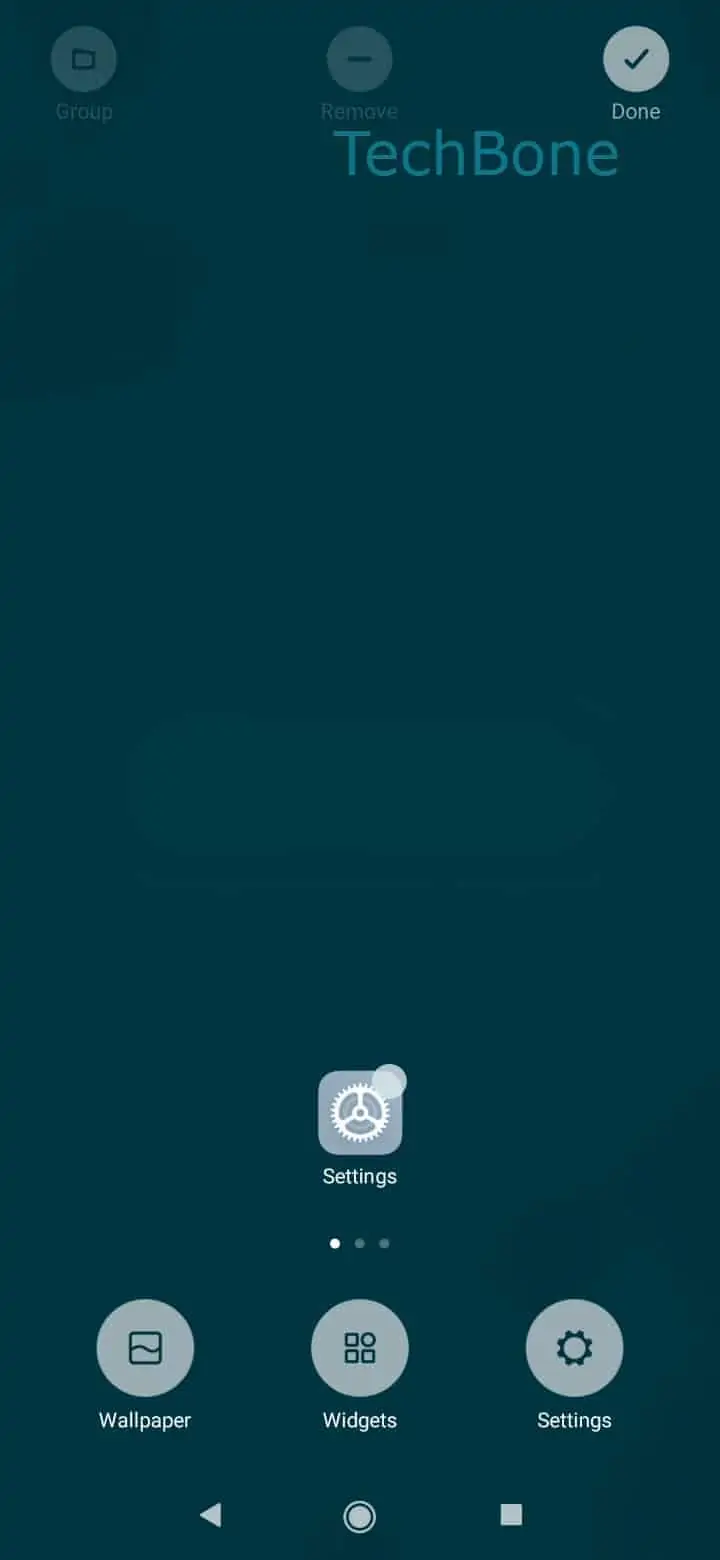
To do this, use the following path: Tap and hold an empty space on home screen ➤ Tap and hold a home screen ➤ Drag the home screen to rearrange it ➤ Release the home screen to position it. This opens the home screen overview, where all pages appear as thumbnails you can reorder by dragging.
Moving a page to the first position does not delete any apps or widgets on it. Everything on that page stays exactly where it was, only its position in the sequence changes. If you later add or remove a home screen, double-check the order again, since inserting a new page can shift which one ends up first.