
Huawei
Assign a Custom Ringtone to a Contact auf Huawei
By default, EMUI plays the same system ringtone for every incoming call. That makes it hard to tell family, work contacts, or specific friends apart without looking at the display.
EMUI lets you override the default sound on a per-contact basis. The setting lives directly inside the contact entry, not in the general sound settings, so it only affects calls from that one person.
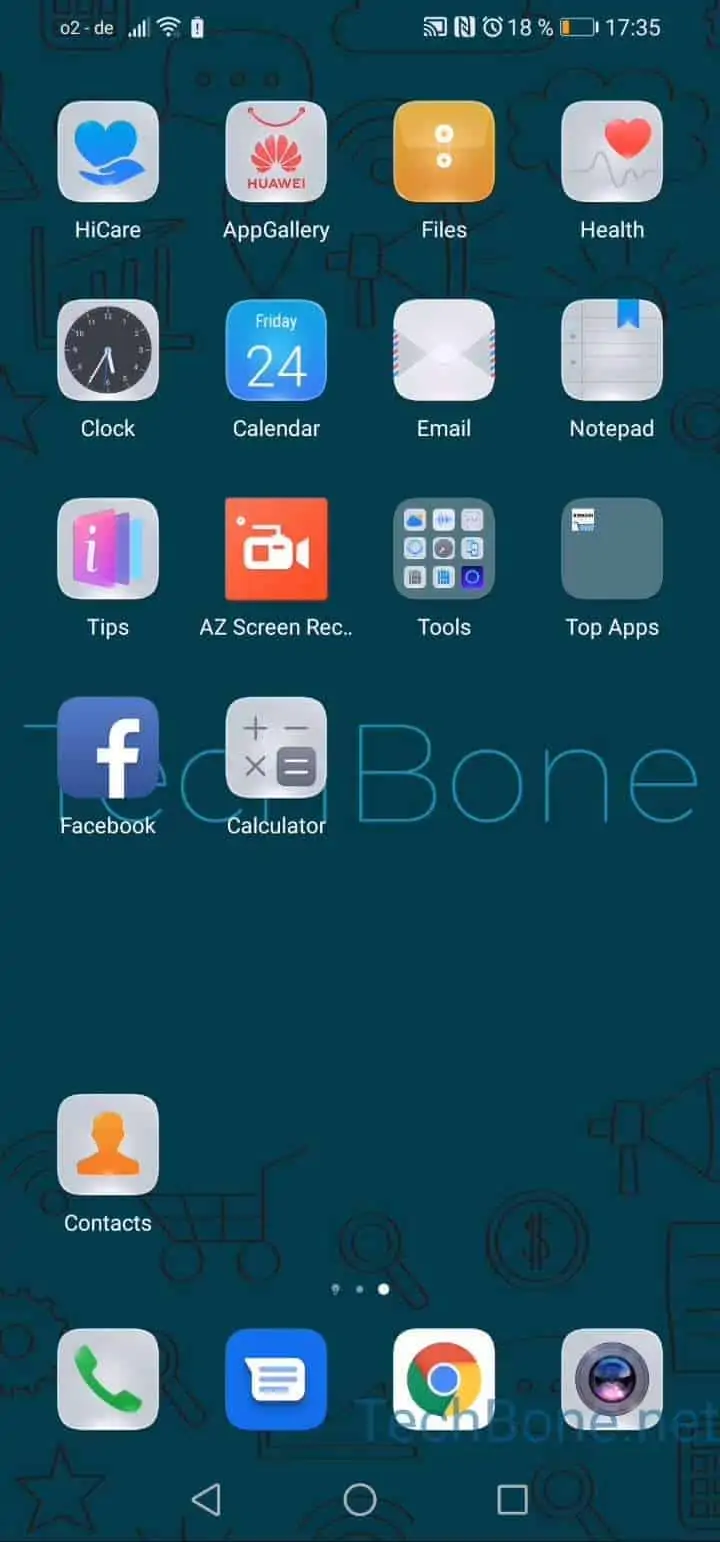
To set it up: Open Contacts ➔ Choose a contact ➔ Tap on Ringtone ➔ Tap on Allow if necessary ➔ Choose a ringtone ➔ Tap on Back.
The permission prompt only appears once, usually the first time you assign a custom ringtone. After that, EMUI remembers the access and future changes go through without extra confirmation.
Keep in mind that a custom contact ringtone still respects system-level overrides. If your phone is in silent mode or a Do Not Disturb / Focus profile blocks calls from that contact, the personal ringtone will not play regardless of this setting.