Skip to content
TechBone
Huawei

Huawei: Manage Battery Optimization per App

If a Huawei phone drains its battery fast or apps get killed in the background without warning, EMUI's battery management is usually behind it. The battery optimization list decides whether an app can keep running, finish scheduled tasks, or push notifications while you are not actively using it. Get the setting wrong and you either lose messages or watch the battery empty by the afternoon.

6 min8 steps
VersionAndroid 10 · EMUI

Step by step

1 / 8

Step 1 of 8: Open the **settings**

1

Open the settings

Live simulator

Android 10 · EMUI
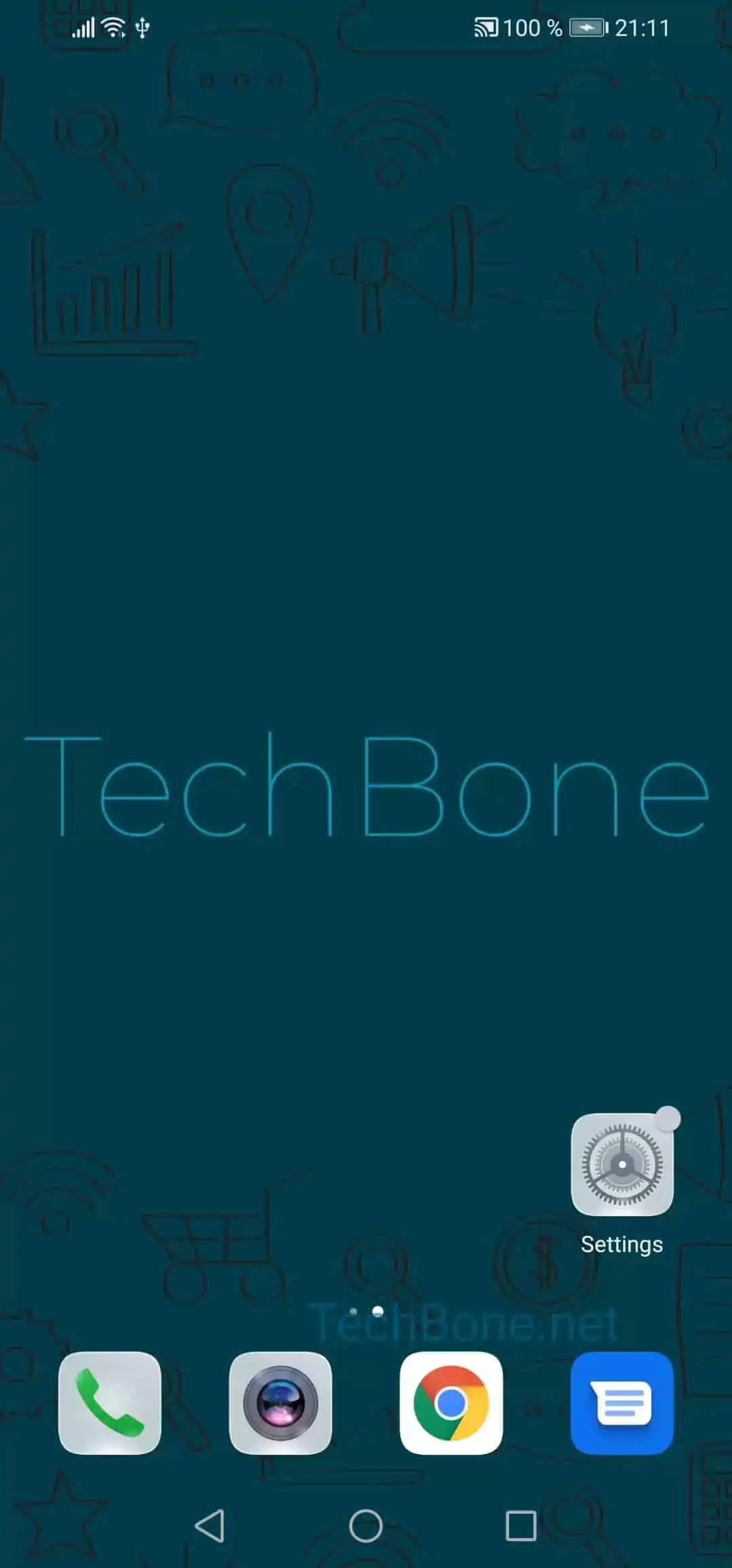
Battery Optimization Settings – EMUI: step 1 – Open the settings
Open the settings
1 / 8

Scroll or use the buttons for the next step

Feedback

Was the guide correct?

Help others: confirm the path or report a problem.

61

Confirmations

Forum verified this path

Huawei

Battery Optimization Settings auf Huawei

On Huawei phones running EMUI, the system decides on its own which apps are allowed to stay active once you switch away from them. This is the battery optimization feature, and it works per app, not as one global switch.

When an app is optimized, EMUI can pause its background activity, delay notifications, or stop scheduled syncs to save power. That is useful for apps you rarely open, but it causes problems with messengers, fitness trackers, or navigation tools that need to run in the background to work correctly.

You find the control for this under Open the settingsTap on AppsTap on AppsOpen the menuTap on Special accessTap on Battery optimization. From there, pick the app in question, choose the setting that fits how you use it, and confirm with Choose a setting and tap on OK.

Removing optimization for an app keeps it more responsive but uses more battery over the day. If your main issue is short battery life rather than missing notifications, leave optimization active and only exclude the one or two apps you actually depend on.

Frequently asked questions

Some apps have their own internal power-saving controls in addition to the EMUI setting. Check the app's own notification or background settings after adjusting it under Special accessBattery optimization.