
Skip to content
TechBone
Huawei

Huawei: Turn Call Waiting On or Off

If a second call comes in while you are already on a call, your Huawei phone plays a short knocking tone and shows a notification on screen. This alert comes from the Call waiting setting in the Phone app, and turning it off silences the notification for incoming calls during an active conversation. On dual SIM devices, this setting can behave differently depending on which SIM line receives the call.

4 min5 steps
VersionAndroid 10 · EMUI

Step by step

1 / 5

Step 1 of 5: Open the **Phone app**

1

Open the Phone app

Live simulator

Android 10 · EMUI
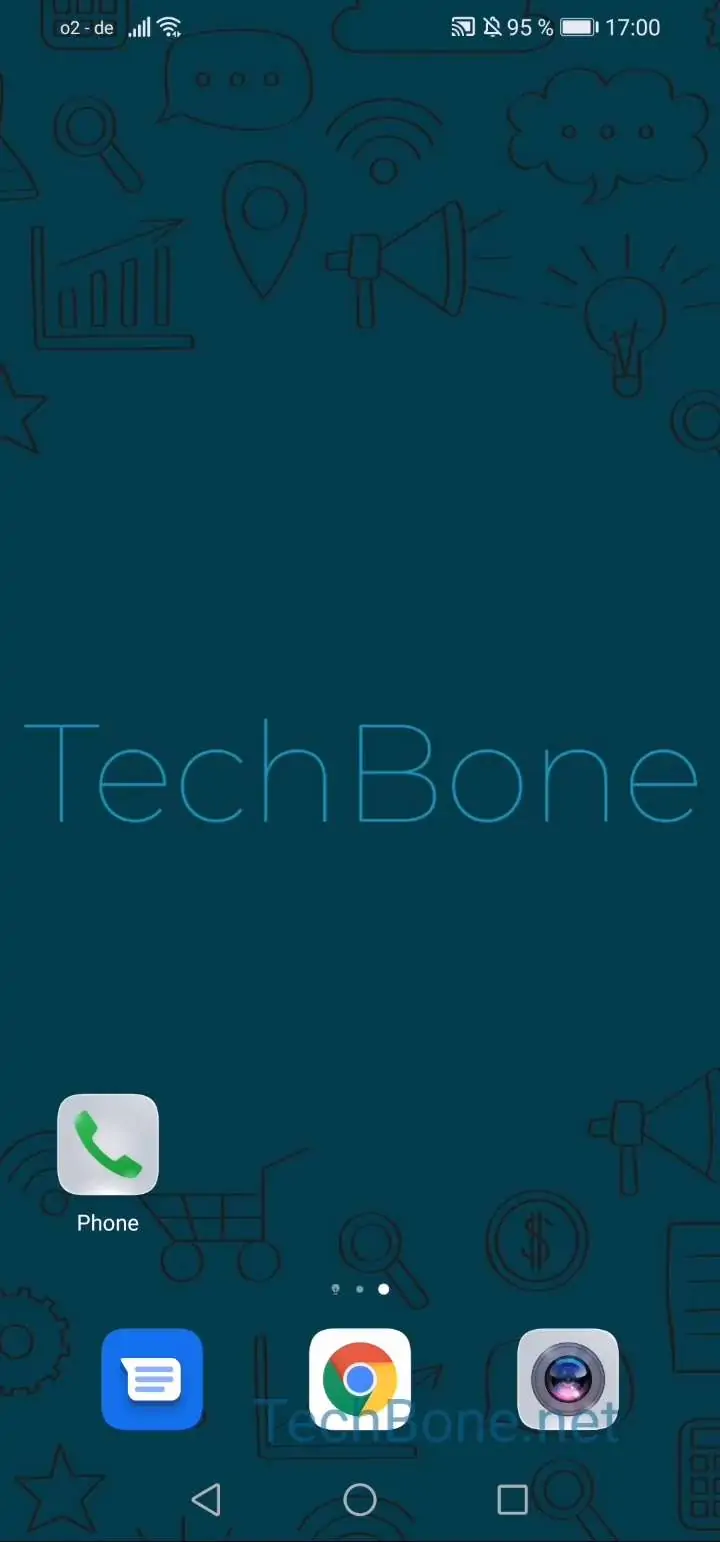
Enable or Disable Call Waiting – EMUI: step 1 – Open the Phone app
Open the Phone app
1 / 5

Scroll or use the buttons for the next step

Feedback

Was the guide correct?

Help others: confirm the path or report a problem.

75

Confirmations

Forum verified this path

Huawei

Enable or Disable Call Waiting auf Huawei

Call waiting on Huawei phones plays a short knocking sound and shows an on-screen alert whenever a second call arrives during an active conversation. This behavior comes from a dedicated toggle inside the Phone app settings, not from a global sound profile.

To change it, open Open the Phone appOpen the menuOpen the settingsTap on MoreActivate or deactivate Call waiting. Switching the toggle off stops the notification tone and the pop-up for incoming calls while you are already on a call.

On dual SIM devices, check the setting for each SIM slot separately. A call waiting alert on one line does not automatically apply to the second line, so you may need to repeat the steps if you want the same behavior on both numbers.

Leave call waiting enabled if you rely on switching between two calls at work or in customer support roles. Turn it off if the knocking tone during calls feels distracting, especially in quiet meetings or calls where background noise stands out.

Frequently asked questions

Yes. With the toggle off, an incoming second call is usually rejected or forwarded to voicemail depending on your carrier settings, while your current call continues without interruption.