
Huawei
Change Camera Resolution auf Huawei
Camera resolution on Huawei phones controls two things at once: the level of detail per photo or video, and the aspect ratio used to frame the shot. Switching from a high setting like 4:3 to a wide 16:9 or 18.6:9 format changes how much of the scene fits into the frame, not just the file size.
This matters when photos come out cropped differently than expected, or when storage fills up faster than usual because a higher resolution was selected without noticing. Lower resolutions save space and load faster in galleries, but lose detail when you zoom in or print an image large.
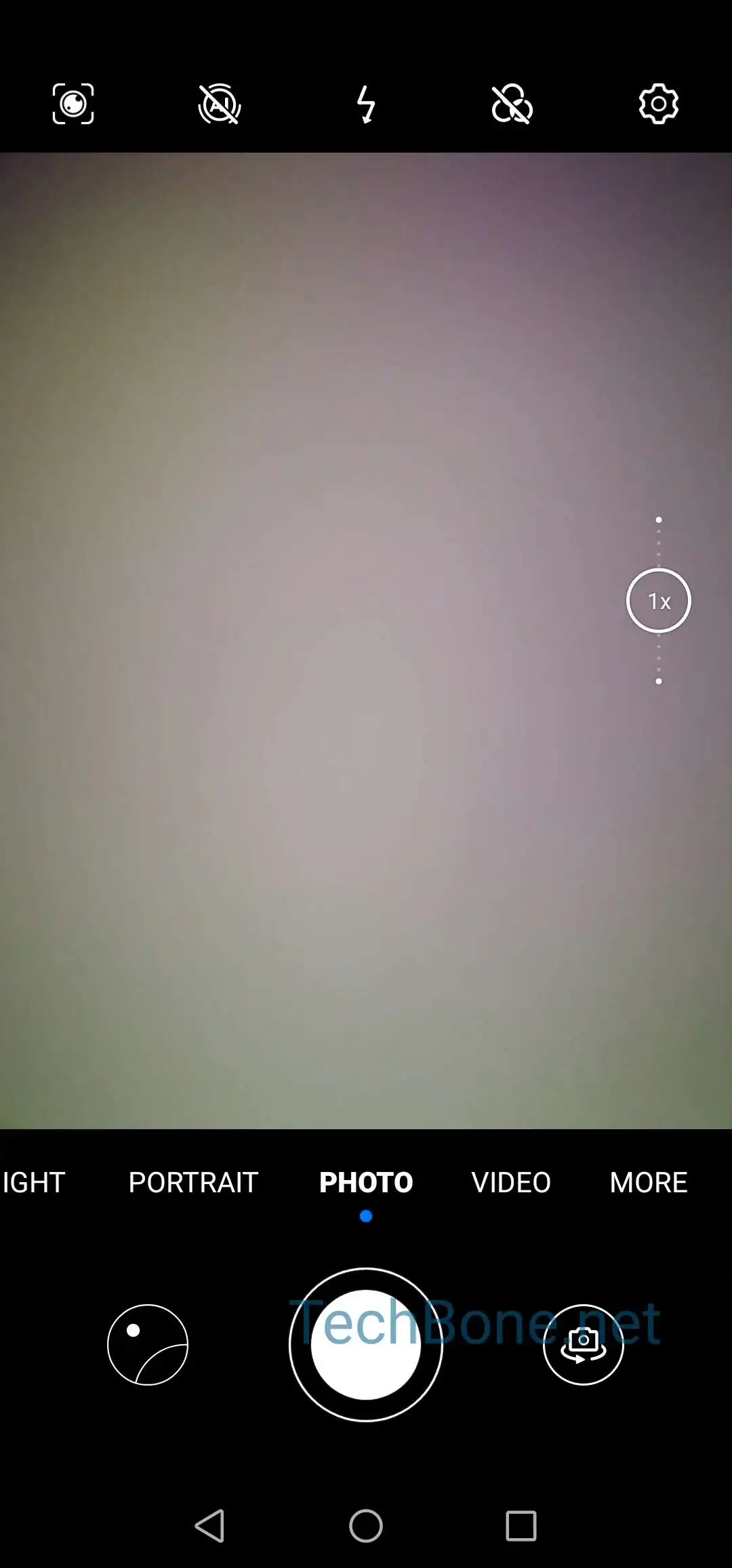
To adjust it, open Open Camera ➤ Open the settings ➤ Tap on Resolution ➤ Choose a resolution. The exact list of available resolutions and aspect ratios depends on the Huawei model in use, since sensor capabilities vary between devices.
If your photos still look blurry after picking a higher resolution, the issue is usually lighting or focus rather than the resolution setting itself. Switch back to a lower resolution only when storage space is critical or when sharing images that do not need fine detail.