
Huawei
Pair Bluetooth Devices auf Huawei
Bluetooth accessories like headsets, headphones and speakers need to be paired with your Huawei phone before they can connect on their own. Pairing creates a stored link between both devices, so afterward they reconnect automatically whenever Bluetooth is active and they are within range.
If a device shows up in the list but connecting fails, or it never appears at all, the accessory usually is not in pairing mode, or an old pairing entry on either side is causing a conflict. Removing the device and pairing it again usually solves this.
Pairing steps
Put your accessory into pairing mode first, then follow this path on your Huawei phone:
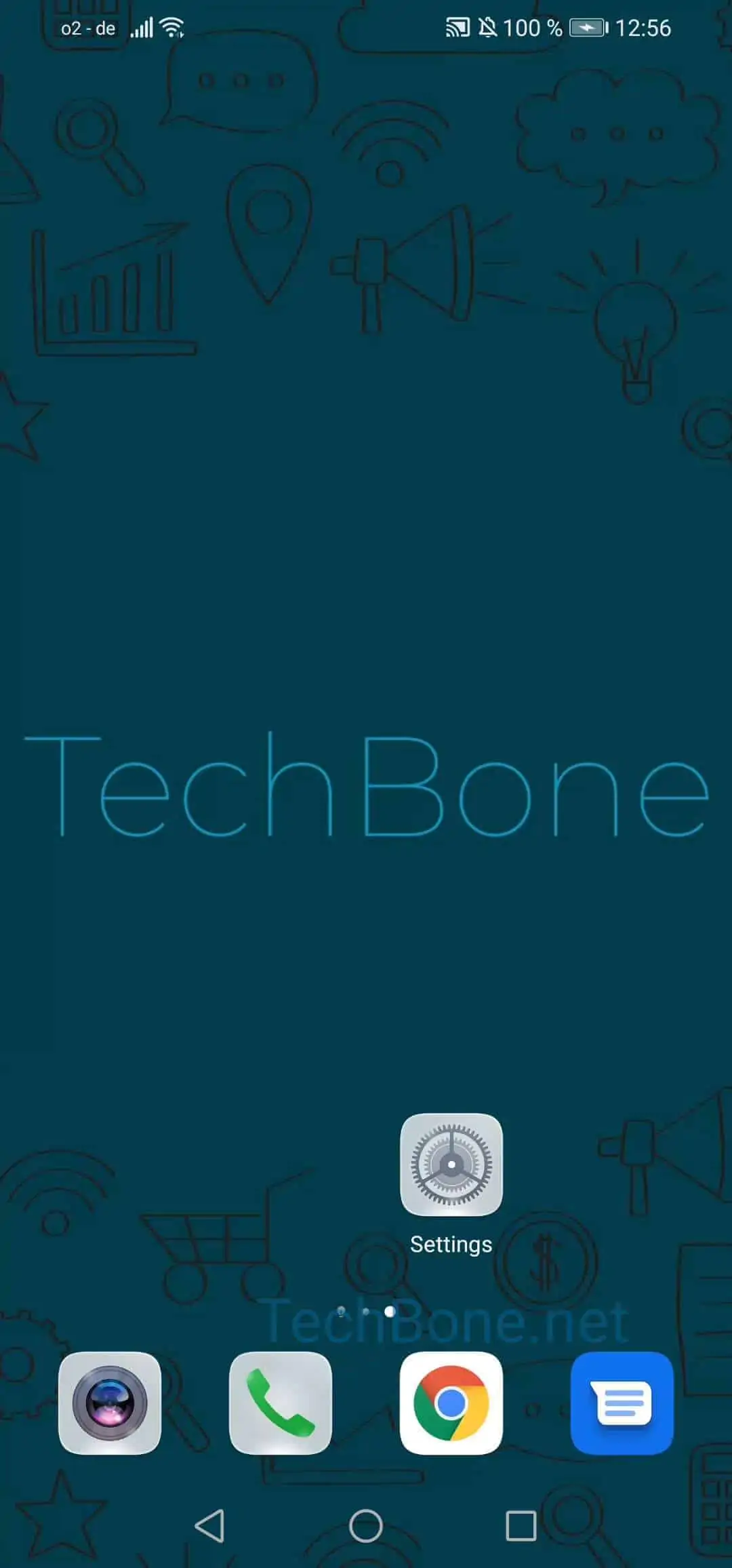
Open the settings ➔ Tap on Bluetooth ➔ Activate Bluetooth ➔ Choose the device you want to connect to ➔ Tap on Pair
Once paired, the accessory is saved under your Bluetooth device list and reconnects automatically the next time both are switched on and nearby.
If the accessory still will not pair, check that it is not already connected to another phone or device, since most Bluetooth headsets and speakers can only hold one active connection at a time.