Skip to content
TechBone
Huawei

Huawei: Delete a Folder from the Home Screen

A folder full of apps still sits on your Huawei home screen and there is no obvious delete option in the long-press menu. EMUI treats folders as containers, not standalone objects, so the delete function only kicks in once the folder is almost empty. If you just want the group gone without losing any apps, the trick is moving apps out one by one.

3 min4 steps
VersionAndroid 10 · EMUI

Step by step

1 / 4

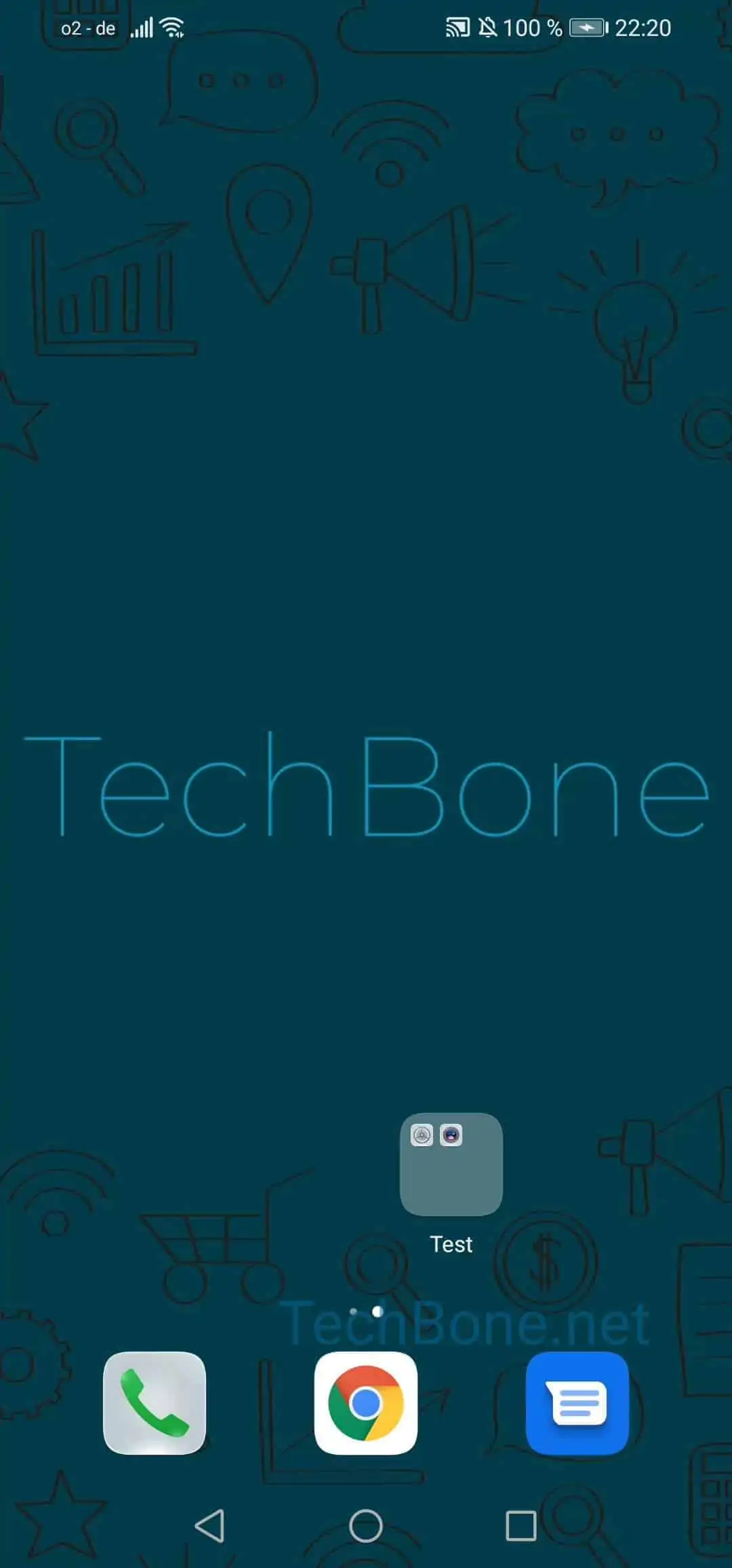
Step 1 of 4: Tap on a **folder**

1

Tap on a folder

Live simulator

Android 10 · EMUI
Delete a Folder from the Home Screen – EMUI: step 1 – Tap on a folder
Tap on a folder
1 / 4

Scroll or use the buttons for the next step

Feedback

Was the guide correct?

Help others: confirm the path or report a problem.

16

Confirmations

Forum verified this path

Huawei

Delete a Folder from the Home Screen auf Huawei

EMUI does not offer a direct delete command for folders in the long-press menu. A folder is only a visual container that exists while it holds at least two apps. As soon as you move every app out except one, EMUI removes the folder shell automatically and places the remaining app back on the home screen in that spot.

To empty a folder, use this path repeatedly for each app inside it:

Tap on a folderTap and hold an appDrag the app out of the folderDrop the app wherever you want to place it

Once only one app remains, the folder disappears on its own and that last app takes over the folder position. No app gets uninstalled during this process, they only change position on the home screen.

If a faded folder icon or empty outline stays visible after removing all apps, a quick home screen refresh usually clears it. Restarting the phone or switching the home screen layout briefly also forces EMUI to redraw the icon grid.

Frequently asked questions

No. The apps only move back onto the home screen. Nothing gets uninstalled during the process described in Tap on a folderTap and hold an appDrag the app out of the folderDrop the app wherever you want to place it.