
Huawei
Delete a Widget from the Home Screen auf Huawei
Widgets on EMUI stay active in the background to keep their content updated, even when you never open them. That constant refresh cycle is why an old weather or news Widget can quietly increase battery drain and mobile data use over time.
Removing a Widget stops that background refresh immediately and frees up space on your home screen for shortcuts or app icons you actually use. It does not uninstall the app behind it, so the app stays available in your app drawer and can be opened normally afterwards.
How to remove it
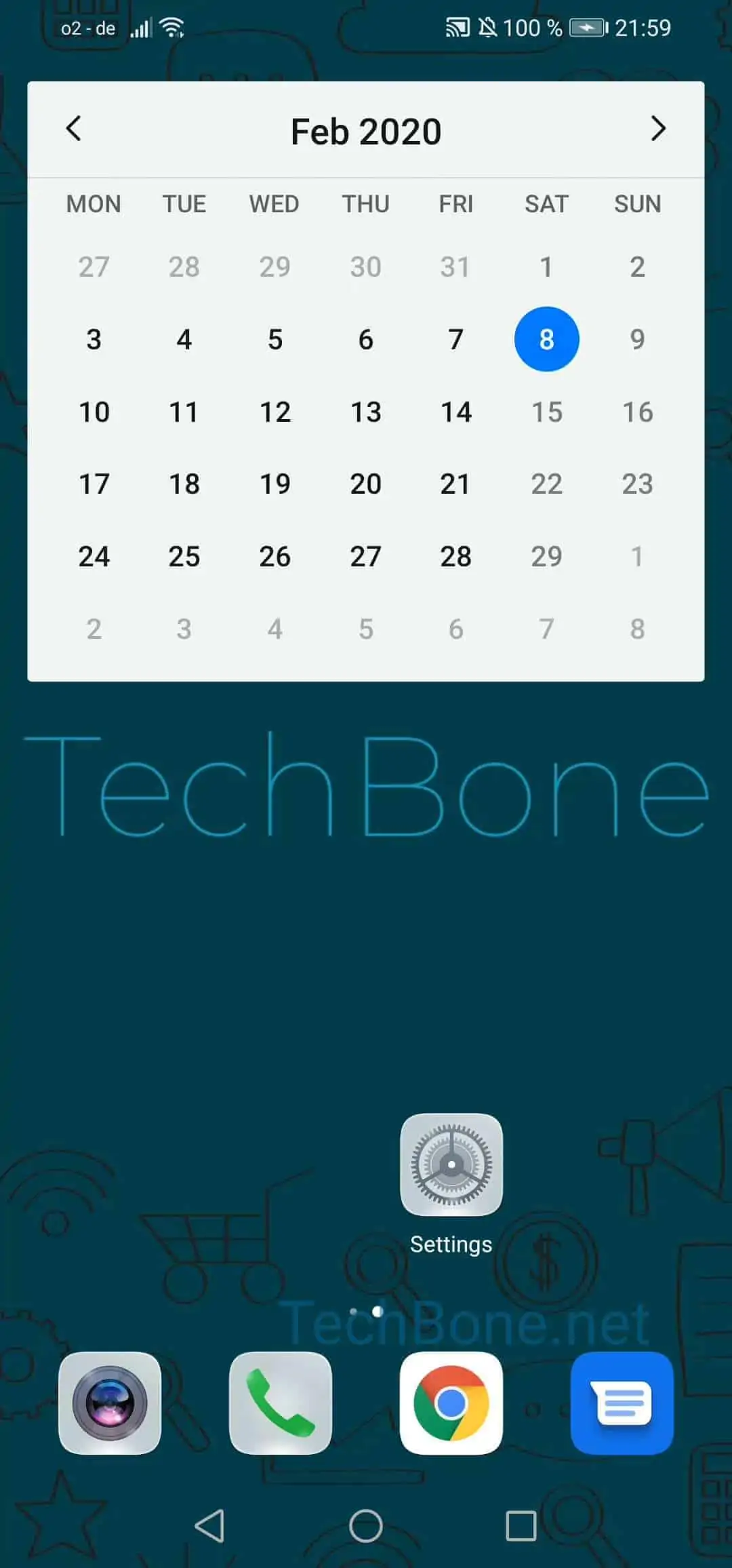
Press and hold the Widget until the edit options appear, then follow this path:
Tap and hold the Widget to delete ➔ Tap on Remove ➔ Confirm with Remove
If your only goal is to reduce data usage but you still want to keep the layout, disabling background data for that specific app in the system settings has a similar effect without losing the Widget. If you just want to reposition it, drag it to a new spot instead of confirming the removal.
Any settings you configured inside the Widget, such as a chosen city for weather or a specific account, are lost once you remove it and have to be set up again if you add the Widget back later.