Skip to content
TechBone
Huawei

Huawei: Turn Find My Device On or Off

If your Huawei phone gets lost or stolen, you can only track it through Google's Find My Device tool when the feature was switched on beforehand. Many people only notice the setting is off after the phone is already gone. The location service also runs quietly in the background, which is why some users prefer to turn it off to save battery or for privacy reasons.

3 min4 steps
VersionAndroid 10 · EMUI

Step by step

1 / 4

Step 1 of 4: Open the **settings**

1

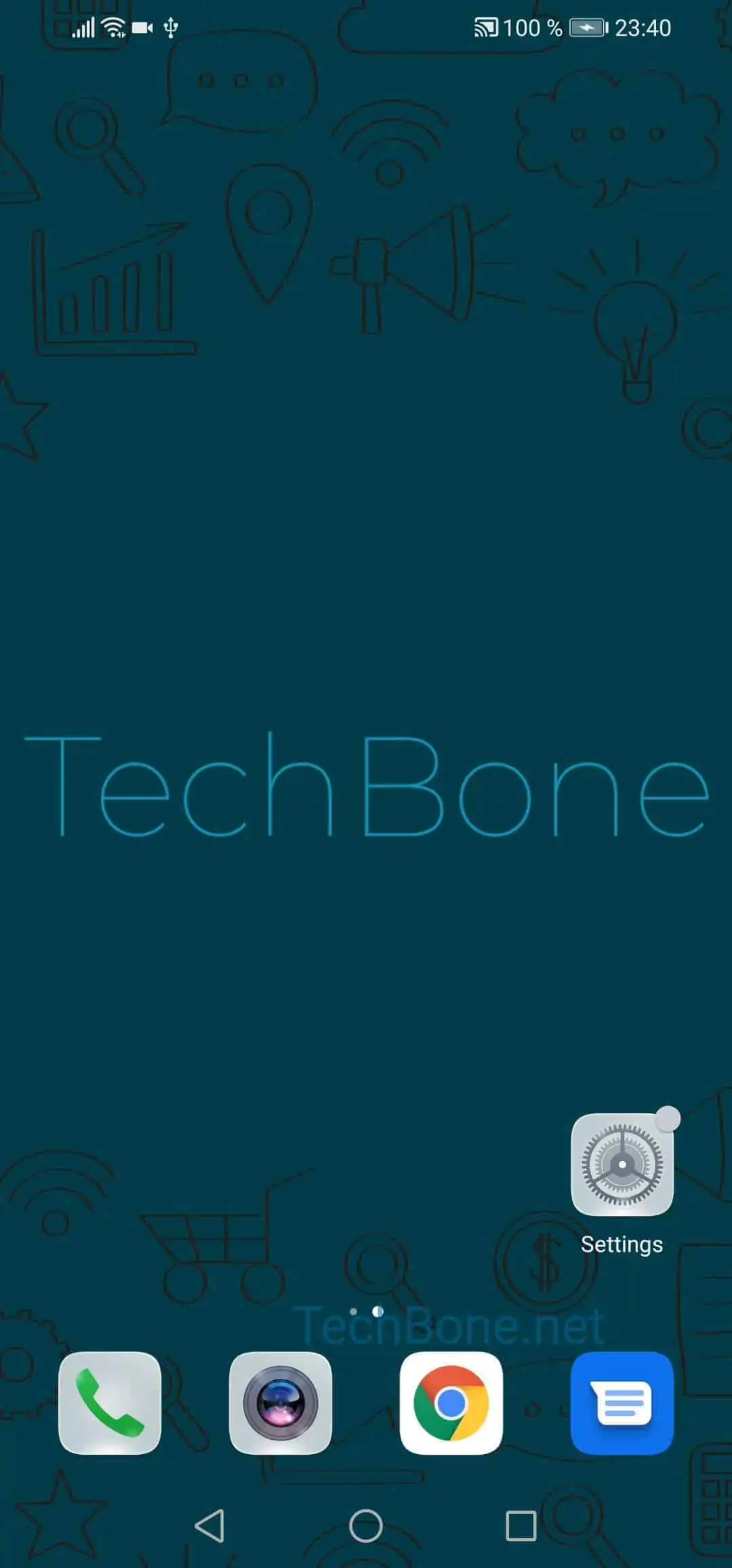
Open the settings

Live simulator

Android 10 · EMUI
Enable or Disable Find My Device – EMUI: step 1 – Open the settings
Open the settings
1 / 4

Scroll or use the buttons for the next step

Feedback

Was the guide correct?

Help others: confirm the path or report a problem.

15

Confirmations

Forum verified this path

Huawei

Enable or Disable Find My Device auf Huawei

Find My Device relies on your Google account and an active internet or GPS connection on the Huawei phone. If the feature is switched off, the phone will not show up when you search for it from another device, laptop, or PC. Turning it on beforehand is the only way to locate, lock, or erase the phone later if it goes missing or gets stolen.

To check or change the setting, follow this path:

Open the settingsTap on SecurityTap on Find My DeviceActivate or deactivate Find My Device

Once enabled, you can locate the phone by opening a browser on another device and searching for "Find my device" in Google, then signing in with the same Google account that is active on the missing phone.

Leave the feature enabled if you regularly carry the phone outside the house or want a safety net against theft. Disable it only if you are certain about the privacy trade-off, since a phone with the setting turned off cannot be located, locked, or wiped remotely through this tool.

Frequently asked questions

Yes. The phone must be signed in with an active Google account, and you use the same account on another device to search for it via Find my device in Google.