
Huawei
Change Home Screen Layout auf Huawei
A 4x6 icon grid is the default on many Huawei phones, but it limits how many app icons fit on one home screen. Switching to a 5x5 or 5x6 layout packs more icons into the same space and reduces the number of screens you need to swipe through.
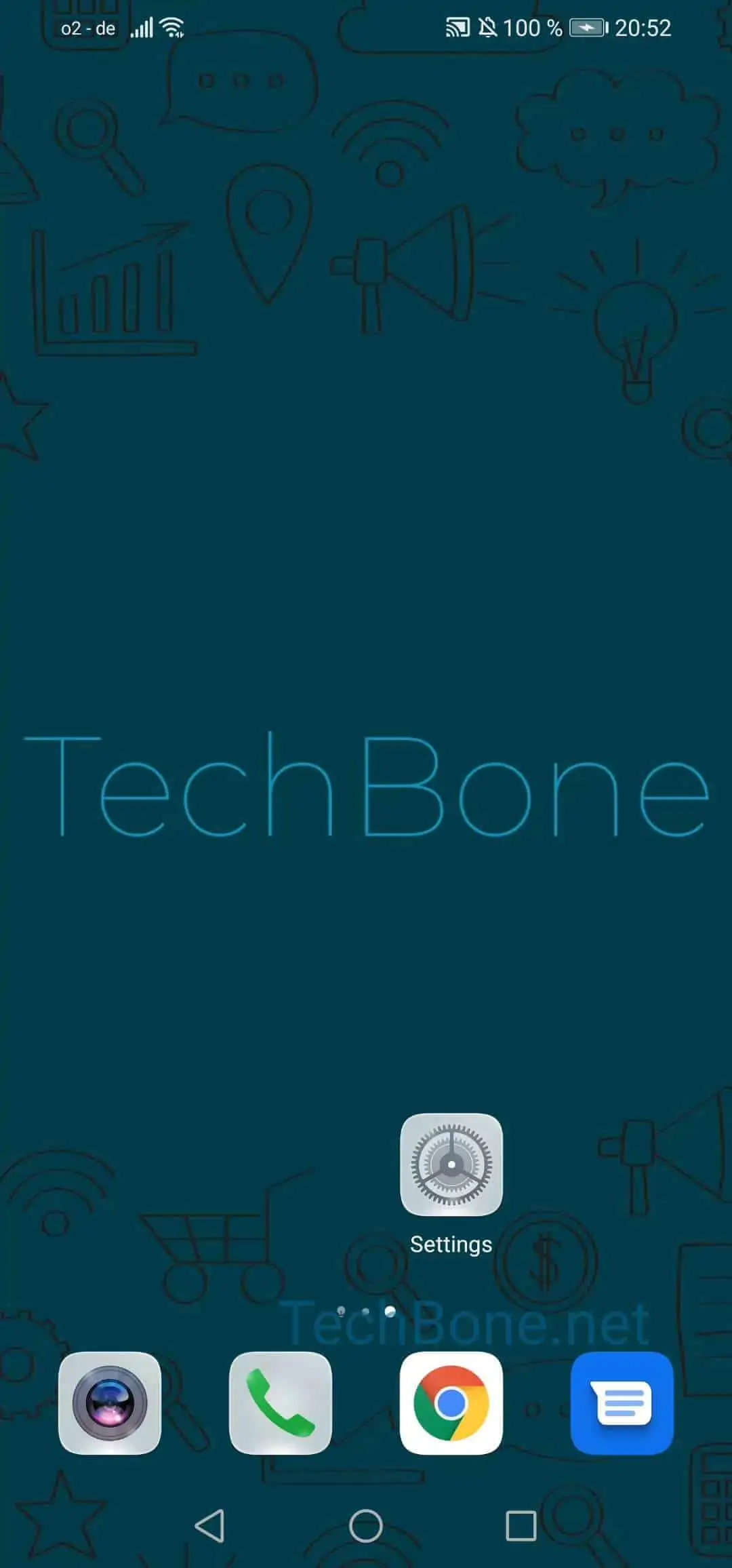
This setting lives inside the Home screen settings on Huawei phones running EMUI. To reach it, open Open the settings ➔ Tap on Home screen & wallpaper ➔ Tap on Home screen settings ➔ Tap on Layout ➔ Choose an option.
The list of available grid sizes is not identical on every Huawei model. Some phones only offer 4x6 and 5x5, while others also include 5x6 or larger options. If your device shows fewer choices than expected, that is a model limitation, not a setup error.
Changing the layout only rearranges how icons are spaced on the screen. It does not delete apps, move them to a drawer, or change your wallpaper. Existing icons and folders reflow automatically into the new grid, though very full screens may shift icons onto an additional page.
If you mainly want fewer icons per row instead of more, pick a smaller grid like 4x6 from the same menu.