
Huawei
Mark a Contact as Favorite auf Huawei
On Huawei phones the call app shows two separate views of your contacts: the full alphabetical list and a smaller favourites list. Adding a contact to favourites does not create a copy or change any saved details, it only adds a flag that the call app uses to filter that shorter list.
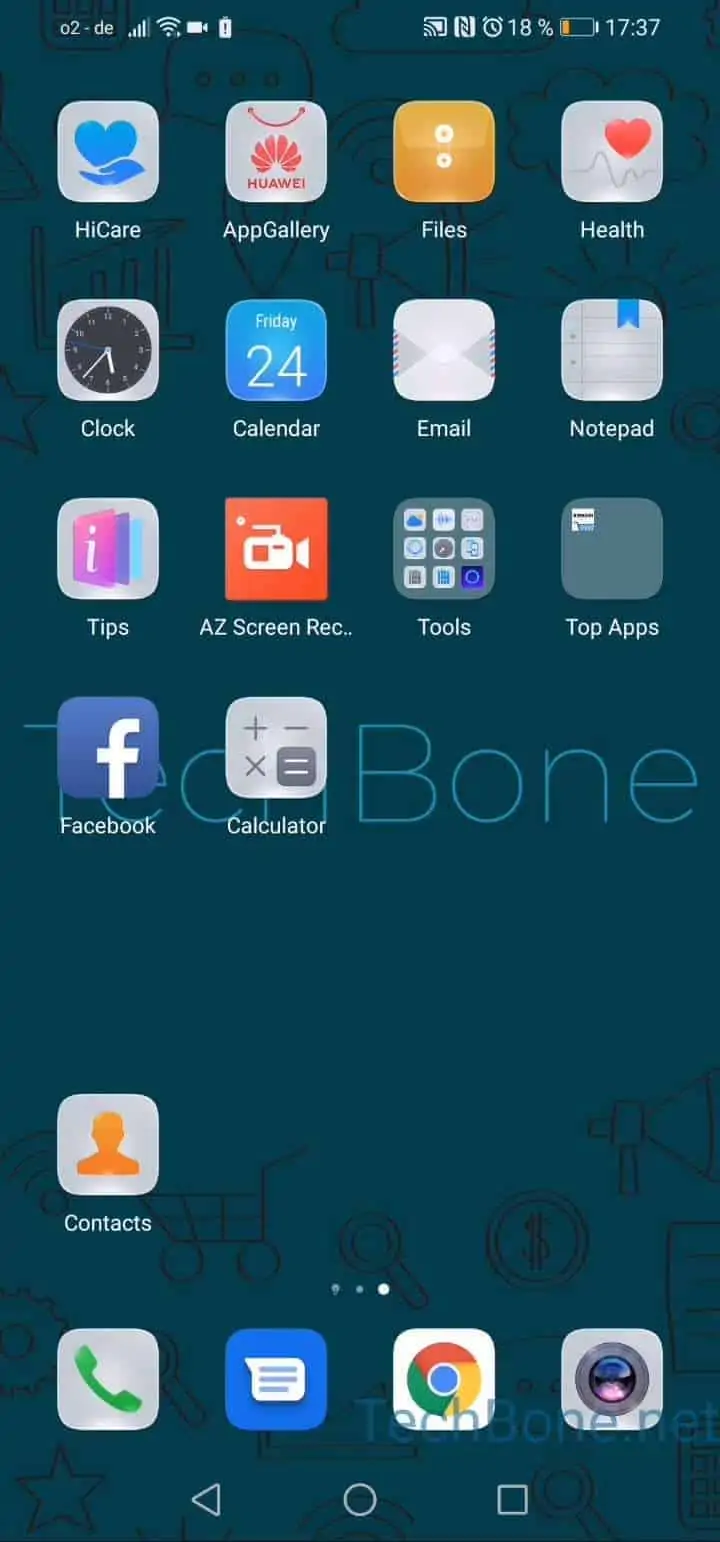
To add a contact, open Open Contacts ➔ Choose a Contact ➔ Tap on Favourite. The contact then appears in the favourites tab of your call app alongside your other frequently used contacts.
This feature is useful when you call a small group of people often and do not want to search the full list every time. It is not the same as pinning a contact to your home screen or setting a custom ringtone, those are separate settings tied to the contact profile itself, not to the favourites flag.
If a contact disappears from the favourites list after a system update or contact sync, check whether the favourite flag was reset, since some sync operations with cloud accounts can affect local flags. Repeating the same steps re-adds the contact without any data loss.