
Huawei
Merge Duplicate Contacts auf Huawei
Duplicate contact entries appear on Huawei phones when the same person gets saved through different sources: your SIM card, a Google account, WhatsApp, and manual entries all create separate contact records. EMUI keeps each source as its own entry until you tell the Contacts app to combine them.
The Merge duplicate contacts function scans your phonebook for entries with matching names or phone numbers and lets you combine them into a single record. This keeps your Calls & Messages history attached to one contact instead of splitting it across several near-identical entries.
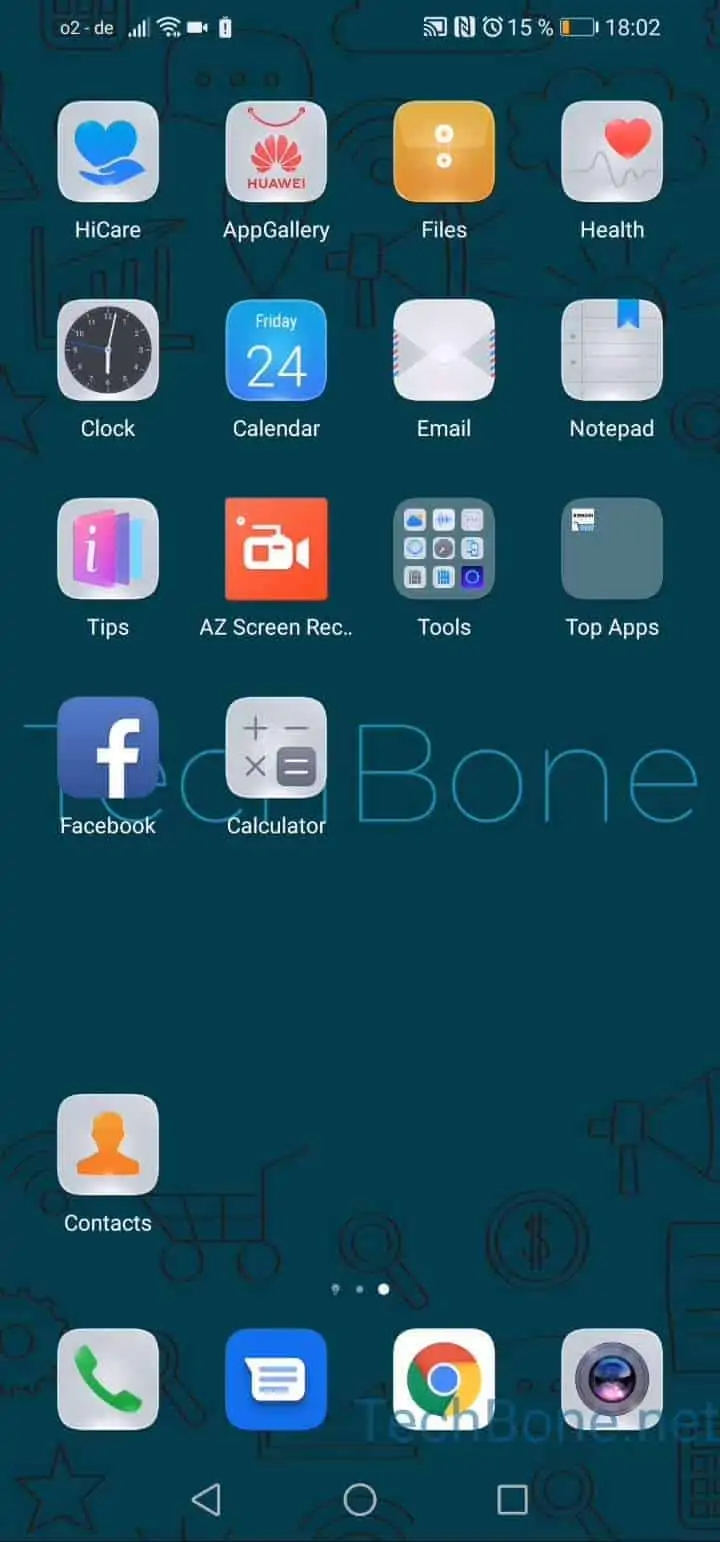
To run the merge, open Open Contacts ➔ Open the menu ➔ Open the settings ➔ Tap on Organize contacts ➔ Tap on Merge duplicate contacts. EMUI lists all detected duplicates so you can review them before confirming anything.
This function only merges entries EMUI recognizes as duplicates automatically. If two entries use different spellings of the same name or completely different numbers for the same person, you may need to merge them manually instead. Check your synced accounts first if duplicates keep reappearing after a merge, since a re-sync from another app can recreate them.