
Huawei
Pair Messages for Web with a PC auf Huawei
Messages for web lets you read and send texts from a browser window while the Huawei phone stays in a pocket or bag. The phone still handles the actual SMS delivery, the browser only mirrors the conversation once a pairing session is established through a QR code.
That pairing depends on two things: an active internet connection on the phone and a browser tab open on the same network. If either drops, the session on the computer times out and shows the scanner screen again.
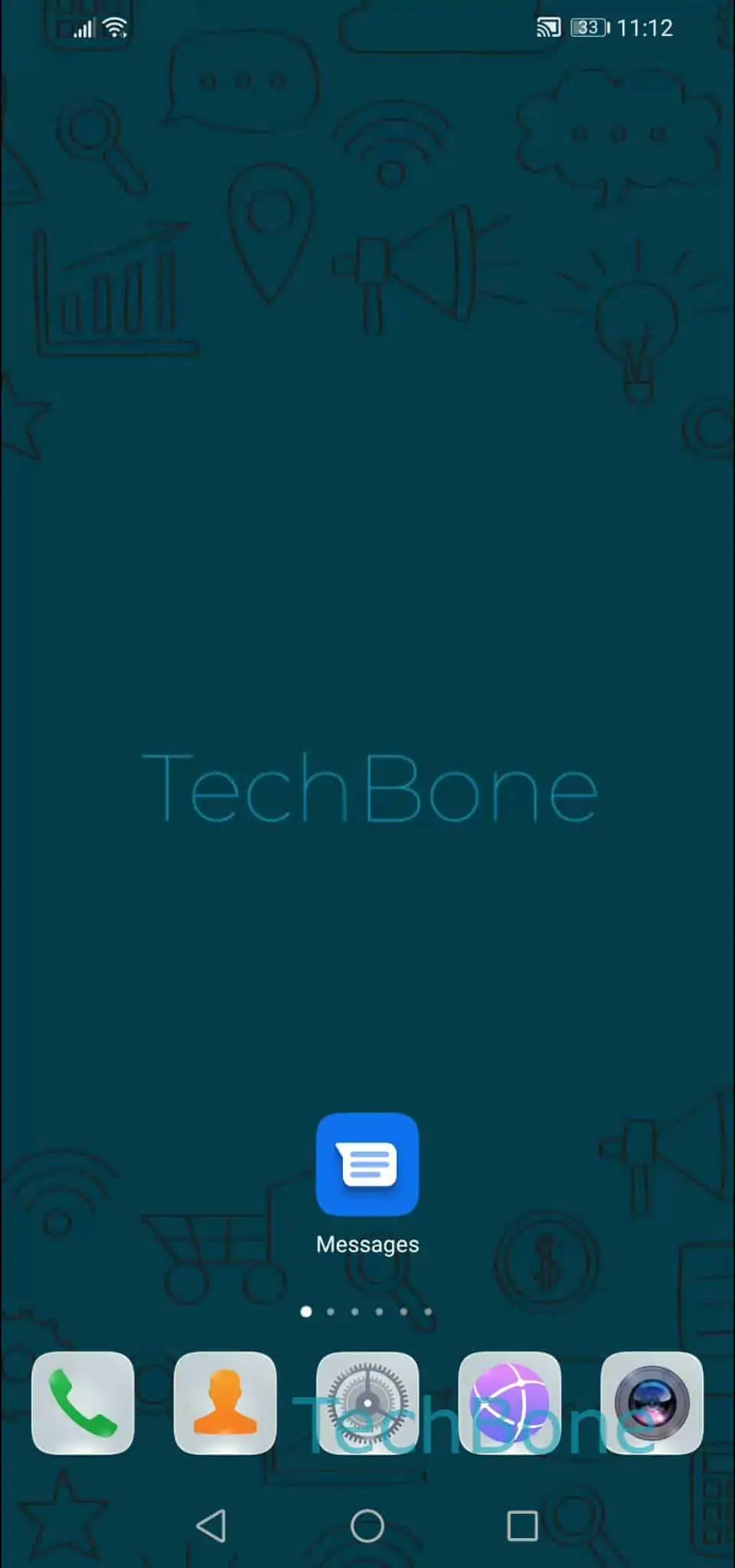
To start or renew the connection, open Open the Messages app ➔ Open the menu ➔ Tap on Messages for web ➔ Tap on QR code scanner and follow the instructions onscreen. Point the phone camera at the code shown on the computer screen inside the browser tab for Messages for web.
Once the scan succeeds, the browser keeps the session active until you sign out, switch networks, or clear the browser data. Closing the laptop lid or putting the phone to sleep does not end the pairing by itself.
If the QR code never gets recognized, check that the phone camera has permission to scan codes and that both devices reach the internet without a restrictive firewall or VPN blocking the connection.