
Huawei
Move a Widget on the Home Screen auf Huawei
A widget on the Huawei home screen keeps the position it had when you first placed it. If that spot blocks an app icon or just looks messy, you do not need to remove and re-add the widget.
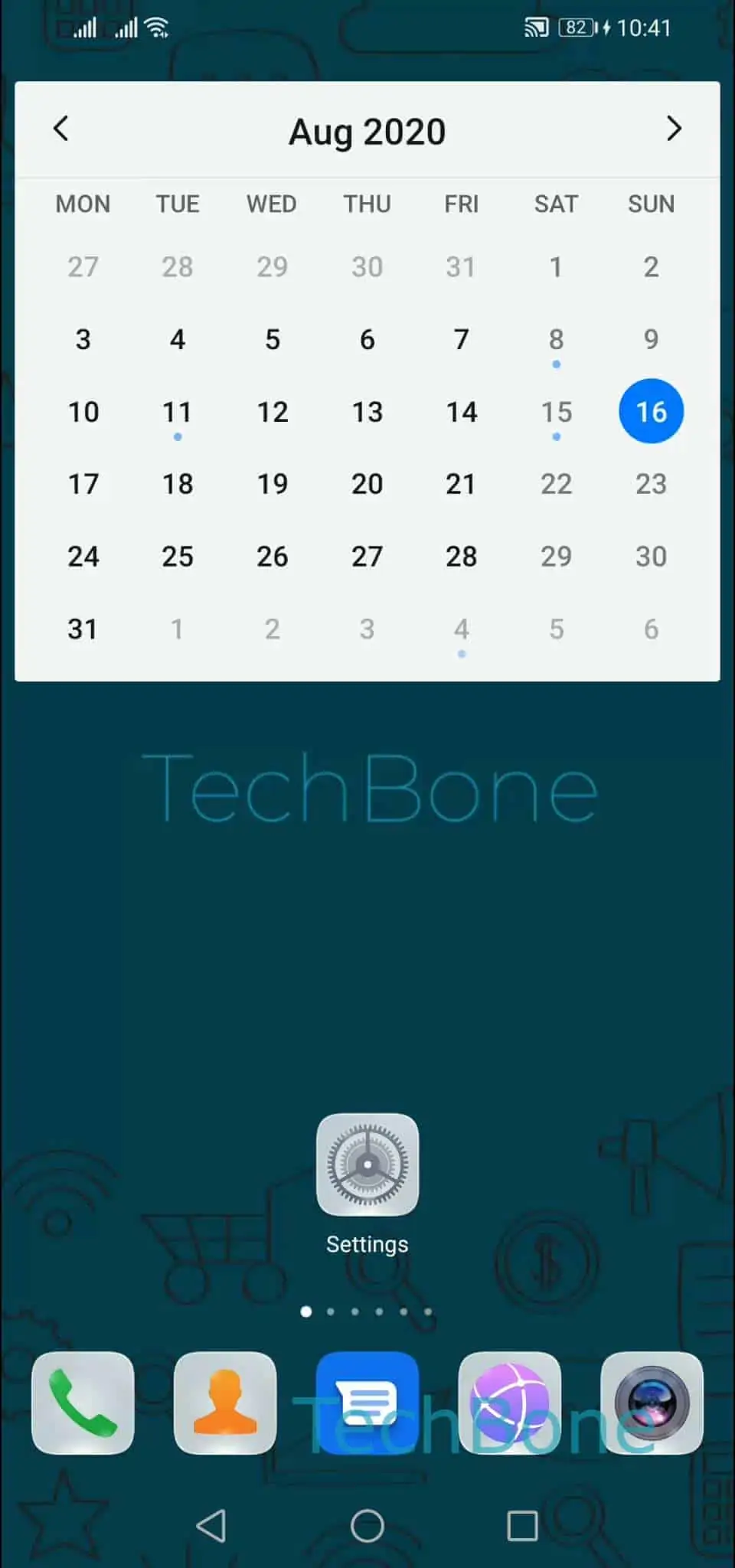
Moving it works the same way as moving a regular app icon. Press and hold the widget until it lifts slightly off the grid, then drag it to the new spot before letting go:
Tap and hold the widget ➤ Drag the widget on a desired position ➤ Release the widget
While dragging, the home screen grid shifts nearby icons out of the way so the widget can settle into an open space. If you drag it to the edge of the screen, it moves to a neighboring home screen page instead of staying on the current one.
This method only repositions the widget. It does not resize it or change its settings. If a widget still will not fit anywhere on the current page, freeing up space by moving a few app icons first usually solves it.
Deleting and re-adding a widget is only necessary if you want to change its size or if the widget itself is broken and needs a fresh instance.