
Skip to content
TechBone
Huawei

Huawei: Pin the Keyboard to the Left or Right Side

Typing one-handed on a large Huawei phone usually means stretching your thumb across the full keyboard width, which is slow and often triggers typos. The Microsoft SwiftKey Keyboard built into EMUI has no dedicated one-handed switch, so the keyboard stays centered and full-width by default. Resizing it manually is the only way to shift it to one side.

6 min8 steps
VersionAndroid 10 · EMUI

Step by step

1 / 8

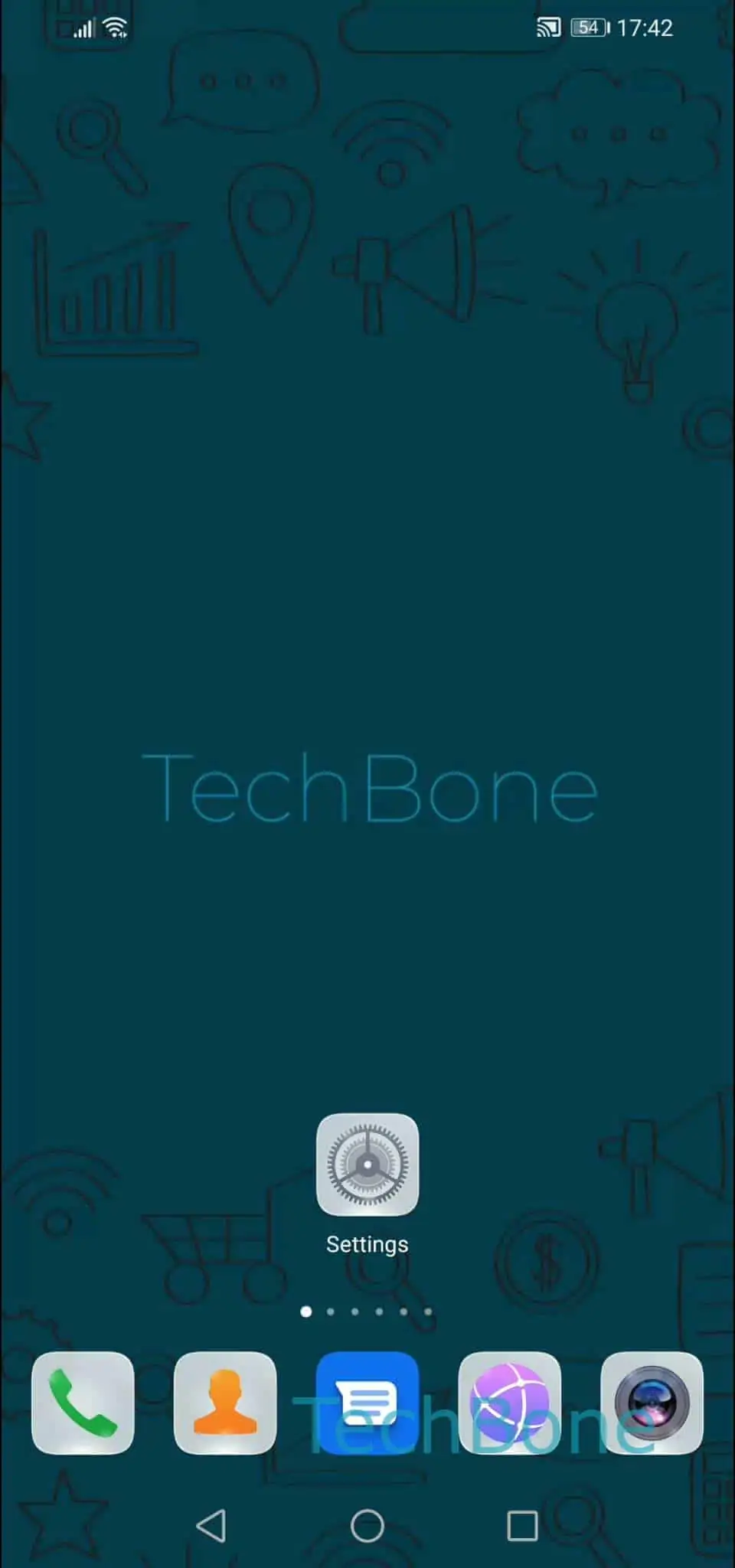
Step 1 of 8: Open the **Settings**

1

Open the Settings

Live simulator

Android 10 · EMUI
Pin the Keyboard to One Side – EMUI: step 1 – Open the Settings
Open the Settings
1 / 8

Scroll or use the buttons for the next step

Feedback

Was the guide correct?

Help others: confirm the path or report a problem.

79

Confirmations

Forum verified this path

Huawei

Pin the Keyboard to One Side auf Huawei

On Huawei phones, the Microsoft SwiftKey Keyboard is set to full width by default, which is why the keys always stretch across the whole screen. There is no toggle labeled one-handed mode; instead, EMUI lets you drag the keyboard border to shrink it and push it toward either edge.

This behavior sits inside the keyboard app itself, not in general system settings, so changes only apply to SwiftKey and not to other input methods you might have installed.

To move the keyboard, open SettingsSystem & updatesLanguages & inputMicrosoft SwiftKey KeyboardLayout & keysResize. Drag the left or right border inward to narrow the keyboard, then confirm with OK.

Once resized, the keyboard stays pinned to that side until you repeat the steps and drag the border back to full width. This is useful for one-handed typing on large-screen devices, but it also reduces the number of visible keys, which can slow down typing if you frequently switch between languages or symbols.

Frequently asked questions

The Microsoft SwiftKey Keyboard on EMUI handles sizing through a manual resize option rather than a single toggle. You control the width and side placement yourself under Layout & keysResize instead of picking a preset one-handed mode.