
Huawei
Enable or Disable SMS Delivery Reports auf Huawei
SMS delivery reports are a network-based confirmation feature built into the Messages app on Huawei phones running EMUI. When enabled, your carrier sends a short status update back to your device once a text has actually reached the recipient's phone. Without this setting active, sent messages will show as sent but never confirm delivery, even if the text arrived normally.
This setting is separate from read receipts or group chat confirmations. It only reports network-level delivery, not whether the recipient opened the message. If your carrier does not support delivery reports for SMS, turning the option on will have no visible effect, since the report depends on network support.
Where to find the setting
The option sits inside the Messages app settings, not in the general phone settings menu:
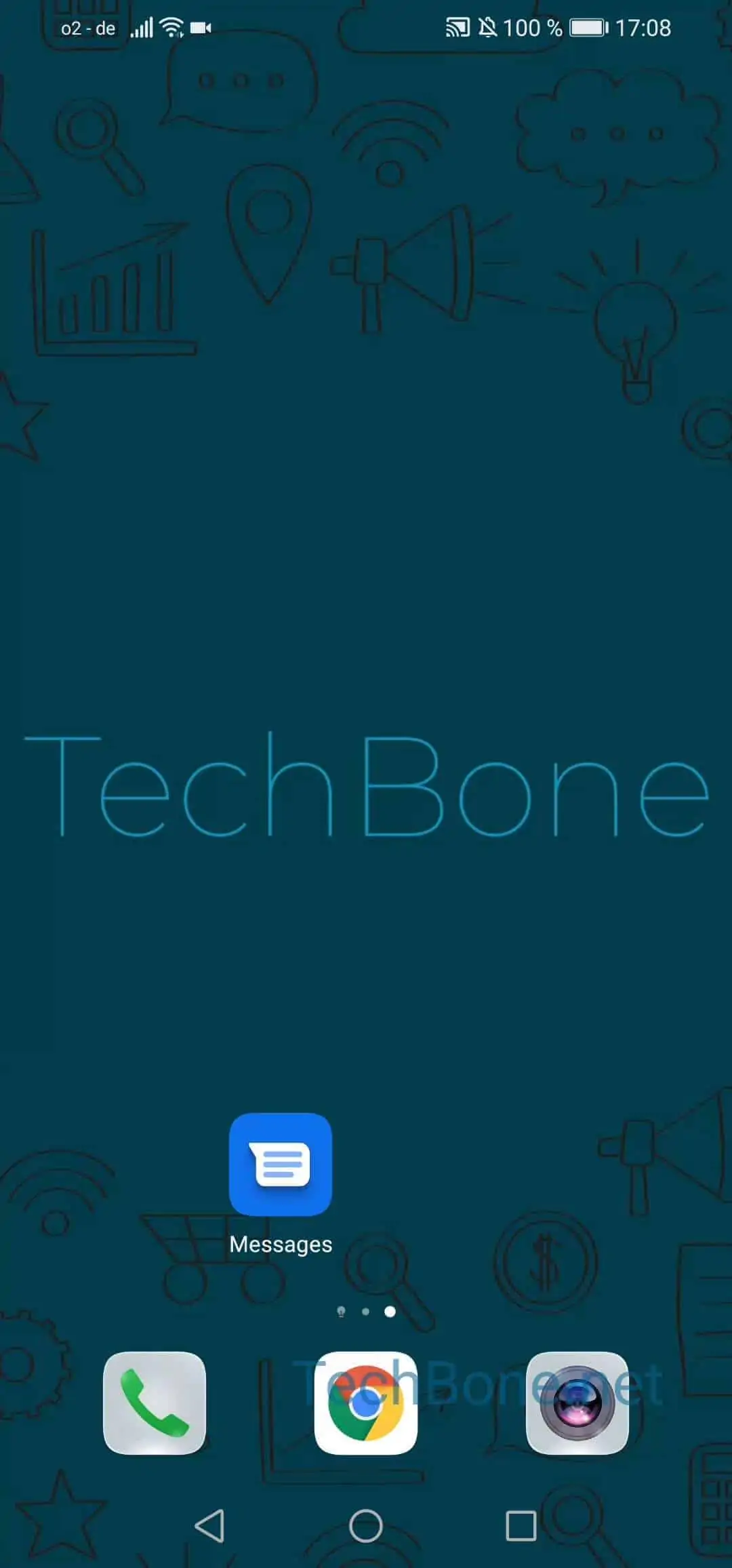
Open Messages ➤ Open the menu ➤ Open the settings ➤ Tap on Advanced ➤ Activate or deactivate SMS delivery reports
Toggle the switch on to start receiving delivery confirmations for every SMS you send. Switch it off again if you prefer not to see these status notifications, for example to reduce notification clutter on a shared or work device.
If messages still show no delivery status after enabling this, the issue may sit with your carrier rather than your phone, since not every network relays delivery reports.