
Huawei
Reject a Call with a Quick Response Message auf Huawei
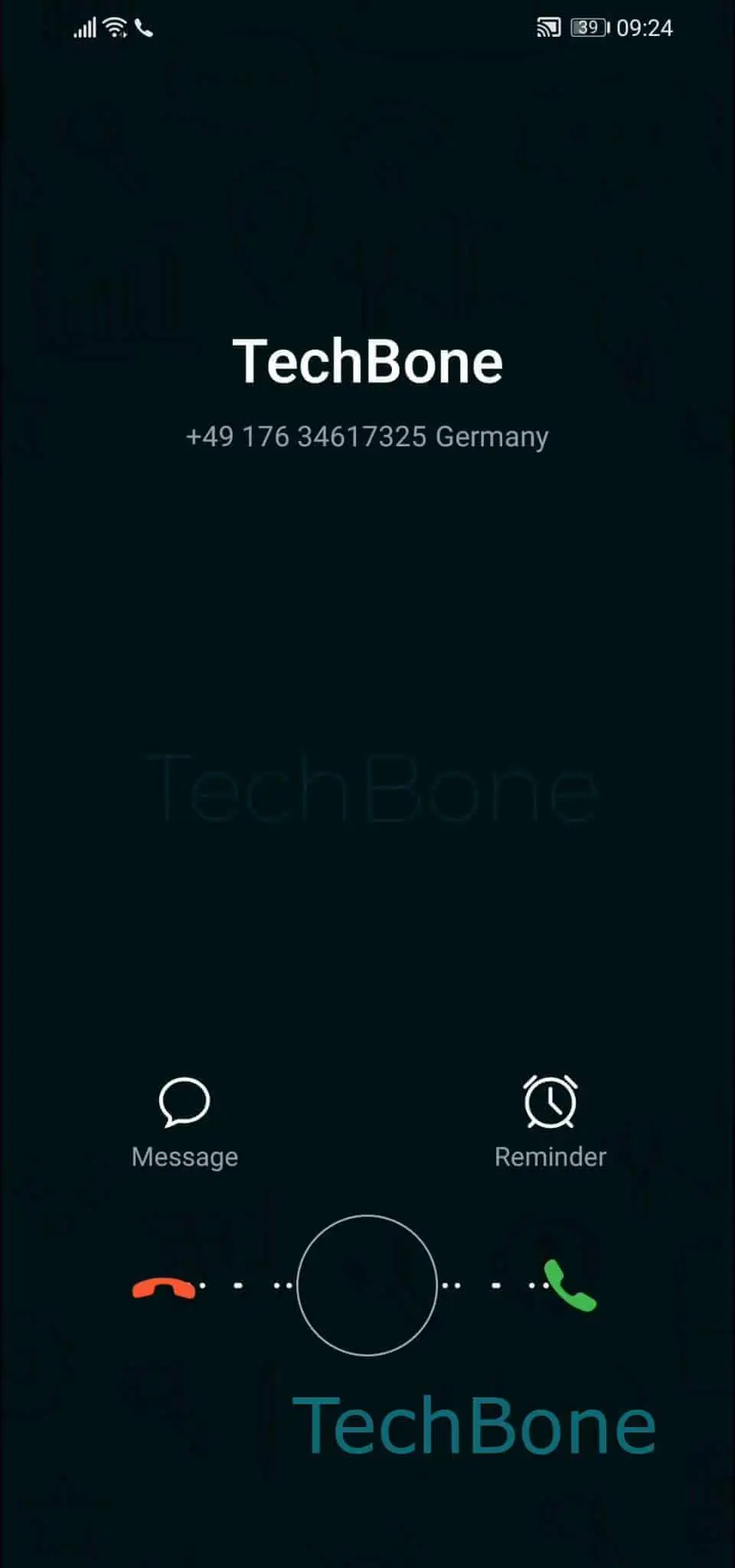
When a call comes in on a Huawei phone, the call screen shows the usual accept and reject buttons, but also a small option to send a text instead of just hanging up.
This function lives inside the incoming call screen itself, not in Settings. Tap on Message ➔ Choose a quick response to reject the incoming phone call and the phone rejects the call while sending your selected text to the caller.
The caller receives a normal SMS, for example telling them you will call back later. The call ends immediately after the message is sent, so you avoid the ringing screen while still typing a reply.
This only works for regular GSM phone calls that support SMS delivery to the caller's number. VoIP calls through apps like WhatsApp or Messenger do not show this quick response option, since those calls don't route through the carrier's SMS network.
If you need a permanent auto-reply for every missed call, this feature is not built for that - it only fires when you actively pick a message while the phone is ringing.