
Huawei
Remove Google Search Bar from Home Screen auf Huawei
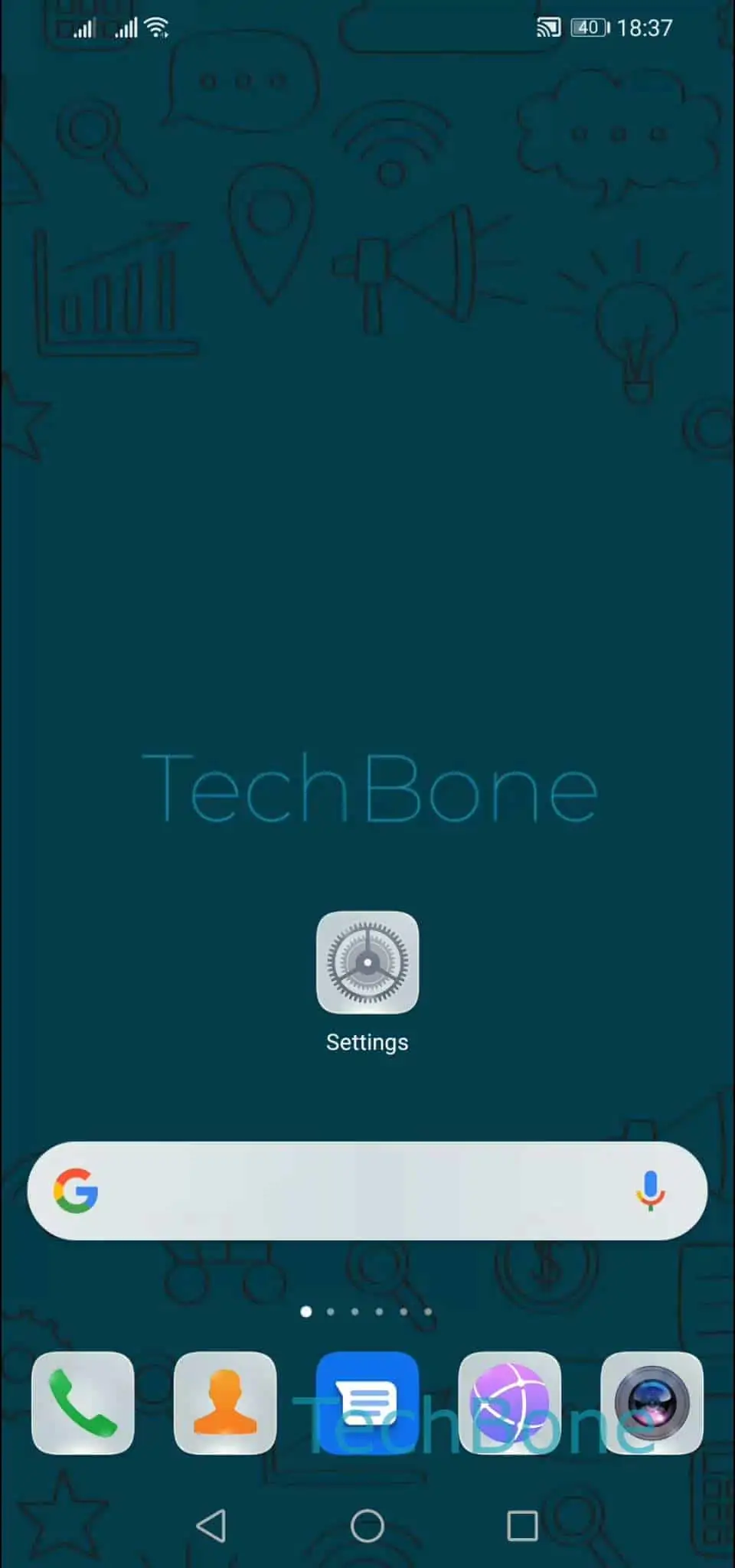
The Google search bar on a Huawei home screen is not a system icon. It is a widget added automatically during the initial setup, which is why a normal tap-and-delete gesture does not remove it.
Because EMUI treats it like any other widget, you remove it the same way you would remove a clock or weather widget.
Tap and hold the bar until the home screen switches into edit mode, then confirm the removal.
The exact path is: Tap and hold the Google search bar ➤ Tap on Remove ➤ Confirm with Remove.
Once removed, the space becomes free grid slots on that home screen page. You can drop app icons, folders, or another widget into the freed area right away.
Removing the bar only deletes the widget from the home screen. The Google app itself stays installed and searches still work from the app icon or app drawer.
If the search bar reappears after a restart or a system update, add it back manually only if you actually use it, since some Huawei software versions restore default widgets after major updates.
If your goal is to stop Google search suggestions everywhere, not just on the home screen, that is a separate setting inside the Google app itself and is not solved by removing this widget.