
Huawei
Reset Advertising ID auf Huawei
The Advertising ID is a random string generated on every Android device. Apps and ad networks read this ID to build a profile of your interests and serve matching ads, without needing your name or phone number directly.
On Huawei phones running EMUI, this identifier lives under the privacy settings and stays fixed until you reset it manually. Clearing app caches or restarting the phone does not touch it, so old ad profiles keep following you across apps until you reset the ID yourself.
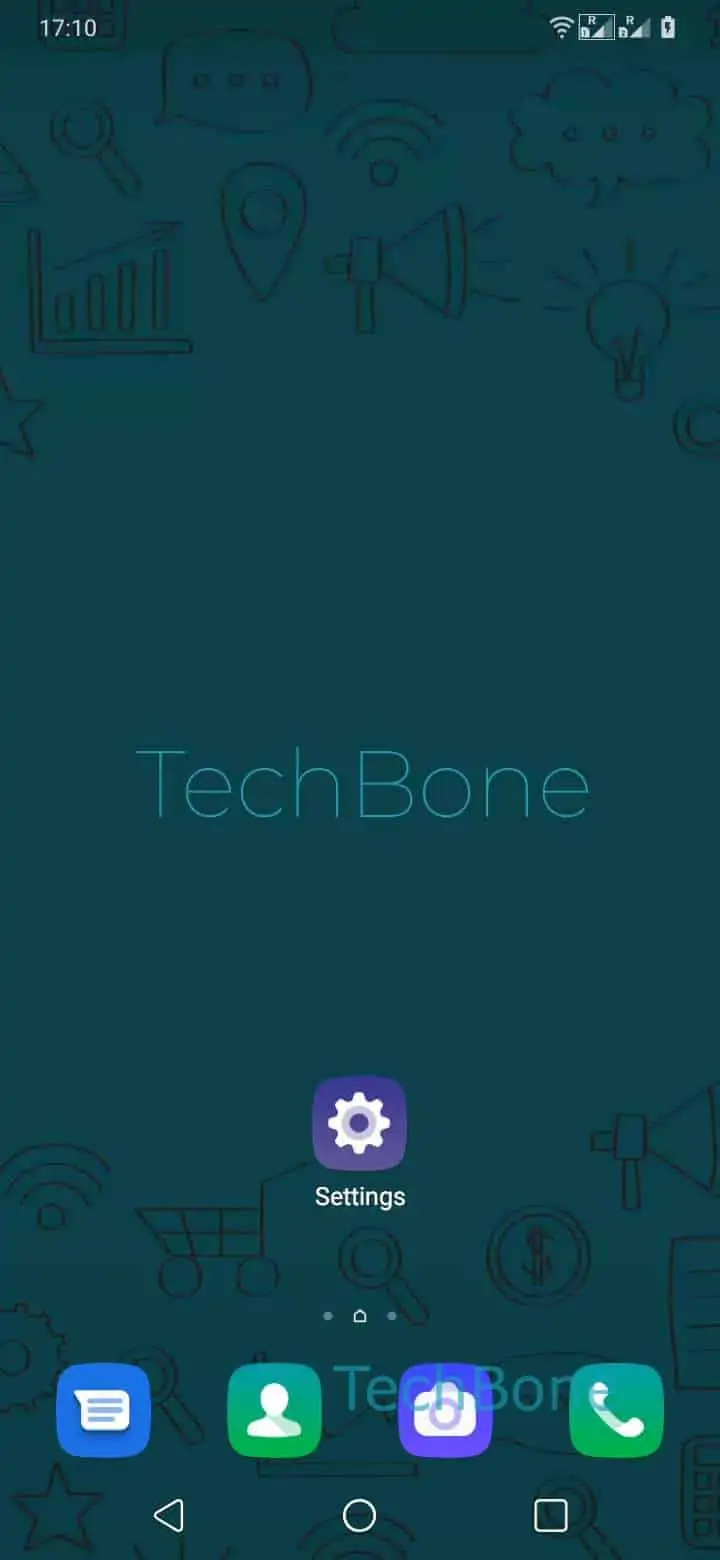
To generate a new one, go to Open the Settings ➔ Tap on Privacy ➔ Tap on Ads and privacy ➔ Tap on Reset Ad-ID ➔ Confirm with Reset.
After confirming, apps receive a fresh, unlinked ID the next time they request one. This does not block ads entirely; it only disconnects the new ID from the advertising history tied to the old one.
If your goal is to stop personalized ads altogether rather than just resetting tracking, look for an option to limit ad personalization in the same menu instead. Resetting the ID alone does not reduce how many ads you see, only how targeted they are right after the reset.