
Huawei
Restore Deleted Contacts auf Huawei
Deleting a contact on a Huawei phone does not remove it instantly. EMUI moves it into a hidden holding area called Recently deleted, where it stays available for up to 30 days before the system wipes it for good.
This safety net exists specifically for accidental deletions, whether a single entry got swiped away or several contacts were removed during a cleanup. Once the 30 days pass, the entry is purged automatically and no longer recoverable through the Contacts app.
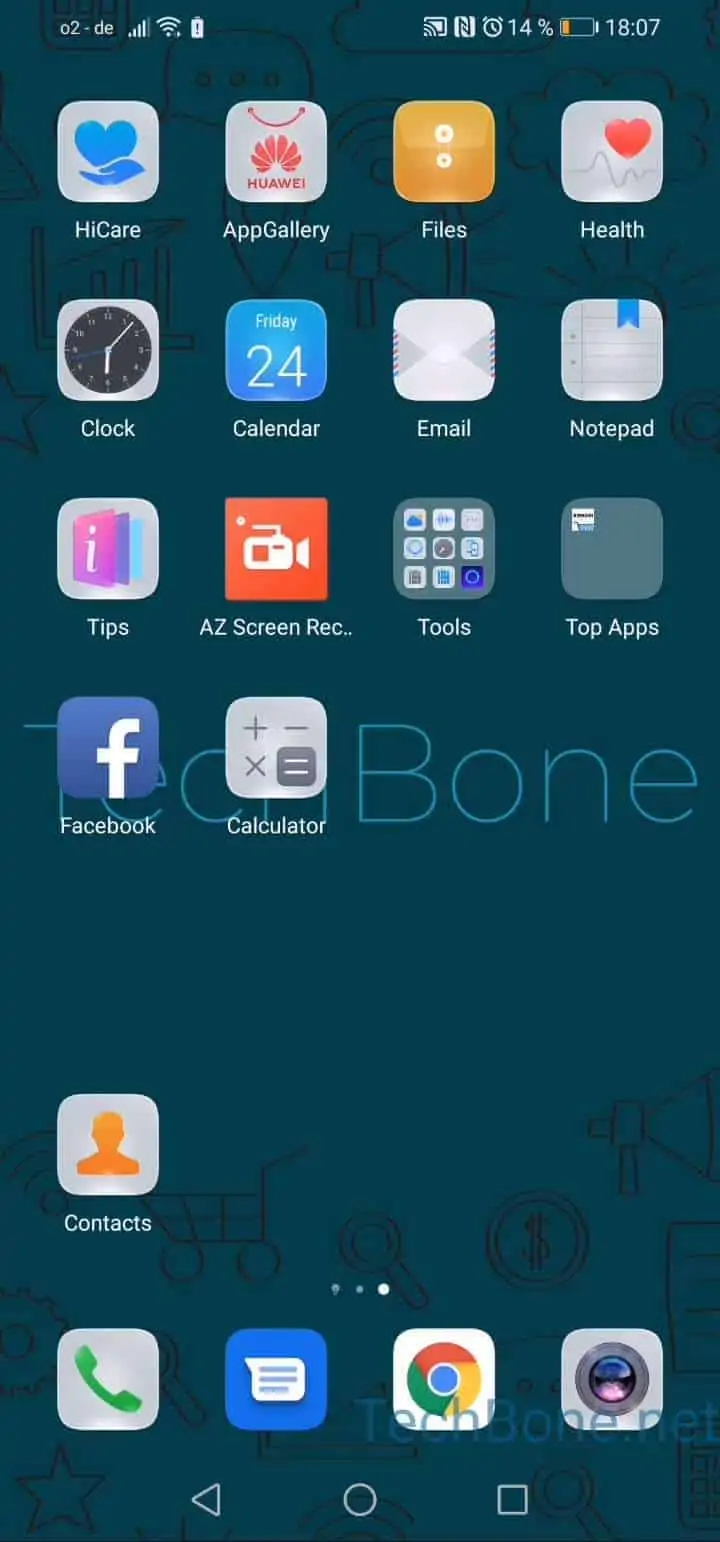
To bring a contact back, open the Contacts app and go to Open the menu ➔ Open the settings ➔ Tap on Organize contacts ➔ Tap on Recently deleted. This list shows every contact removed within the retention period.
Find the contact you need, then Tap and hold the contact you want to restore and confirm with Tap on Restore. The entry returns to your regular contact list immediately, keeping its original phone numbers and details.
If the contact does not appear in Recently deleted, it was either removed more than 30 days ago or deleted directly from a linked account (like a cloud contacts sync) rather than the local EMUI storage. In that case, check the account provider's own trash or backup instead.