
Huawei
Send an SMS Message auf Huawei
The Messages app on Huawei devices groups every text you send and receive into a single conversation per contact. There is no separate tab for SMS and MMS anymore, so a plain text and a photo message with the same person end up in the same thread.
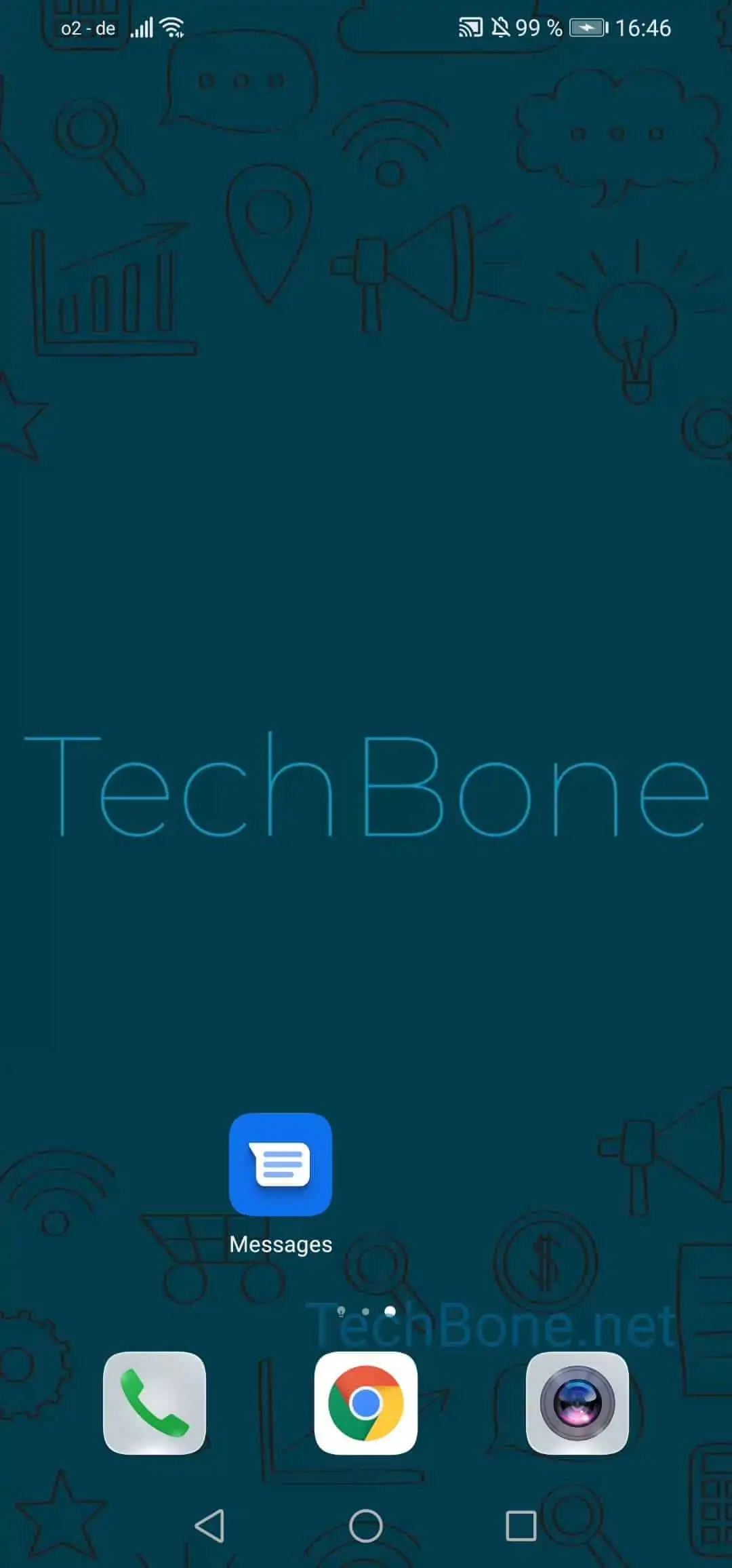
To send a text, open Open Messages ➔ Tap on Start chat ➔ Choose a contact or type in a number ➔ Type in a message ➔ Confirm with Send. If you only type words, the app sends a standard SMS over your carrier text plan.
The moment you attach a picture, video, or other file to that same message, EMUI automatically converts it into an MMS before sending. MMS messages use mobile data instead of your SMS allowance, which is why they can behave differently on a spotty connection or when mobile data is turned off.
All sent and received messages, whether SMS or MMS, stay saved inside their conversation thread on your device until you delete them manually. If a message will not send, check that you have signal or mobile data, since MMS specifically depends on a working data connection even though it looks like a normal text.