Skip to content
TechBone
Huawei

Huawei: Set a Data Limit for the Mobile Hotspot

If you turn on the mobile hotspot on your Huawei phone, connected devices can burn through your data plan fast without any warning. Without a fixed data limit, EMUI keeps the hotspot running until you switch it off manually or your plan runs dry. Setting a limit lets the phone stop the hotspot on its own before you go over your allowance.

5 min6 steps
VersionAndroid 10 · EMUI

Step by step

1 / 6

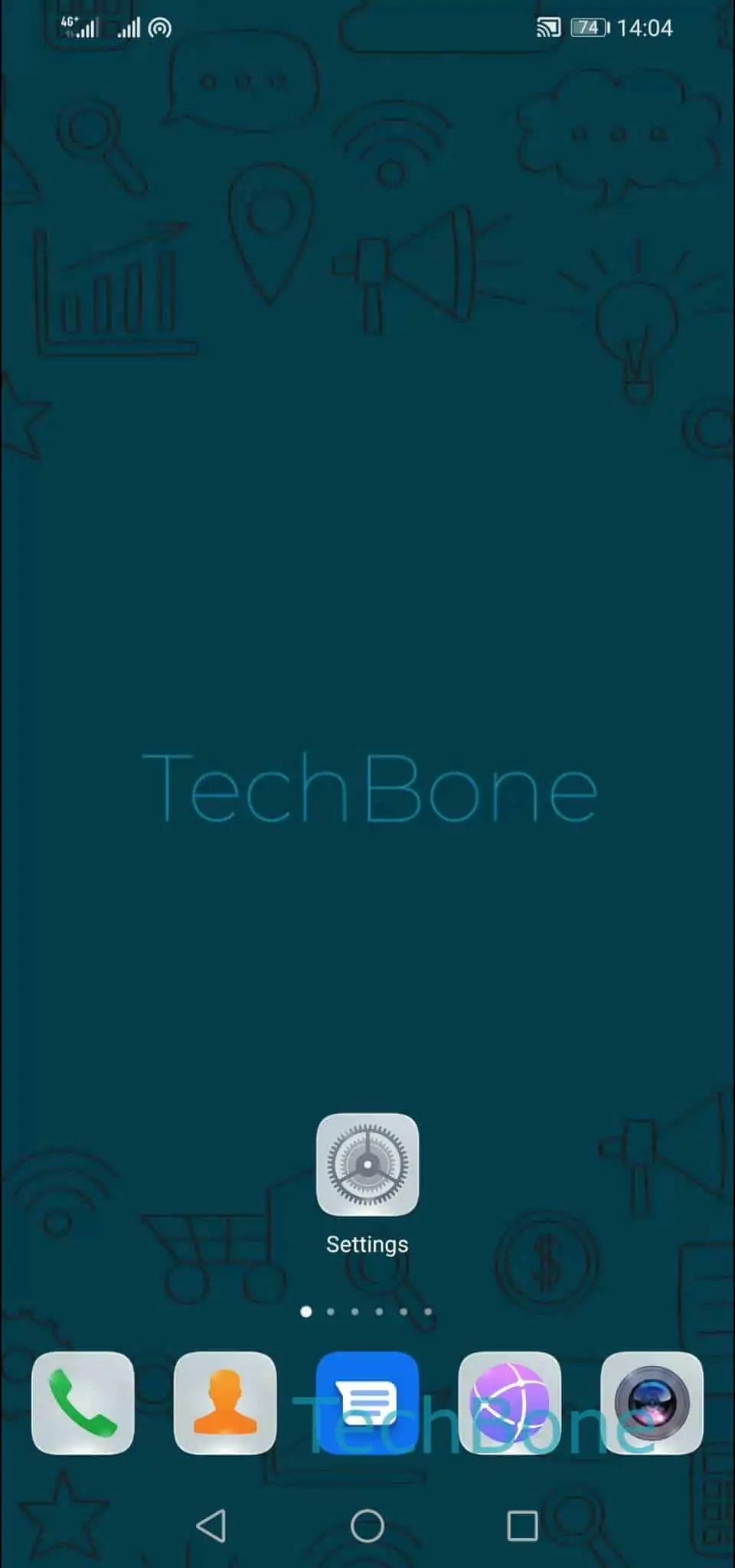
Step 1 of 6: Open the **Settings**

1

Open the Settings

Live simulator

Android 10 · EMUI
Set a Data Limit for the WiFi Hotspot – EMUI: step 1 – Open the Settings
Open the Settings
1 / 6

Scroll or use the buttons for the next step

Feedback

Was the guide correct?

Help others: confirm the path or report a problem.

76

Confirmations

Forum verified this path

Huawei

Set a Data Limit for the WiFi Hotspot auf Huawei

When several devices connect to your Huawei hotspot, data usage adds up fast and often goes unnoticed until the monthly plan runs out. EMUI lets you cap that usage directly from the hotspot settings, so the connection shuts off on its own once the limit is reached.

Open Open the SettingsTap on Mobile networkTap on Tethering & portable hotspotTap on Personal hotspotTap on Data limitChoose a data limit. Pick a value that matches what you can spare from your plan for the current billing cycle.

Once the limit is hit, the hotspot turns off automatically and connected devices lose internet access until you raise the limit or the cycle resets. Turning the hotspot back on afterward keeps counting from the same tally, so the cap stays accurate.

This setting only affects data shared with other devices through the hotspot, not the data your own phone uses over the mobile network. If you keep hitting the limit, check which connected device consumes the most data before raising the cap.

Frequently asked questions

The hotspot switches off automatically once the limit is reached. Connected devices lose access until you increase the limit under Tap on Personal hotspotTap on Data limit or turn the hotspot on again.