Skip to content
TechBone
Huawei

Huawei: Share a Calendar Event from the Calendar App

When you want to send a meeting time or event details to a friend or colleague, forwarding a Calendar entry directly saves you from retyping the date and location. On Huawei phones running EMUI, this option sits inside the event details screen rather than the main app menu, so it is easy to overlook the first time you look for it. Without it, you end up describing the appointment manually instead of sending the real entry.

3 min4 steps
VersionAndroid 10 · EMUI

Step by step

1 / 4

Step 1 of 4: Open the **Calendar app**

1

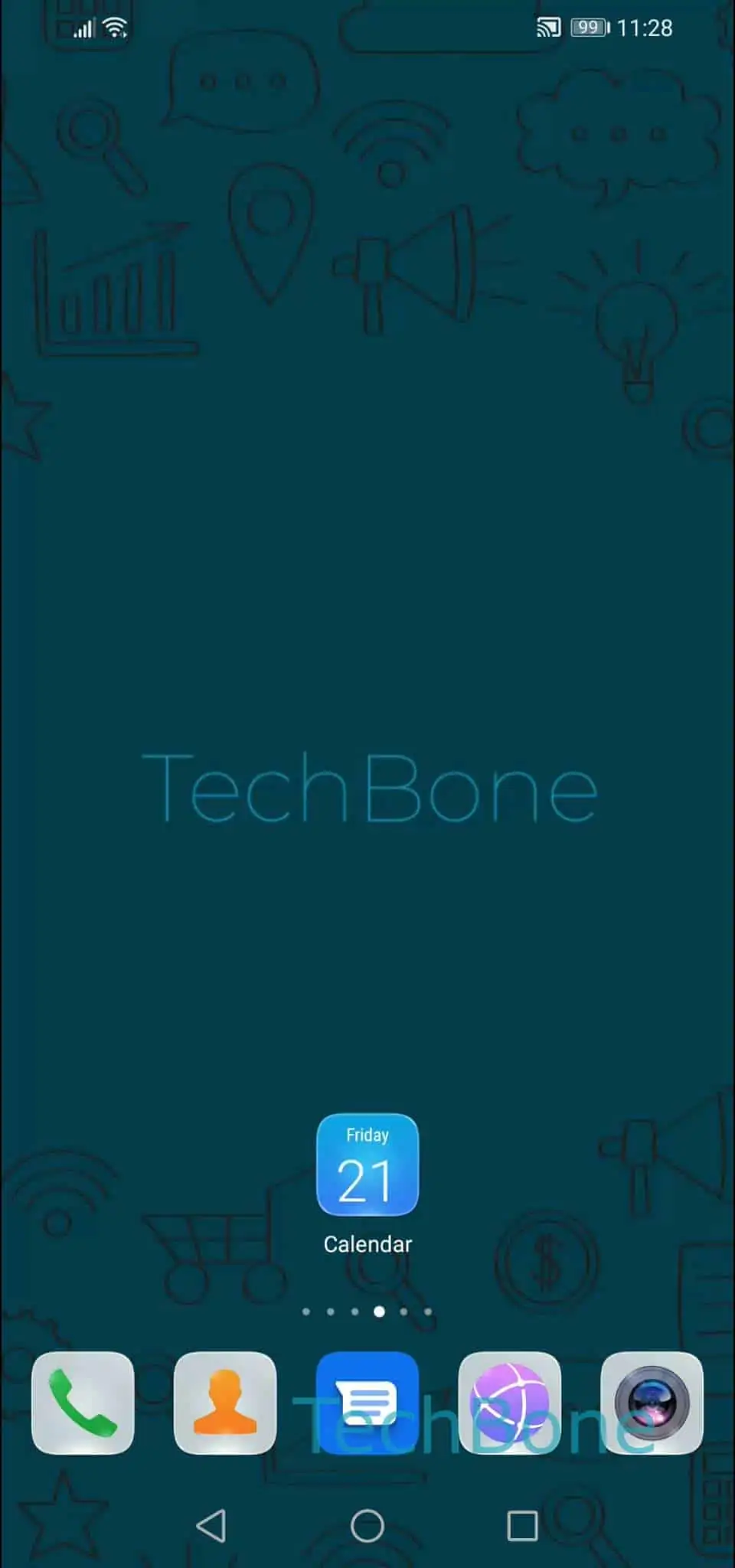
Open the Calendar app

Live simulator

Android 10 · EMUI
Share a Calendar Event – EMUI: step 1 – Open the Calendar app
Open the Calendar app
1 / 4

Scroll or use the buttons for the next step

Feedback

Was the guide correct?

Help others: confirm the path or report a problem.

24

Confirmations

Forum verified this path

Huawei

Share a Calendar Event auf Huawei

Sharing an event from the Calendar app lets you send the date, time and location to someone without them having to add it manually. Huawei phones running EMUI include a dedicated Share option inside every event, which forwards the entry through any messaging or email app installed on the device.

To find it, open the Calendar app and tap the event you want to send. Inside the event details screen, look for the Share action among the available options.

The verified path is: Open the Calendar appChoose an eventTap on ShareChoose an app and follow the instructions on screen. Once you tap Share, EMUI opens the standard Android share sheet, where you pick an app such as Messages, Gmail or WhatsApp and confirm the send action inside that app.

This works for any event you created or were invited to, as long as it still appears in your calendar. If the Share option is missing for a specific entry, the event may come from a synced account that restricts forwarding, and you will need to recreate it manually instead.

Frequently asked questions

Yes. Depending on the app you choose in the share sheet, the event is sent either as a plain text summary or as a calendar file that the receiver can import directly into their own calendar app.