
Huawei
Share a Contact auf Huawei
Manually retyping a phone number, email address or company name is the most common source of contact errors on a phone. Huawei devices avoid this by letting you export a saved contact directly from the Contacts app instead of dictating it out loud.
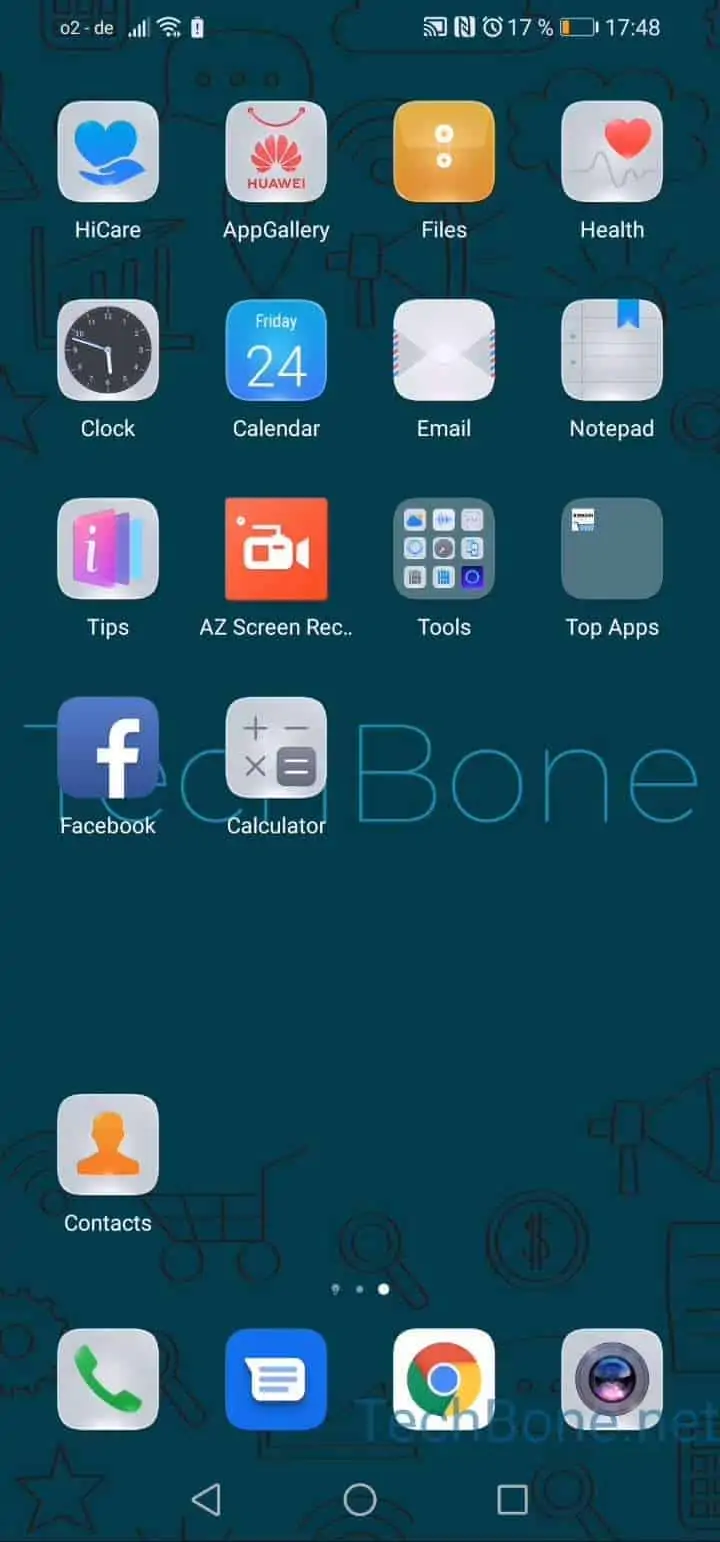
To send a contact, open Open Contacts ➔ Choose a contact ➔ Tap on More ➔ Tap on Share contact. From here you pick the format: Choose QR Code, vCard or Text.
A QR code is the fastest option when both people are in the same room, since the other phone camera can scan it without any app installed. A vCard bundles every saved field, including photo and multiple numbers, and is best when the contact has several entries worth keeping intact. Plain text is the safest choice when the recipient uses a different phone brand, since it drops into any messaging app as readable content.
After picking the format, the last step is Choose an app to share the contact with, for example a messenger, email client or Bluetooth transfer.
If a contact stores data from a linked account, such as a work directory, some fields may not transfer with vCard sharing. In that case, plain text sharing is more reliable since it only sends what is visibly stored on the device.