
Huawei
Show Step Count on Lock Screen auf Huawei
Some Huawei phones track your daily steps with a built-in pedometer, but the number only appears on the lock screen when the Magazine style is active. If your lock screen uses a different layout, the step count toggle has no visible effect, even when it is switched on.
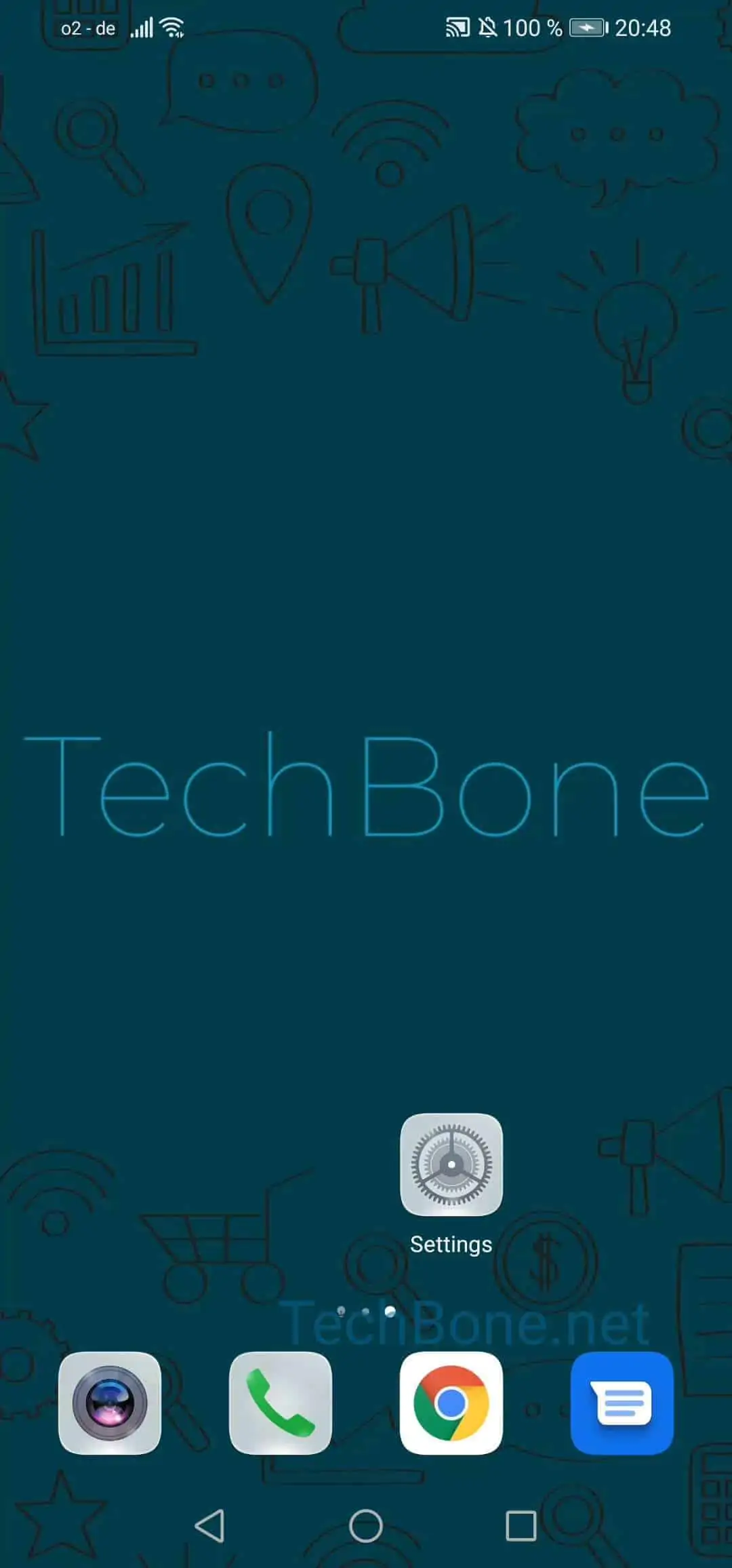
To enable or disable the counter, open Open the settings ➔ Tap on Home screen & wallpaper ➔ Activate or deactivate Show step count. This setting only controls whether the number is displayed; it does not turn the pedometer itself on or off.
If you don't see any steps at all, check that the pedometer permission is granted and that you carry the phone with you during the day. Step counts reset at midnight, so a low number early in the day is expected.
Turning the option off is useful if the step count on the lock screen feels distracting, or if you share the device and prefer to keep activity data private. The lock screen style itself stays unchanged either way.