
Huawei
Simple Contact View auf Huawei
Simple contact view is a display option in the Contacts app on Huawei devices. Once enabled, the app shows only the most important information for each entry, mainly the phone number. Profile pictures, company names, job titles and other extra fields are hidden from the list.
This setting does not delete any data. It only changes how existing information is displayed, so nothing is lost when you switch the view on or off. It helps on smaller screens or when your contact list is long and mostly used for quick dialing rather than browsing full profiles.
How to switch it on or off
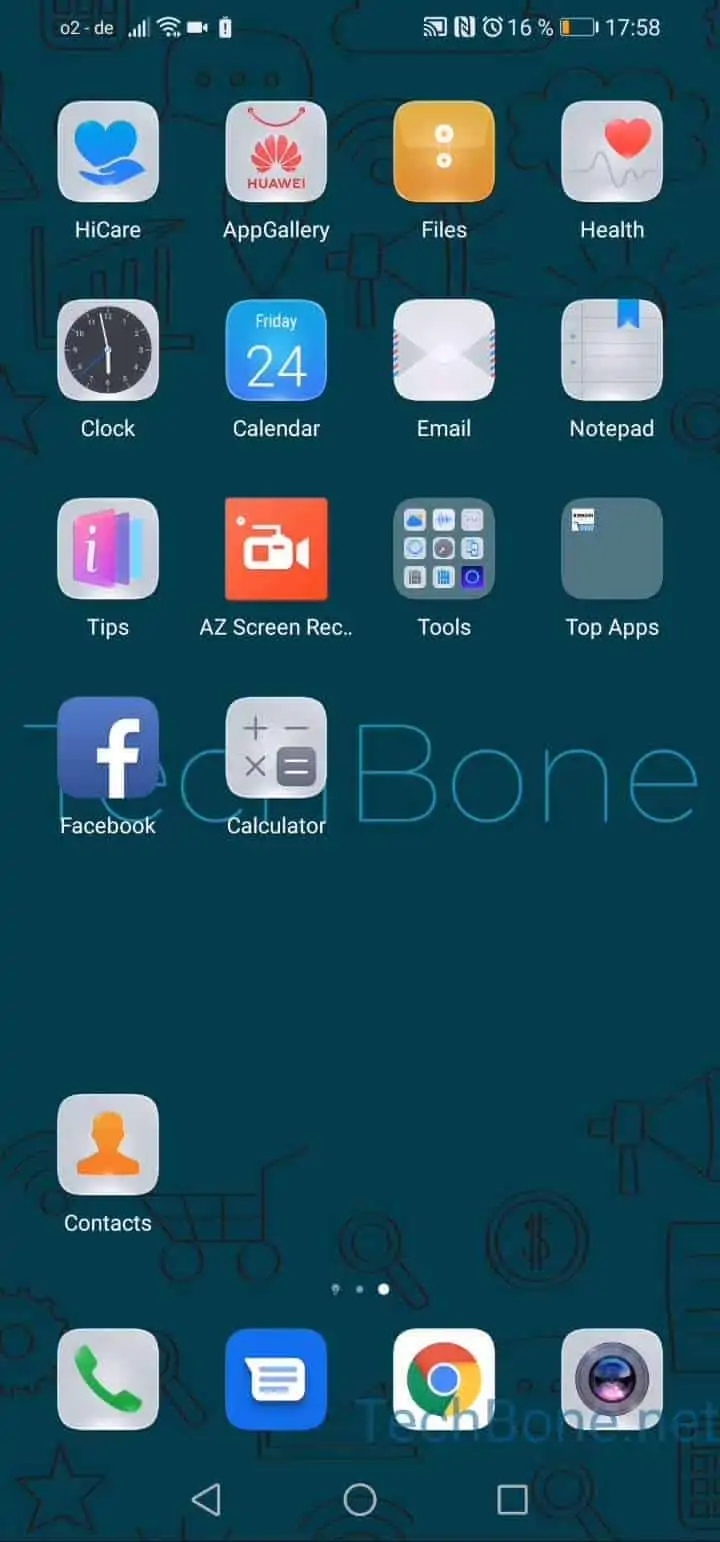
Open Contacts, then tap Open the menu and go to Open the settings. Inside the settings, tap on Display preferences. From there you can activate or deactivate Simple view depending on what you need.
If you rely on profile pictures to recognize contacts quickly, keep simple view turned off instead. Photos and company details make it easier to identify a caller at a glance, even though the list takes up more space on screen.