Skip to content
TechBone
Huawei

Huawei: Sort Contacts by First or Last Name

Searching for a colleague under their last name but finding your contact list sorted by first name instead makes lookups slower than they should be. Huawei's Contacts app defaults to first name sorting, which feels backwards if you are used to last name first address books. The sort order sits in a setting most people never open, so the list looks fixed until you know where to look.

4 min5 steps
VersionAndroid 10 · EMUI

Step by step

1 / 5

Step 1 of 5: Open **Contacts**

1

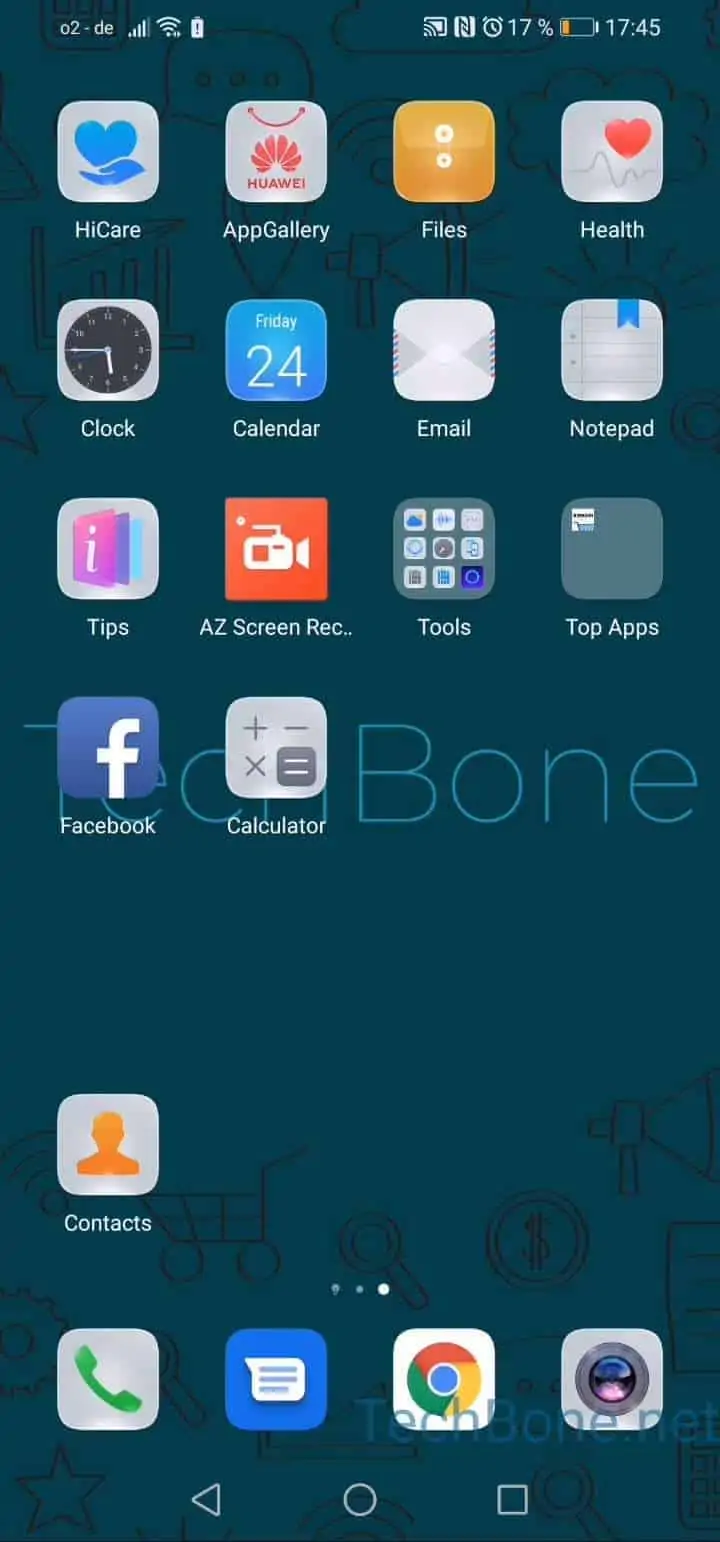
Open Contacts

Live simulator

Android 10 · EMUI
Sort Contacts by First or Last Name – EMUI: step 1 – Open Contacts
Open Contacts
1 / 5

Scroll or use the buttons for the next step

Feedback

Was the guide correct?

Help others: confirm the path or report a problem.

19

Confirmations

Forum verified this path

Huawei

Sort Contacts by First or Last Name auf Huawei

On most Huawei phones, the Contacts app orders every entry by first name. If you save numbers with the last name first, or you are used to phone books that list surnames first, the alphabetical order stops matching how you actually search.

This is not a bug. EMUI stores a separate sort preference inside the Contacts app itself, independent of how names are typed into each entry. Changing it only reorders the list on screen - it does not rewrite or move any contact data.

Where the setting lives

Open Open ContactsOpen the menuOpen the settingsTap on Sort list byChoose First name orLast name. Confirming a new option refreshes the list immediately.

If contacts still look unsorted afterward, check whether the entries are missing a first or last name field. Contacts with only one name filled in are sorted by whichever field they have, which can look inconsistent even after you set the correct order.

Frequently asked questions

No. The Sort list by option only controls the order of the list. Whether a name shows as first name first or last name first inside each contact entry is a separate display setting, if your device offers one.