Skip to content
TechBone
Huawei

Huawei: Set Custom Sound and Vibration for Calendar Reminders

If calendar reminders on your Huawei phone stay silent or skip the vibration you expect, the notification sound for the Calendar app is usually set to Mute or the vibration toggle got switched off. This sits separately from your general ringtone settings, so changing your phone's ringtone won't fix it. A quick check inside the Calendar app settings solves it.

6 min8 steps
VersionAndroid 10 · EMUI

Step by step

1 / 8

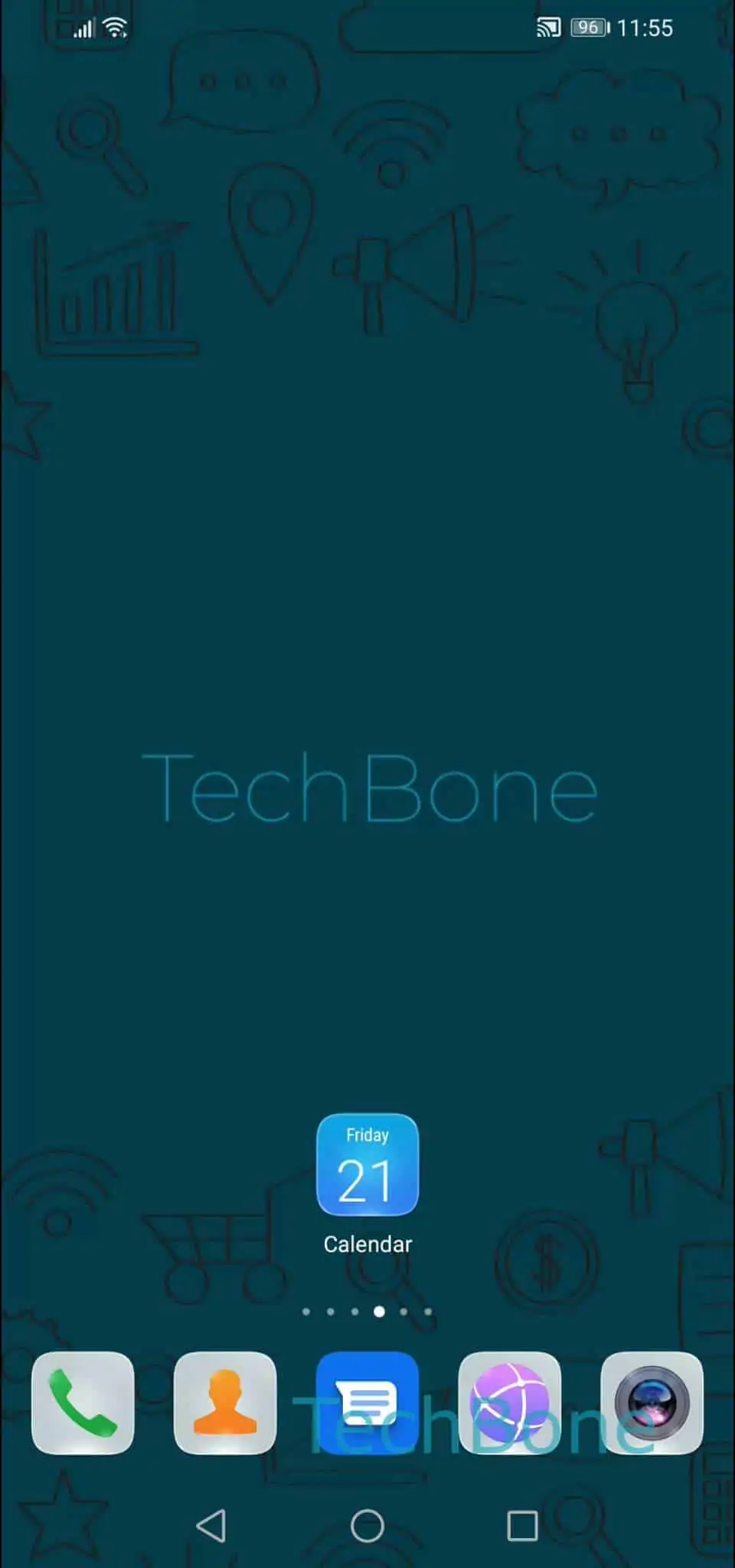
Step 1 of 8: Open the **Calendar app**

1

Open the Calendar app

Live simulator

Android 10 · EMUI
Set Sound and Vibration for Calendar Reminders – EMUI: step 1 – Open the Calendar app
Open the Calendar app
1 / 8

Scroll or use the buttons for the next step

Feedback

Was the guide correct?

Help others: confirm the path or report a problem.

27

Confirmations

Forum verified this path

Huawei

Set Sound and Vibration for Calendar Reminders auf Huawei

Calendar reminders on Huawei phones use their own sound and vibration settings, independent from your general notification sound. If a reminder stays silent, the sound option inside the Calendar app is likely set to Mute, or the vibration toggle is switched off. This is a common source of missed reminders, especially after a system update resets app-level notification settings.

Where the setting lives

Open the Calendar appOpen the menuOpen the SettingsTap on NotificationsTap on SoundChoose a sound for calendar remindersTap on BackEnable or disable Vibration.

Picking a sound here only affects calendar reminders, not calls or messages. If you prefer a silent but noticeable alert, disable Sound and leave Vibration enabled instead.

If reminders still don't trigger after this, check that the Calendar app has notification permission in your phone's system settings and that battery optimization isn't restricting it in the background. That's a separate issue from the sound and vibration settings covered here.

Frequently asked questions

Check that Vibration is enabled at the end of the path Calendar appOpen the menuOpen the SettingsTap on NotificationsTap on Sound. If it's already on, also confirm the phone isn't in a mode that suppresses vibration, such as a scheduled Do Not Disturb window.