Skip to content
TechBone
Huawei

Huawei: Set a Custom Notification Sound for Calendar Events

If every calendar reminder on your Huawei phone plays the same generic tone, appointments and events blend together and you miss important ones. The Calendar app lets you pick a different alert sound, and you are not limited to the pre-installed tones - your own .mp3 files work too. This only affects event notifications, not calls or messages.

5 min6 steps
VersionAndroid 10 · EMUI

Step by step

1 / 6

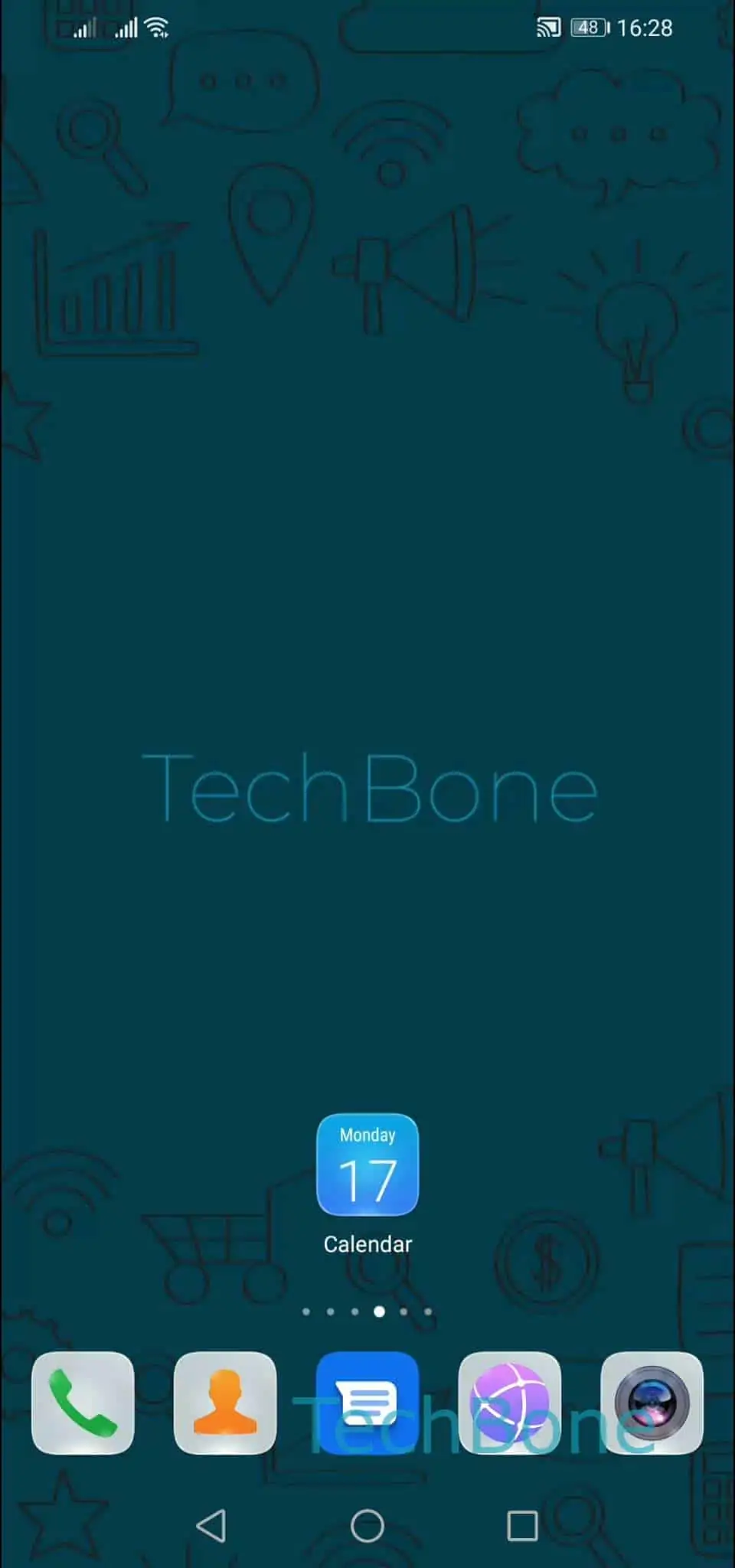
Step 1 of 6: Open **Calendar**

1

Open Calendar

Live simulator

Android 10 · EMUI
Set a Custom Notification Sound for Calendar Events – EMUI: step 1 – Open Calendar
Open Calendar
1 / 6

Scroll or use the buttons for the next step

Feedback

Was the guide correct?

Help others: confirm the path or report a problem.

43

Confirmations

Forum verified this path

Huawei

Set a Custom Notification Sound for Calendar Events auf Huawei

By default, EMUI plays one standard tone for every calendar notification. That makes it hard to tell an appointment reminder apart from other alerts just by sound.

The Calendar app has its own notification settings, separate from the system-wide sound settings. Changing the tone there only affects calendar events and does not touch your ringtone or message alerts.

Where the setting lives

Open CalendarOpen the menuOpen the SettingsTap on NotificationsTap on SoundChoose a notification sound.

In the sound picker, you get the pre-installed system tones plus the option to browse your own audio files. Any .mp3 stored on the device shows up as a selectable option, so you can use a custom track instead of a default tone.

If you still do not hear the new sound, check that notifications for the Calendar app are not blocked in the system-wide app notification settings, and that Do Not Disturb or a Focus mode is not muting calendar alerts. Those settings sit outside the Calendar app itself and override the sound you picked here.

Frequently asked questions

Check that Calendar notifications are allowed in the phone-wide app settings, and confirm Do Not Disturb or a Focus mode is not active. Both can silence the sound you set under CalendarOpen the menuOpen the SettingsTap on Notifications.