Skip to content
TechBone
Huawei

Huawei: Find the Special App Access Menu

When an app suddenly ignores battery optimization, changes system settings, or keeps running in the background without asking again, a special permission is usually behind it. These extra permissions are separate from the regular camera, microphone, or location toggles and sit in their own menu on Huawei phones. Most users never open this screen, so unwanted access can stay active for months.

4 min5 steps
VersionAndroid 10 · EMUI

Step by step

1 / 5

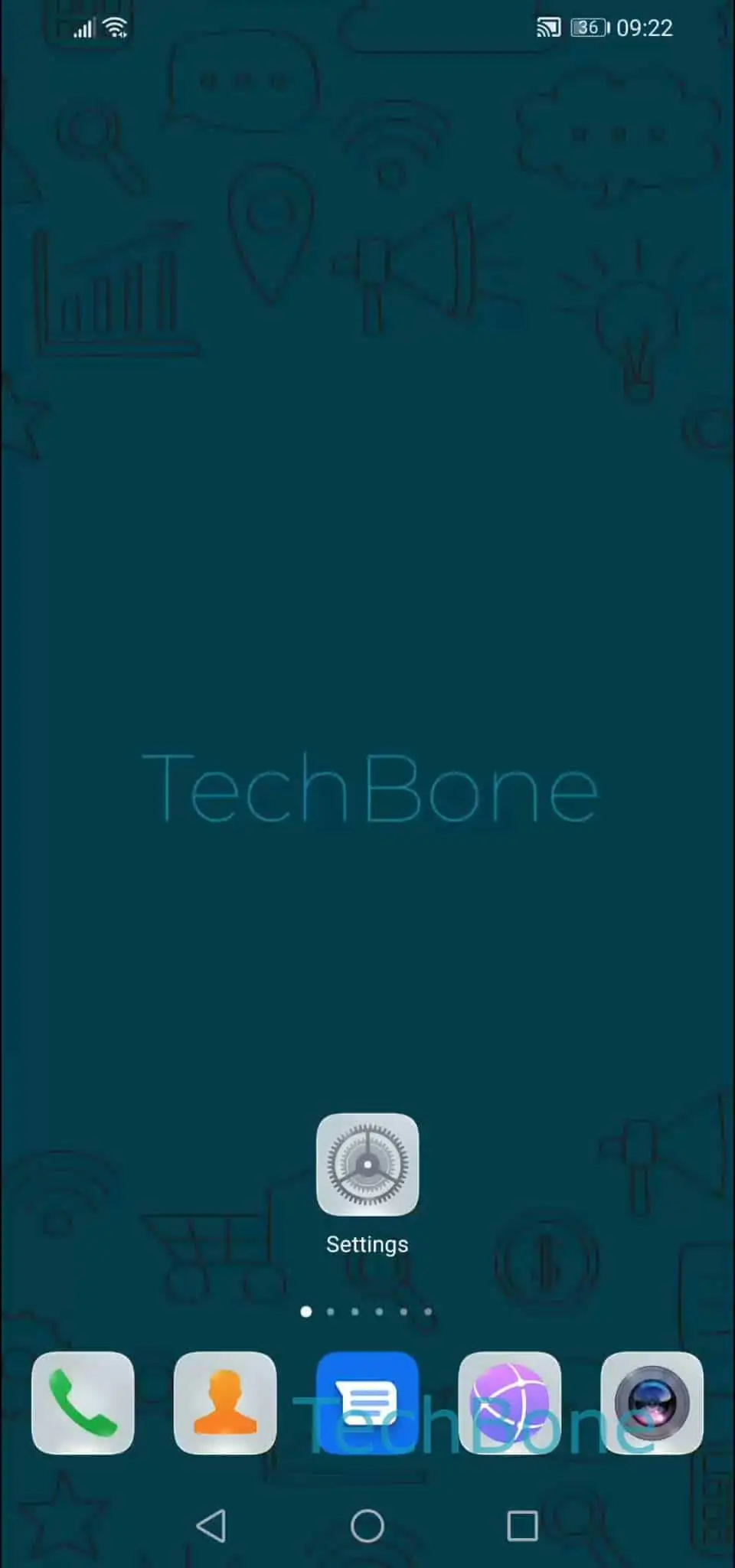
Step 1 of 5: Open the **Settings**

1

Open the Settings

Live simulator

Android 10 · EMUI
Special App Access Overview – EMUI: step 1 – Open the Settings
Open the Settings
1 / 5

Scroll or use the buttons for the next step

Feedback

Was the guide correct?

Help others: confirm the path or report a problem.

87

Confirmations

Forum verified this path

Huawei

Special App Access Overview auf Huawei

Special app access covers permissions that go beyond the usual camera, contacts, or location toggles. Apps request these separately because they control things like ignoring battery optimization, changing system settings, or displaying over other apps. EMUI groups all of them in one overview so you can check which app asked for what.

To reach this screen, go to Open the SettingsTap on AppsTap on AppsOpen the menuTap on Special access. From there you see a list of permission categories, each showing which apps currently hold that access.

Granting or revoking one of these permissions can change how an app behaves right away. A messaging app losing battery optimization exemption might stop delivering notifications instantly. A tool losing the display-over-apps permission will no longer show floating windows or overlays.

This overview only lists the categories and apps involved. It does not explain every individual permission in detail, since the available categories depend on which apps are installed and what they have requested so far.

Frequently asked questions

Special access covers system-level behavior like ignoring battery optimization or drawing over other apps. These are handled separately from standard permissions because they affect how the whole system runs, not just app data.