
Huawei
Set Default SMS Messages App auf Huawei
On a Huawei phone, only one app can handle SMS and MMS at a time. This is the default SMS app, and Android routes every incoming and outgoing text through it, regardless of which other messaging apps are installed.
If you download a new app from the Google Play Store and it does not automatically take over, the system is still pointing to your old app. Messages keep arriving in the previous app until you change the default manually.
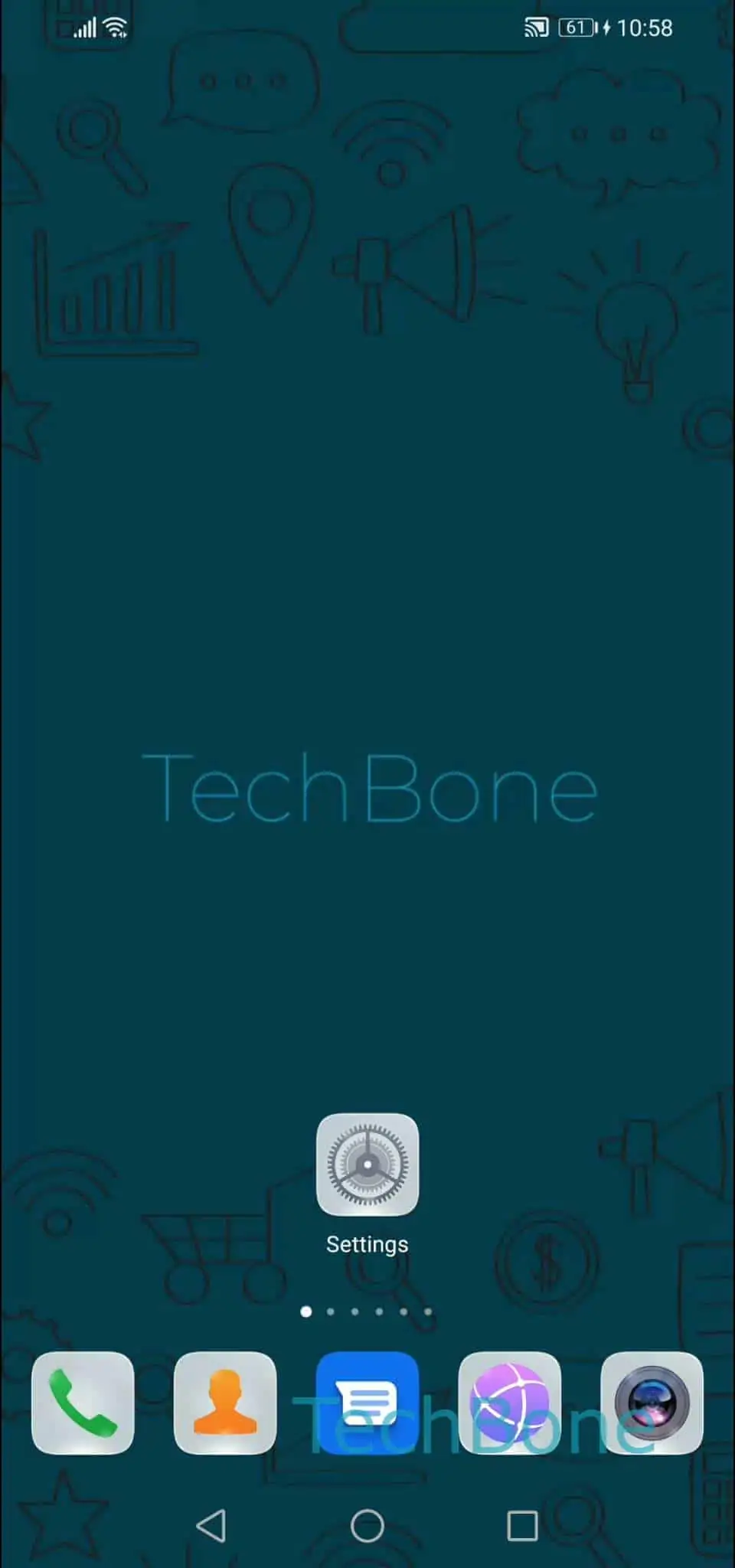
To switch it, open Open the Settings ➔ Tap on Apps ➔ Tap on Default apps ➔ Tap on SMS app ➔ Choose the default SMS Messages app. Select the app you want to use going forward and confirm.
Once changed, new messages arrive only in the app you selected. The previous app stays installed but stops receiving new SMS or MMS unless you switch back the same way.
Keep the built-in Huawei Messages app as default if you rely on features tied to it, such as carrier-specific message backup. Third-party apps often add extras like scheduled sending or advanced spam filtering, but switching can affect how notifications and message backups behave.