
Huawei
Stopwatch: Start, Lap and Reset auf Huawei
The stopwatch inside the Huawei Clock app does more than start and stop a timer. It can log single lap times or keep a running list of several laps before you pause or reset it. The confusion usually starts because the same screen holds Start, Lap and Reset buttons that change position once the stopwatch is running.
Where to find the stopwatch
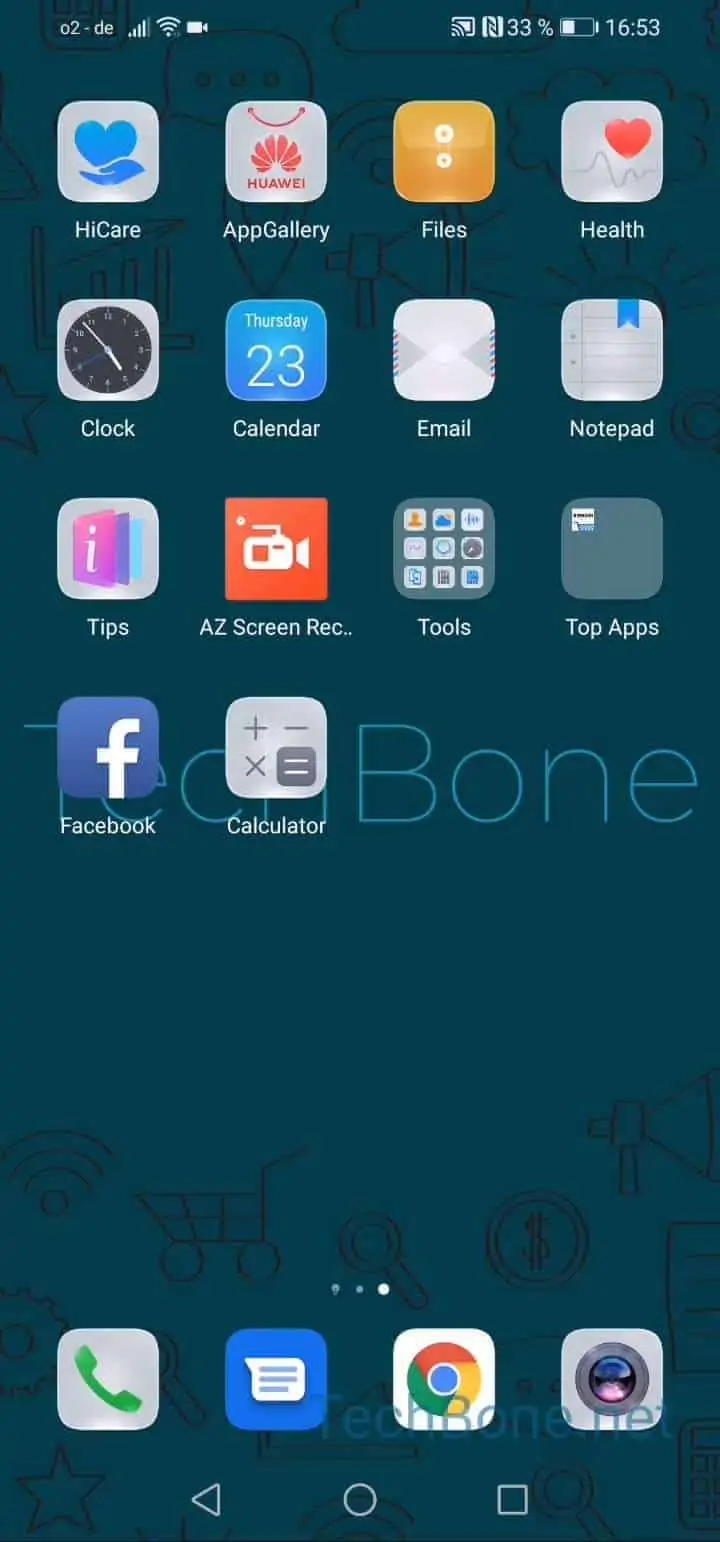
Open Open the Clock and tap Tap on Stopwatch to switch into stopwatch mode. From here tap Tap on Start to begin timing.
Recording lap times
While the stopwatch is running, tap Tap on Lap time to log the current time as a lap. You can repeat this as many times as needed; each tap adds a new lap to the list without stopping the overall time.
Pausing and resetting
To freeze the running time without clearing anything, tap Tap on pause. This stops the count but keeps every lap you already recorded on screen.
Tap Tap on reset only when you are done. Reset clears both the elapsed time and the full lap list, so use pause instead if you plan to continue later.
If you only need a single countdown instead of laps, the separate Timer tab in the same Clock app is the better tool.