Skip to content
TechBone
Huawei

Huawei: Switch Between Front and Main Camera

Selfies on a Huawei phone sometimes come out mirrored, with any text in the background appearing backwards. This happens because the camera asks once whether front-camera shots should be saved mirrored or true-to-life, and that choice sticks until you change it. Switching the lens itself only takes a tap, but the mirroring behavior is what trips most people up.

2 min2 steps
VersionAndroid 10 · EMUI

Step by step

1 / 2

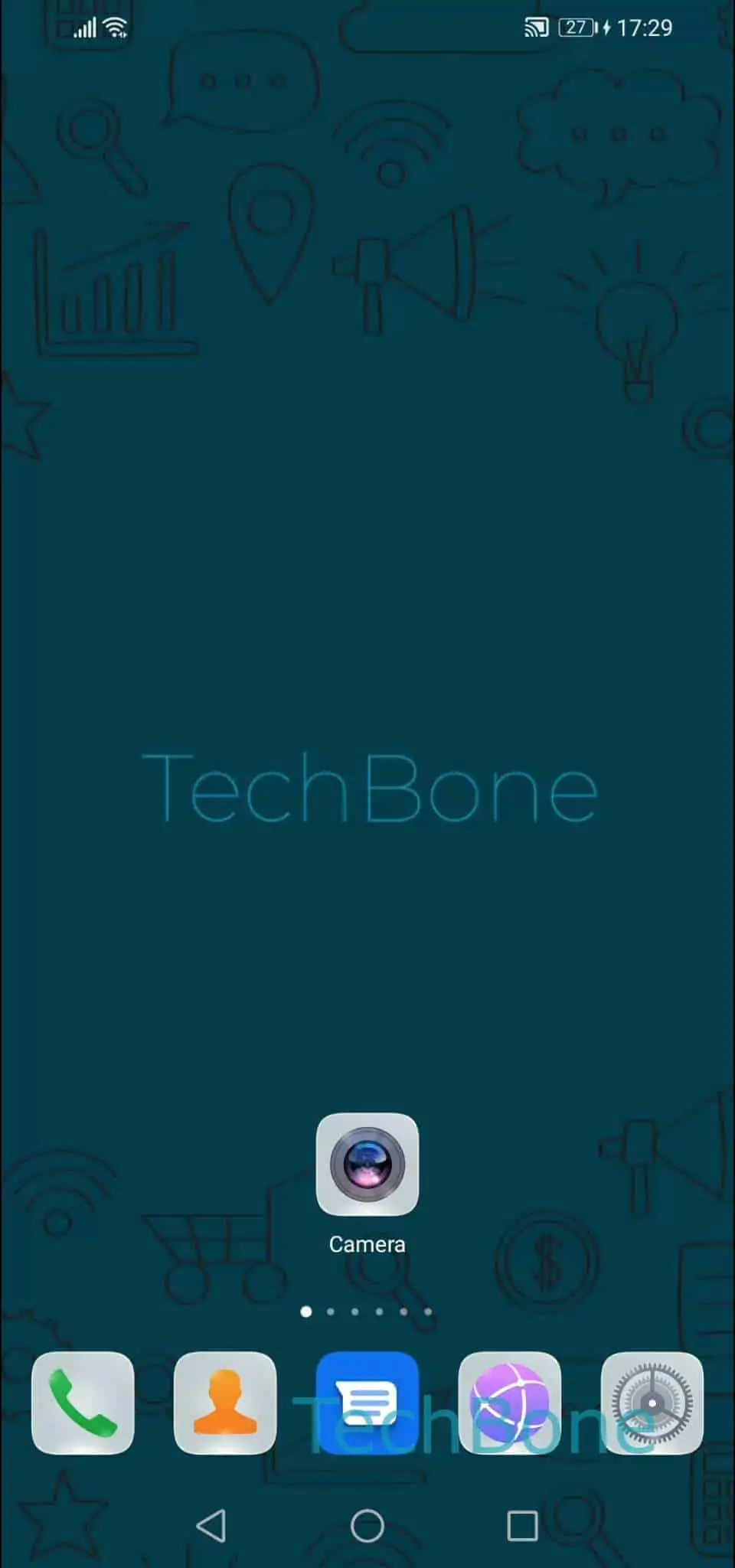
Step 1 of 2: Open the **Camera app**

1

Open the Camera app

Live simulator

Android 10 · EMUI
Switch Between Front and Main Camera – EMUI: step 1 – Open the Camera app
Open the Camera app
1 / 2

Scroll or use the buttons for the next step

Feedback

Was the guide correct?

Help others: confirm the path or report a problem.

20

Confirmations

Forum verified this path

Huawei

Switch Between Front and Main Camera auf Huawei

Jumping from the main lens to the front camera on a Huawei phone is a one-tap action, but the result can look different from what you expected on screen.

Why selfies look mirrored

The camera app mirrors the live preview of the front lens by default, similar to a real mirror. When you first save a selfie, EMUI asks whether the final photo should keep that mirrored look or switch to the true-to-life version, where any text in the background reads correctly. Whichever option you pick becomes the default for future selfies until you change it again.

How to switch between the cameras

Open the Camera appTap on the camera-switch. This toggles instantly between the rear and front lens, and the same tap works while recording video, so you can swap mid-clip without stopping the recording.

If your selfies still look flipped after choosing a mirroring option, check whether you saved an older photo before making that choice. Photos taken before the setting was confirmed keep the mirroring they were captured with.

Frequently asked questions

The front camera preview mirrors your face like a mirror by default. If you chose the mirrored save option the first time you took a selfie, the final photo keeps that flipped look, including any text in the background.