Skip to content
TechBone
Huawei

Huawei: Turn Usage & Diagnostics Reporting On or Off

If your Huawei phone keeps sending device and app data even though you thought you switched tracking off, the Usage & diagnostics setting is usually the cause. It controls whether diagnostic reports, crash logs and app usage details leave your device, separate from the checks needed for updates. Turning it off does not stop your phone from receiving system and security updates.

4 min5 steps
VersionAndroid 10 · EMUI

Step by step

1 / 5

Step 1 of 5: Open the **settings**

1

Open the settings

Live simulator

Android 10 · EMUI
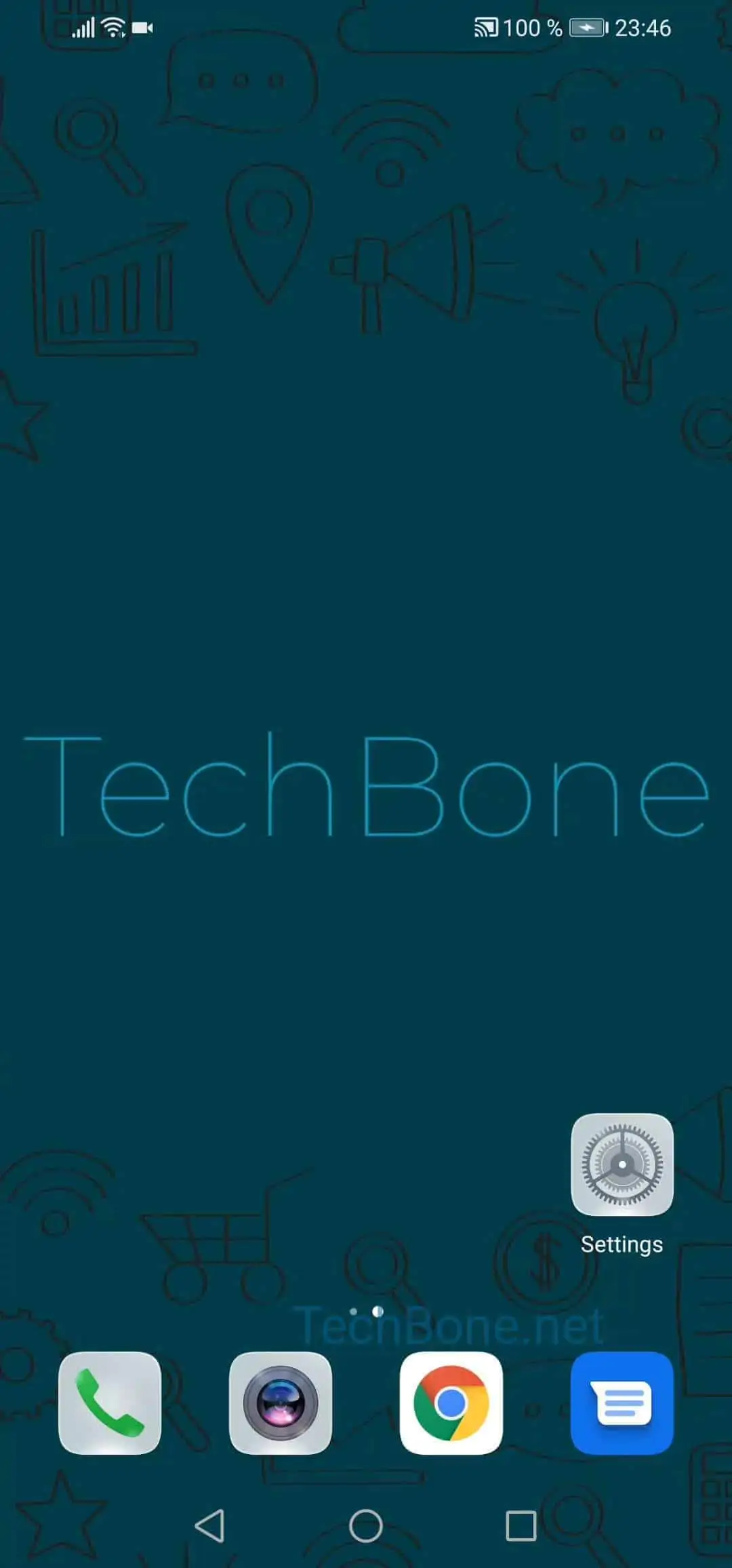
Usage & Diagnostics Reporting Settings – EMUI: step 1 – Open the settings
Open the settings
1 / 5

Scroll or use the buttons for the next step

Feedback

Was the guide correct?

Help others: confirm the path or report a problem.

74

Confirmations

Forum verified this path

Huawei

Usage & Diagnostics Reporting Settings auf Huawei

The Usage & diagnostics option on Huawei phones decides whether crash reports, app usage statistics and device performance data are sent for analysis. This is separate from the update mechanism, so basic services like system and security updates keep working even after you switch it off.

Some users disable this setting for privacy reasons, since it stops detailed behavioral data from leaving the device. Others leave it on because diagnostic reports can help identify why an app crashes or why battery drain suddenly increases on a specific phone.

Where to find the setting

Go to Open the settingsTap on PrivacyTap on AdvancedTap on Usage & diagnosticsActivate or deactivate the sending of user data.

If you deactivate it and later run into a recurring app crash or unexplained performance issue, turning the setting back on temporarily can make it easier for support to trace the cause, since more detailed logs are then available.

Frequently asked questions

No. Security and system updates use a separate channel from the Usage & diagnostics setting, so they keep arriving even after you deactivate it.