
Huawei
Enable or Disable Wi-Fi Direct auf Huawei
Wi-Fi Direct lets your Huawei phone send files straight to another device without a router in between. It sits inside the regular Wi-Fi settings, not in a separate menu, which is why many users never notice it exists.
The feature only becomes visible once you open the extended options next to your current Wi-Fi connection. If it looks disabled or no devices appear during a scan, the phone is either not searching yet or the target device (TV, Fire TV Stick, another phone) has its own Wi-Fi Direct option turned off.
To reach the toggle, follow this path:
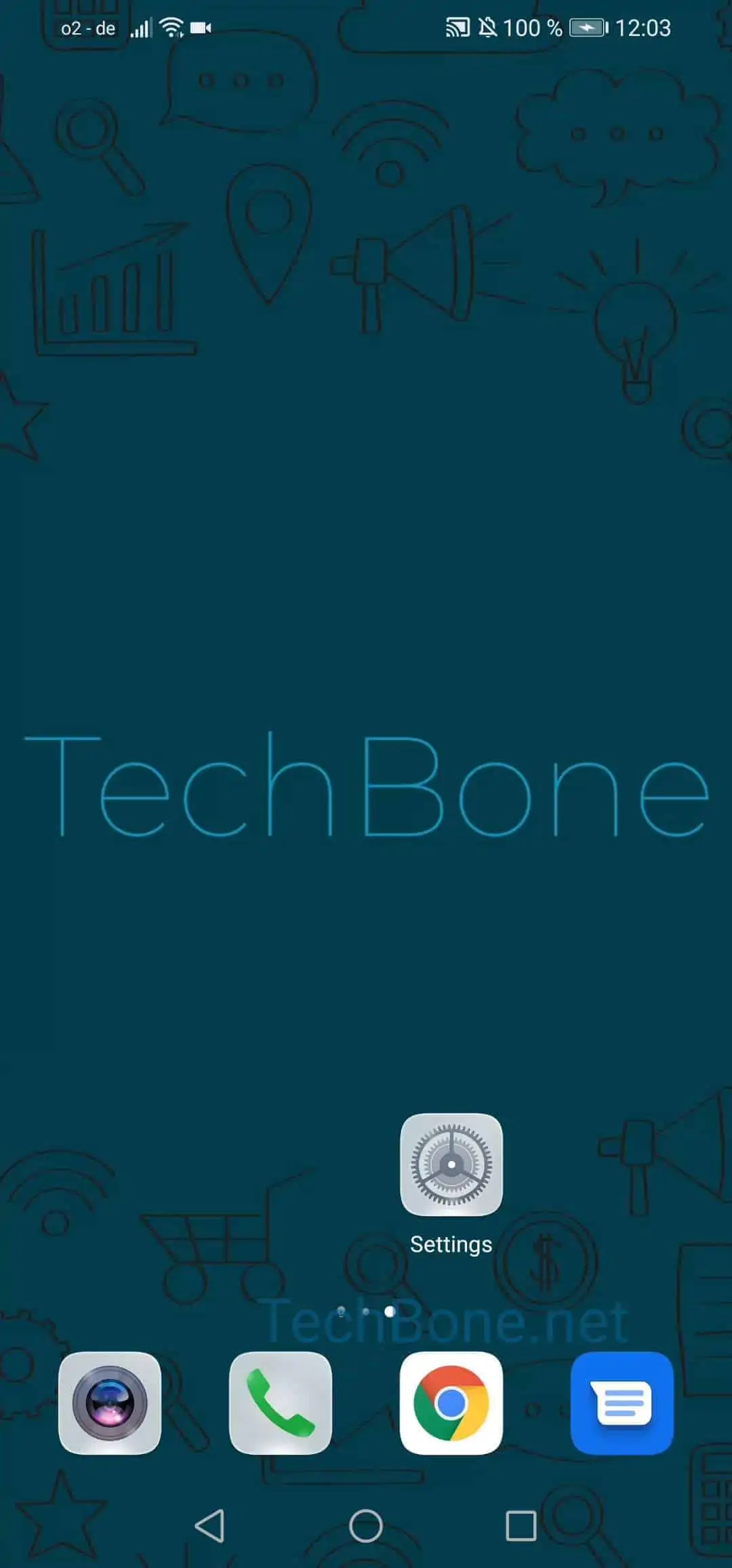
Open the settings ➔ Tap on Wi-Fi ➔ Open the menu ➔ Tap on Wi-Fi Direct
Once open, the phone starts scanning automatically. Tap the device you want to connect to and confirm the pairing request on both screens.
Keep in mind that Wi-Fi Direct only works reliably when both devices are already joined to the same Wi-Fi network. If a transfer keeps failing despite that, restarting Wi-Fi on both devices or moving them closer together usually resolves connection drops.
For permanent streaming setups, a dedicated casting app or Chromecast-style device is often more stable than repeated manual Wi-Fi Direct connections.