
Skip to content
TechBone
OnePlus

OnePlus: Turn Adaptive Battery On or Off

If notifications from apps you rarely open arrive late or a background app gets killed before it can sync, Adaptive Battery is usually the reason. The feature learns which apps you use often and throttles background access for the rest, even when you still need timely updates from them on your OnePlus phone.

5 min6 steps
VersionAndroid 10 · Oxygenos 10

Step by step

1 / 6

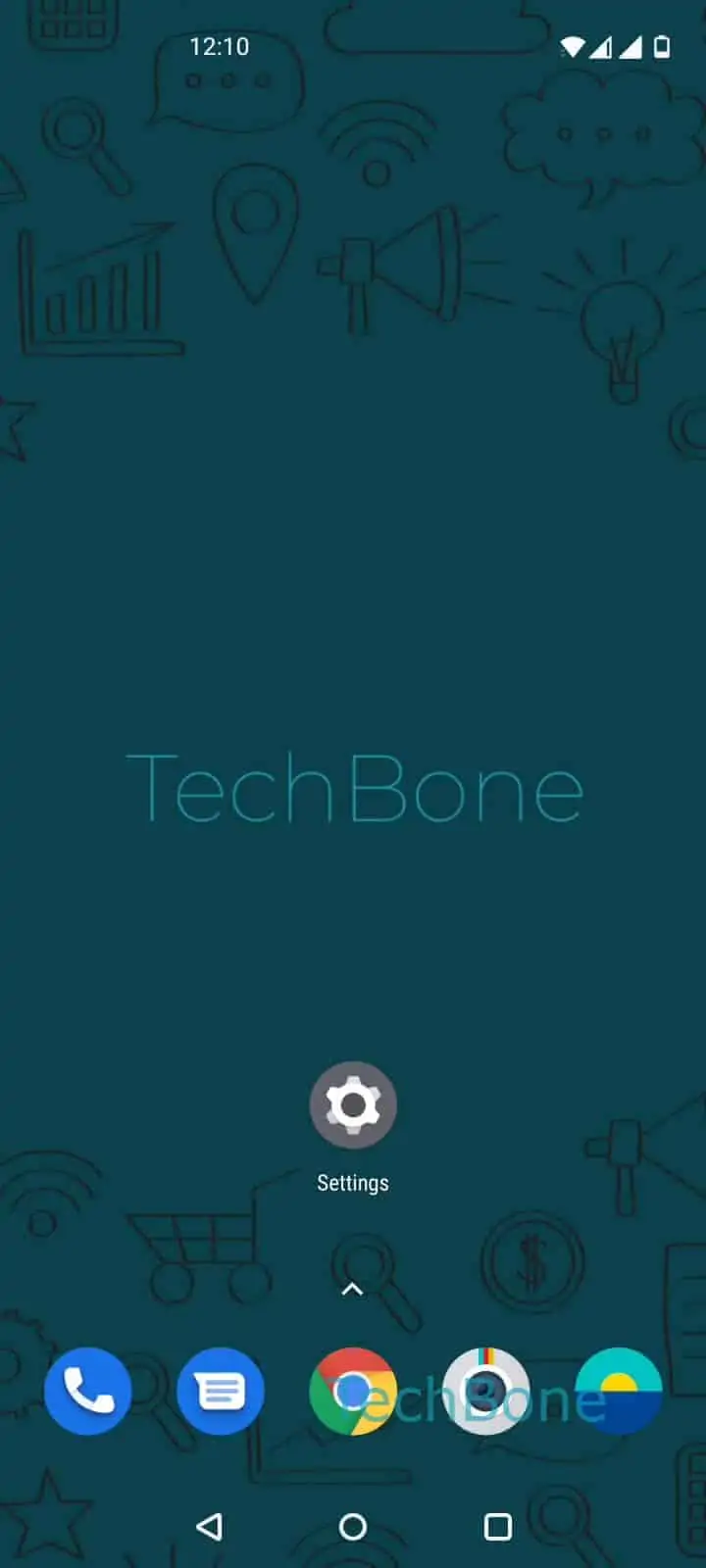
Step 1 of 6: Open the **Settings**

1

Open the Settings

Live simulator

Android 10 · Oxygenos 10
Turn Adaptive Battery On or Off – Oxygenos 10: step 1 – Open the Settings
Open the Settings
1 / 6

Scroll or use the buttons for the next step

Feedback

Was the guide correct?

Help others: confirm the path or report a problem.

29

Confirmations

Forum verified this path

OnePlus

Turn Adaptive Battery On or Off auf OnePlus

Adaptive Battery runs by default on OnePlus phones. It tracks how often you open each app and cuts back on background activity, wake locks, and sync jobs for apps it classifies as rarely used.

This saves battery on apps you barely touch, but it can also delay messages, delivery updates, or downloads from apps you open irregularly - a ride-hailing app you only use once a week, for example.

To check or change the setting, follow Open the SettingsTap on BatteryTap on Battery optimizationOpen the menuTap on Advanced optimizationEnable or disable Adaptive Battery.

Turn it off if you keep missing notifications from apps you use occasionally but rely on for real-time alerts. Leave it on if battery life matters more, since frequently used apps are not restricted anyway.

Disabling Adaptive Battery does not remove other per-app battery restrictions. Check individual app battery settings separately if one specific app still gets killed in the background.

Frequently asked questions

Slightly, since apps you barely open keep running background tasks without restriction. The difference is usually small unless several rarely used apps sync heavily in the background.

Compatible devices

Tap your device — opens its hub with matching guides.