Skip to content
TechBone
OnePlus

OnePlus: Add a Google or Email Account

After the first setup, your OnePlus phone only keeps the Google Account you signed in with during activation. If you use a second Gmail address, a work Exchange account, or an Outlook inbox, none of that syncs until you register it separately. Apps like Facebook or WhatsApp handle their own login and never show up in this list.

3 min4 steps
VersionAndroid 10 · Oxygenos 10

Step by step

1 / 4

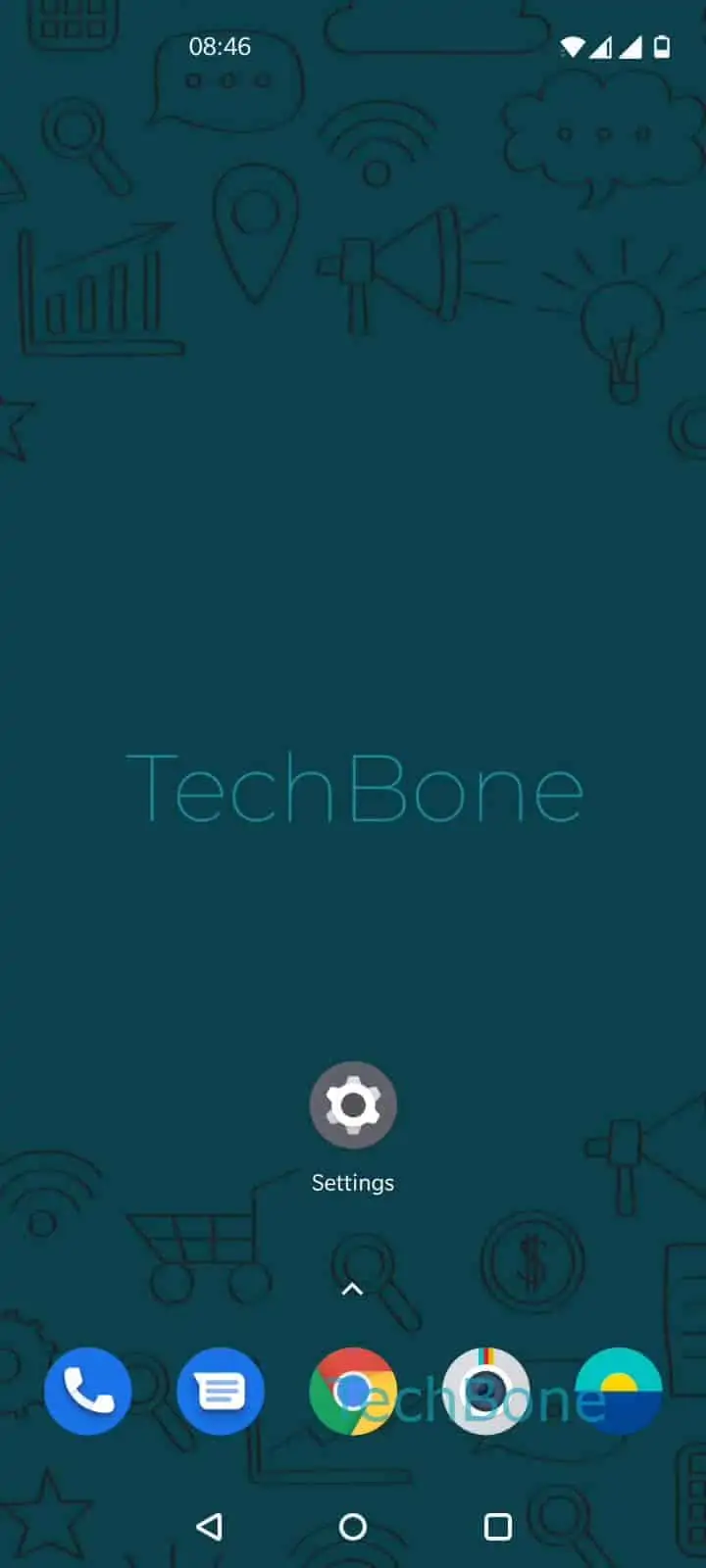
Step 1 of 4: Open the **Settings**

1

Open the Settings

Live simulator

Android 10 · Oxygenos 10
Add a Second Account – Oxygenos 10: step 1 – Open the Settings
Open the Settings
1 / 4

Scroll or use the buttons for the next step

Feedback

Was the guide correct?

Help others: confirm the path or report a problem.

38

Confirmations

Forum verified this path

OnePlus

Add a Second Account auf OnePlus

OnePlus links exactly one Google Account to your phone during the initial setup. Every other account, whether it is a second Gmail address, a work Exchange login, or an Outlook mailbox, has to be added manually before it can sync contacts, mail, or calendar entries.

Accounts tied to a specific app, such as Facebook or WhatsApp, are not part of this list. Those log in inside their own app and store data locally or through their own servers, so they never appear under system accounts.

To register a new account, open the Settings, then tap on Accounts. Tap on Add account and pick the account type you need from the list, then follow the instructions on screen to sign in.

Once the account is added, the phone starts syncing contacts, mail, and calendar in the background, depending on which sync toggles you leave active for that account. If sync stops working later, check that the account still shows up under Accounts and that its toggles are switched on.

Frequently asked questions

WhatsApp manages its own login and chat backup separately from the system. It never registers itself under SettingsAccounts, so you will not find it or Facebook in that list.

Compatible devices

Tap your device — opens its hub with matching guides.