
OnePlus
Disable Automatic App Shortcuts on Home Screen auf OnePlus
On OnePlus phones running OxygenOS, every freshly installed app gets an icon placed on the home screen automatically. This happens regardless of whether you already keep the app drawer organized on your own. The behavior comes from a single toggle in the home screen settings, separate from the app drawer or launcher settings menu.
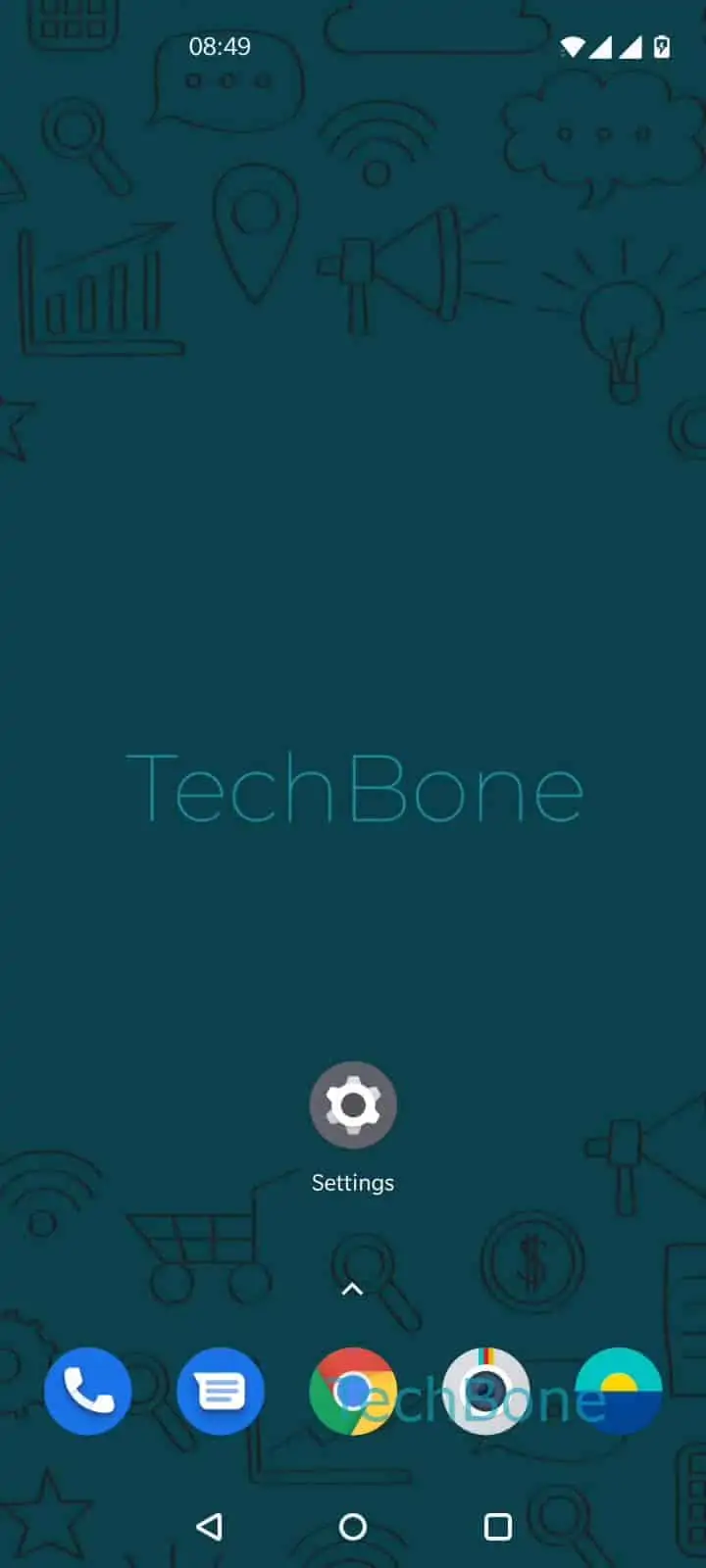
To turn it off, tap and hold a free area on your home screen, then open the home settings panel that appears. From there you find the option that controls whether new app icons get added automatically. Follow this path:
Tap and hold a free area on home screen ➔ Tap on Home settings ➔ Enable or disable Add icon to Home screen
Switching this off does not remove icons already placed on your home screen. It only stops future installs from adding new shortcuts there. Apps still install normally and remain reachable through the app drawer.
If you rely on quick access to new apps right after installing them, keep this setting enabled. For anyone who curates their home screen layout manually, disabling it saves the extra step of deleting unwanted icons after every install.