
OnePlus
Add a New Home Screen Page auf OnePlus
OnePlus phones do not have a dedicated menu button for creating home screen pages. Instead, a new page appears automatically the moment you drag an app icon past the edge of your current screen.
This behavior comes from the home screen layout system in OxygenOS, which manages how many pages exist based on where you drop icons. If you never drag an icon to the edge, your phone keeps everything on the default pages and new apps simply get added to existing folders or the app drawer.
How to create the new page
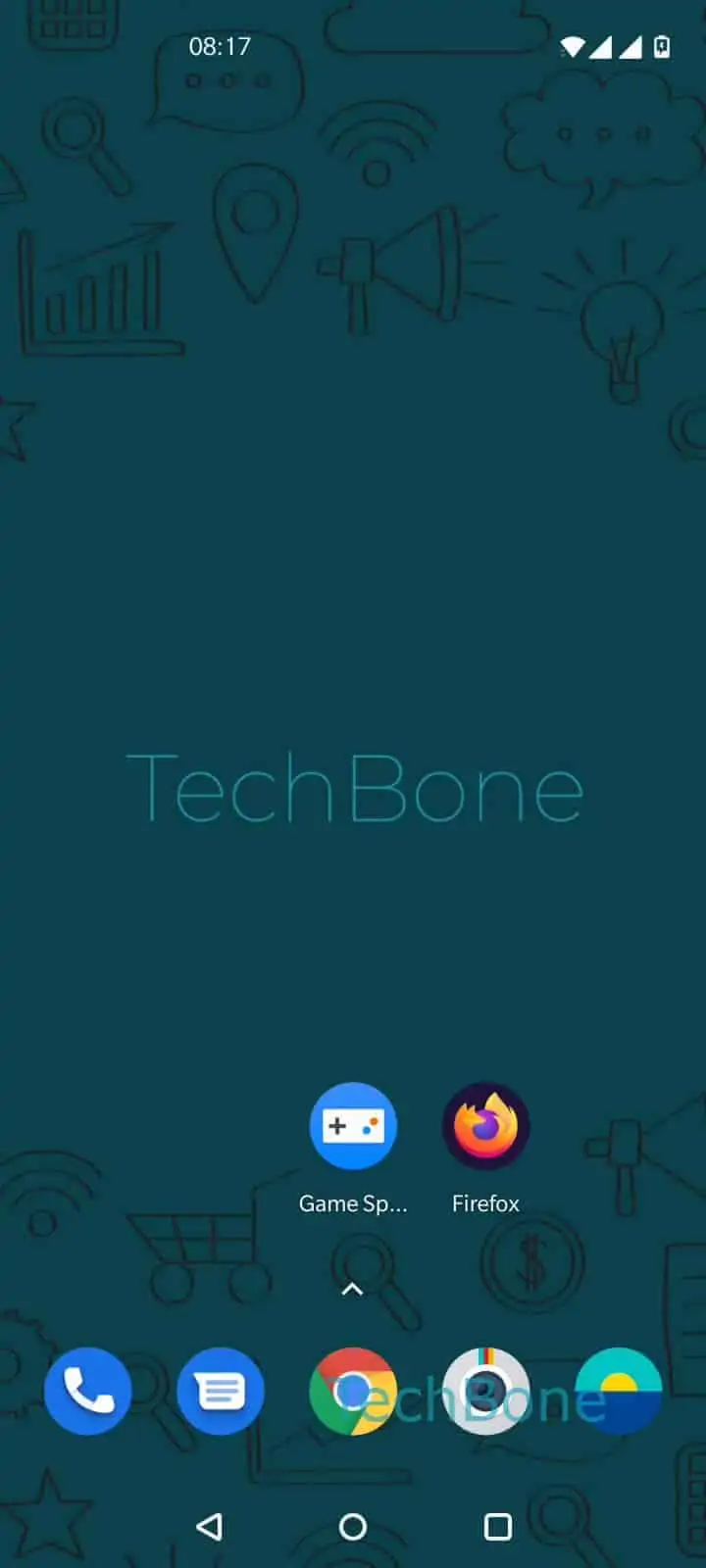
Tap and hold an app icon until it lifts off the grid. Drag the app icon to the edge of the home screen and keep holding until the screen shifts to reveal a new blank page. Release the app icon to position it on the new home screen.
Repeat this with any other app you want on that page. You can create several pages this way, each dedicated to a specific category like messaging, productivity, or games.
If you drag the last icon off a page, OxygenOS usually removes that empty page automatically. Keep at least one icon on a page if you want to preserve it for later.