Skip to content
TechBone
OnePlus

OnePlus: Show an Alternate Calendar Alongside the Default One

If the Calendar app only shows the standard Gregorian dates, you are missing a second date system next to the regular calendar view. OnePlus lets you display an alternate calendar such as Chinese, Simplified Chinese, Traditional, Hebrew or Hijri right below the main dates. The feature sits in a settings area that is easy to overlook on first use.

5 min6 steps
VersionAndroid 10 · Oxygenos 10

Step by step

1 / 6

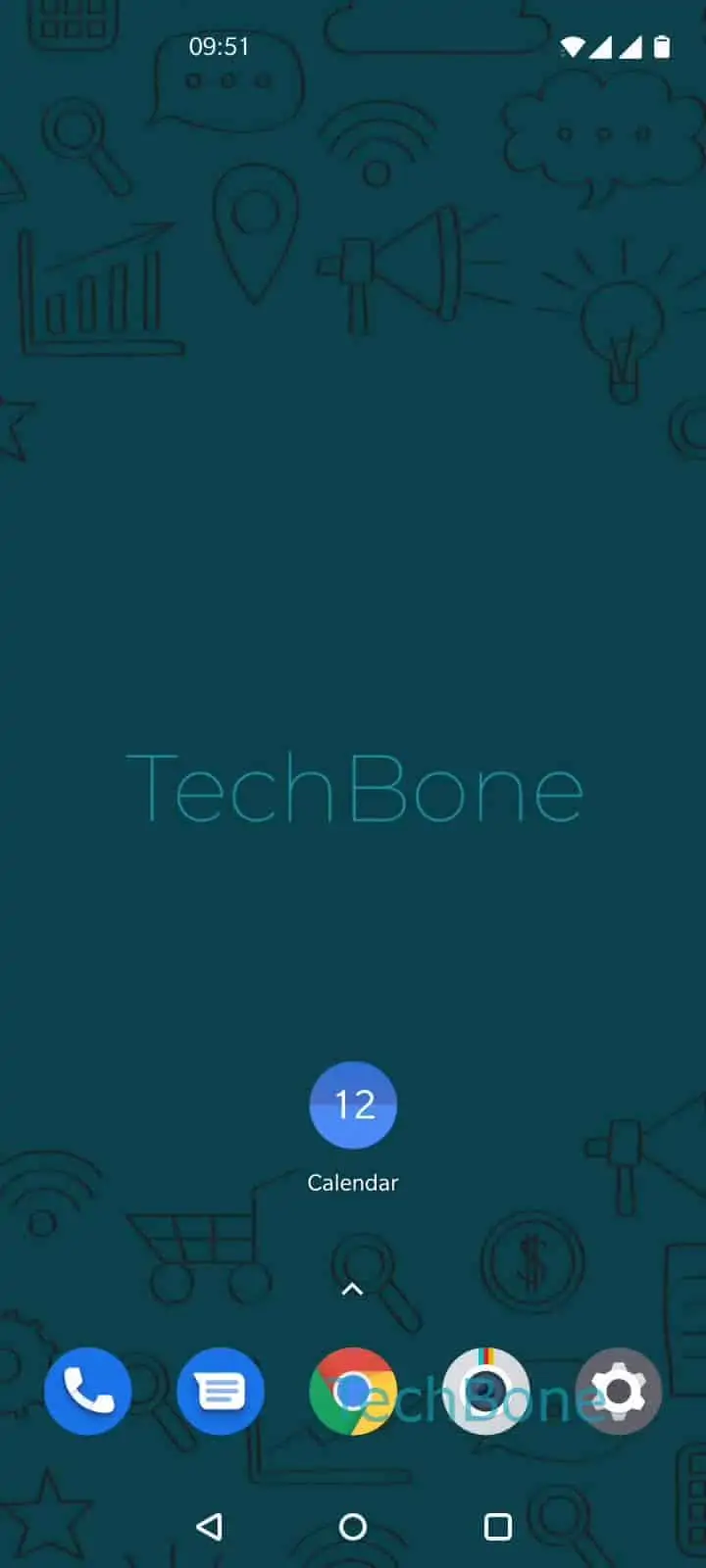
Step 1 of 6: Open the **Calendar app**

1

Open the Calendar app

Live simulator

Android 10 · Oxygenos 10
Add an Alternate Calendar to the Calendar App – Oxygenos 10: step 1 – Open the Calendar app
Open the Calendar app
1 / 6

Scroll or use the buttons for the next step

Feedback

Was the guide correct?

Help others: confirm the path or report a problem.

56

Confirmations

Forum verified this path

OnePlus

Add an Alternate Calendar to the Calendar App auf OnePlus

The Calendar app on OnePlus phones shows only the default Gregorian dates unless you turn on a second date system. This is useful if you follow religious or cultural dates alongside the standard calendar, for example for planning holidays or events tied to another calendar system.

The setting adds the alternate dates in smaller text under the main date grid. It does not replace the default calendar and does not change how existing events or reminders are stored.

Where to find the setting

Open the path Open the Calendar appOpen the menuOpen the SettingsTap on GeneralTap on Alternate calendarChoose an alternate calendar.

Available options are Chinese calendar, Simplified Chinese calendar, Traditional, Hebrew and Hijri. Pick the one you need and return to the main calendar view to see the extra dates appear.

If you later want to go back to only the Gregorian view, repeat the same path and select the option to turn the alternate calendar off again.

Frequently asked questions

No. The alternate calendar only adds a second date line under the standard Gregorian dates in the Calendar app. Your regular events and reminders stay untouched.

Compatible devices

Tap your device — opens its hub with matching guides.