
OnePlus
Answer an Incoming Call auf OnePlus
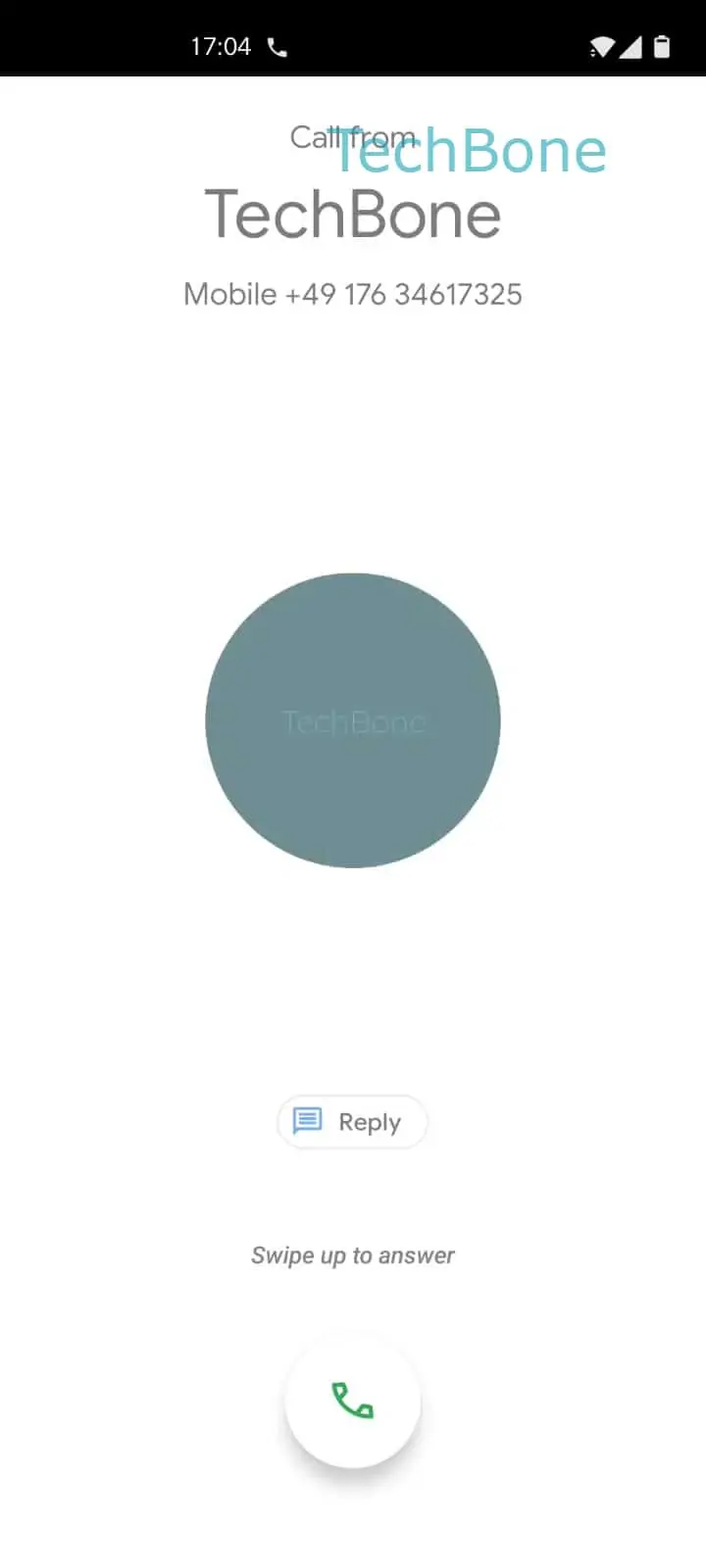
On a OnePlus phone running OnePlus OxygenOS, an incoming call always opens as a full-screen preview. The ringtone and vibration are just alerts; the caller name and number sit inside that same screen. Tapping the green handset icon like a button does nothing, because the interface expects a drag gesture instead of a tap.
To pick up the call, follow this path: Tap and hold the green handset icon ➔ Drag the green handset icon upwards ➔ Release the green handset icon to answer the call. The system only registers the answer once the icon has moved far enough up the screen.
Releasing the icon too early, before it reaches the top zone, cancels the gesture and the phone keeps ringing. Letting go outside the drag path can also miss the answer action, so the call goes unanswered until it times out or moves to voicemail.
This drag-to-answer control replaces a simple tap to avoid accidental pickups when the phone sits in a pocket or bag. If the gesture feels unresponsive, a thick case or a screen protector edge can be blocking part of the swipe area, so removing it or cleaning the display often solves the issue.