Skip to content
TechBone
OnePlus

OnePlus: Turn App Notification Dots On or Off

When WhatsApp, Messenger or another app gets a new message, OnePlus shows a small dot above the app icon by default, even after you have already checked the notification shade. This behavior comes from a single system toggle called Allow notification dots, not from the apps themselves. If the dots feel redundant or distracting next to your badge counts, you can switch the whole feature off in one step.

4 min5 steps
VersionAndroid 10 · Oxygenos 10

Step by step

1 / 5

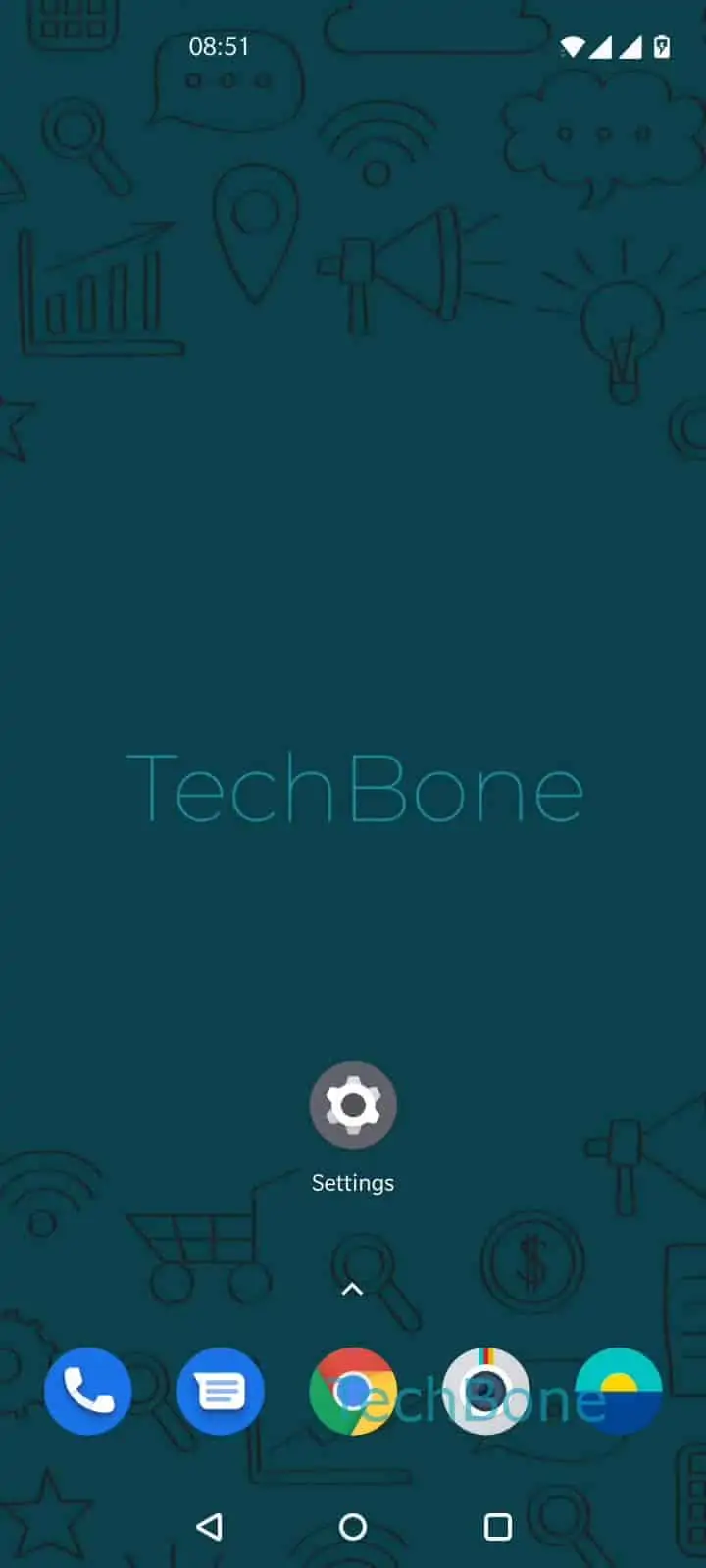
Step 1 of 5: Open the **Settings**

1

Open the Settings

Live simulator

Android 10 · Oxygenos 10
Enable or Disable App Notification Dots – Oxygenos 10: step 1 – Open the Settings
Open the Settings
1 / 5

Scroll or use the buttons for the next step

Feedback

Was the guide correct?

Help others: confirm the path or report a problem.

79

Confirmations

Forum verified this path

OnePlus

Enable or Disable App Notification Dots auf OnePlus

On OnePlus phones running OxygenOS, a small dot above an app icon signals that an app has an unread notification, regardless of what already shows in your notification shade or lock screen. This comes from one system-wide option called Allow notification dots, not from WhatsApp, Messenger or any other individual app.

Because the setting is global, switching it off removes the dot from every app icon at once, and switching it back on restores it for all apps together. Number badges added by a launcher work through a separate setting and are not controlled by this toggle.

To change the behavior:

Open the SettingsTap on Apps & notificationsTap on NotificationsTap on AdvancedEnable or disable Allow notification dots

If you still want to know about new messages without the visual clutter on the home screen, the notification icons in the status bar keep working the same way after you turn this option off.

Frequently asked questions

No. The Allow notification dots toggle only controls the small visual dot on the app icon. Sounds, vibration and the notification shade keep working exactly as before.

Compatible devices

Tap your device — opens its hub with matching guides.