
Skip to content
TechBone
OnePlus

OnePlus: Turn Auto-Capitalization On or Off

If Gboard keeps switching the first letter of a word to uppercase right after a period or a new line, auto-capitalization is behind it. The feature reads sentence breaks and inserts a capital letter automatically, which speeds up everyday typing in WhatsApp or email but gets in the way when you write in lowercase on purpose, use slang, or paste code snippets. Switching it off leaves capitalization entirely in your hands.

6 min7 steps
VersionAndroid 10 · Oxygenos 10

Step by step

1 / 7

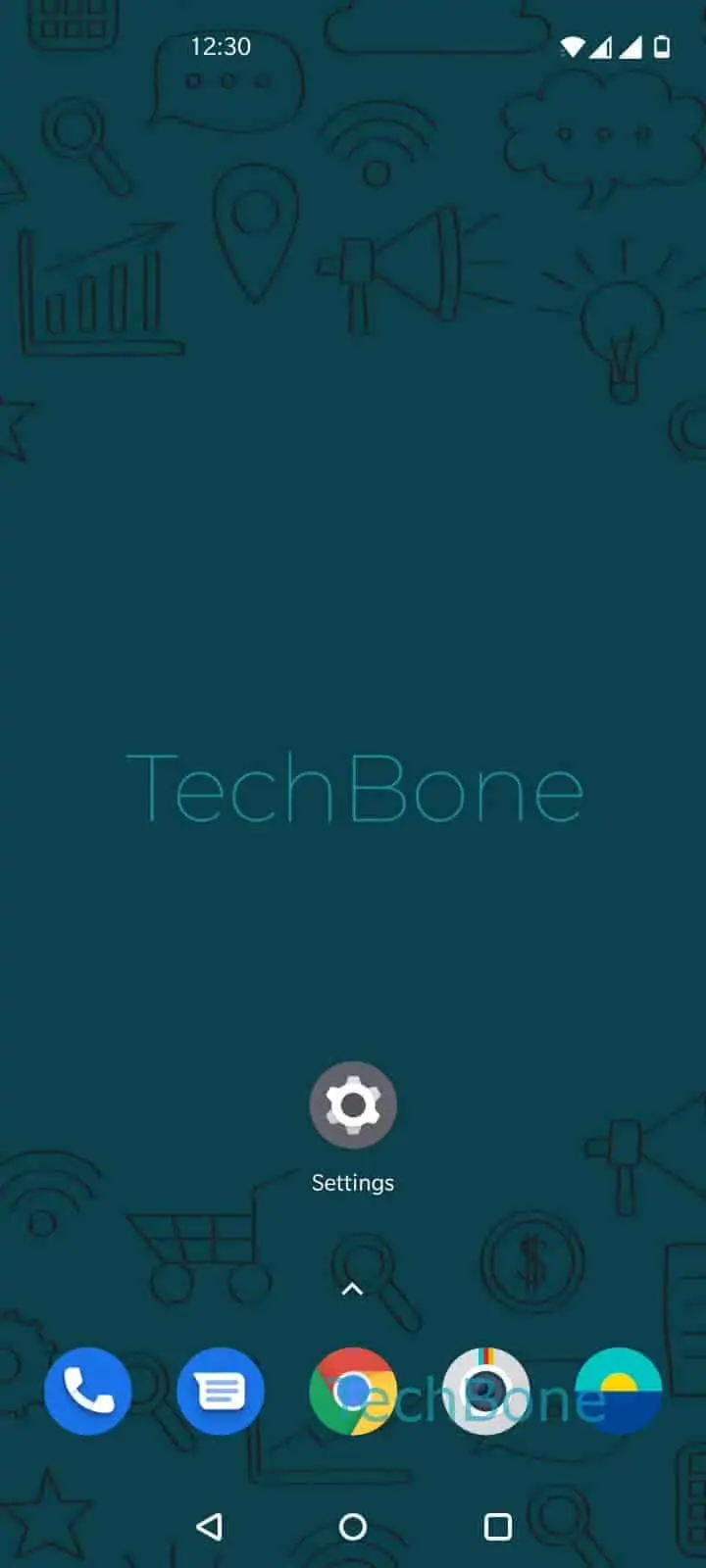
Step 1 of 7: Open the **Settings**

1

Open the Settings

Live simulator

Android 10 · Oxygenos 10
Enable or Disable Auto-Capitalization – Oxygenos 10: step 1 – Open the Settings
Open the Settings
1 / 7

Scroll or use the buttons for the next step

Feedback

Was the guide correct?

Help others: confirm the path or report a problem.

102

Confirmations

Forum verified this path

OnePlus

Enable or Disable Auto-Capitalization auf OnePlus

Auto-capitalization is part of the Gboard text correction engine on OnePlus phones. It watches for sentence-ending punctuation and line breaks, then automatically capitalizes the next word you type.

This behavior speeds up regular messaging and email, since you do not have to hit Shift after every period. It becomes a problem when you type usernames, code, hashtags, or deliberately lowercase text, because Gboard keeps overriding your input.

To change the setting, go to Open the SettingsTap on SystemTap on Languages & inputTap on Virtual keyboardTap on GboardTap on Text correctionEnable or disable Auto-capitalization.

Turning the toggle off stops Gboard from capitalizing anything automatically, so every capital letter has to be typed manually. If you only struggle with capitalization in specific apps, check whether that app has its own text input settings before disabling the feature system-wide, since this change affects every app that uses Gboard.

Frequently asked questions

No. The setting under Tap on GboardTap on Text correction only applies while Gboard is your active keyboard. Switching to a different keyboard app resets this behavior to that app's own settings.

Compatible devices

Tap your device — opens its hub with matching guides.