
Skip to content
TechBone
OnePlus

OnePlus: Enable or Disable Auto-Download for System Updates over Wi-Fi

If your OnePlus keeps pulling firmware updates over your mobile data plan, or never downloads them until you check manually, the Auto-download over Wi-Fi setting is controlling that behavior. Once enabled, updates download automatically the moment your phone joins a wireless network, and you get notified when installation is ready. Turning it off stops silent downloads but means you have to check for updates yourself.

4 min5 steps
VersionAndroid 10 · Oxygenos 10

Step by step

1 / 5

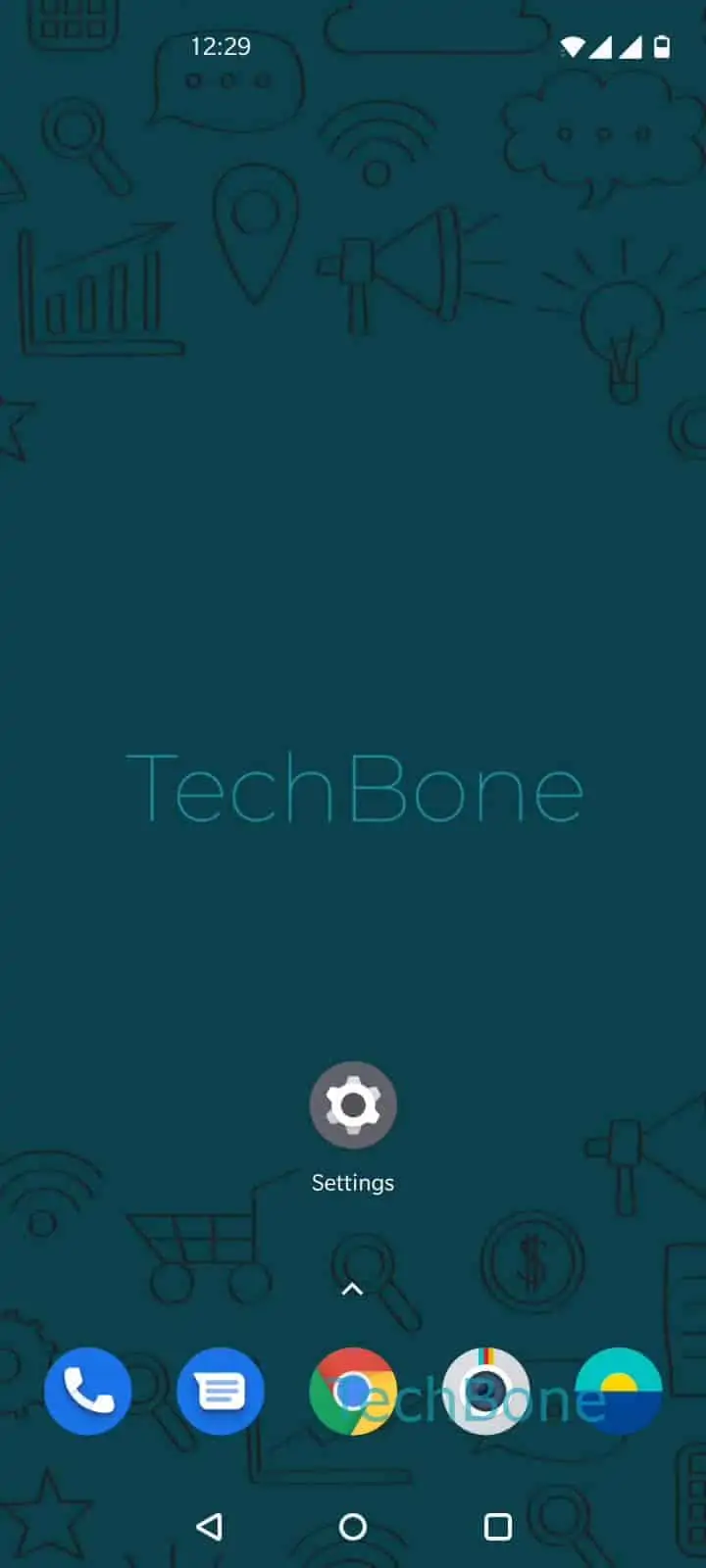
Step 1 of 5: Open the **Settings**

1

Open the Settings

Live simulator

Android 10 · Oxygenos 10
Auto-Download System Updates over Wi-Fi – Oxygenos 10: step 1 – Open the Settings
Open the Settings
1 / 5

Scroll or use the buttons for the next step

Feedback

Was the guide correct?

Help others: confirm the path or report a problem.

16

Confirmations

Forum verified this path

OnePlus

Auto-Download System Updates over Wi-Fi auf OnePlus

OnePlus phones running OxygenOS check for system updates in the background, but whether the update file actually downloads depends on one specific toggle: Auto-download over Wi-Fi. When it is on, your phone pulls the update package as soon as it connects to a known wireless network, then notifies you once it is ready to install. When it is off, the update stays queued and you have to open the update screen and download it yourself, even after the phone tells you a new version exists.

To change this, go to Open the SettingsTap on SystemTap on System updatesOpen the SettingsEnable or disable Auto-download over Wi-Fi.

Leave it enabled if you want new firmware ready the moment you plug in for installation, without hunting for it after a notification. Disable it if you are on a limited or metered Wi-Fi connection, share a hotspot, or prefer to review release notes before an update lands on your storage. The setting only affects Wi-Fi; it has no influence on updates over mobile data, which OnePlus handles separately to avoid unexpected data charges.

Frequently asked questions

No. OxygenOS treats mobile data downloads as a separate control to prevent unexpected charges, so turning off the Wi-Fi option has no effect on cellular downloads.

Compatible devices

Tap your device — opens its hub with matching guides.