
Skip to content
TechBone
OnePlus

OnePlus: Enable or Disable Auto-Disconnect at Data Limit

If mobile data suddenly stops working right after you cross your monthly allowance on a OnePlus phone, a built-in limiter is likely the cause, not a network outage. This goes beyond the usual data warning: OxygenOS can automatically kill every cellular data connection once the billing cycle limit is reached. Wi-Fi stays untouched, so calls and browsing over a home or office network keep running.

5 min6 steps
VersionAndroid 10 · Oxygenos 10

Step by step

1 / 6

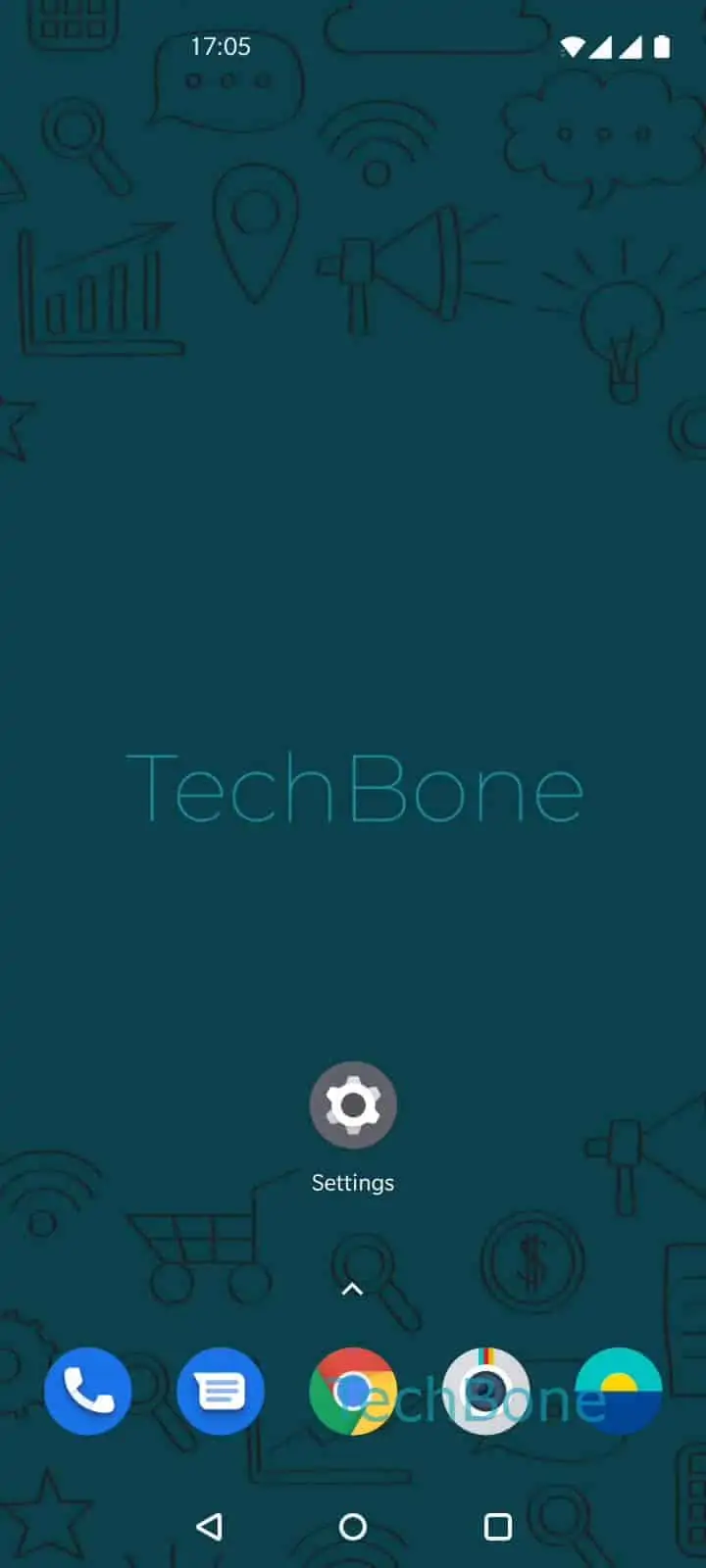
Step 1 of 6: Open the **Settings**

1

Open the Settings

Live simulator

Android 10 · Oxygenos 10
Auto-Disconnect from Network at Data Limit – Oxygenos 10: step 1 – Open the Settings
Open the Settings
1 / 6

Scroll or use the buttons for the next step

Feedback

Was the guide correct?

Help others: confirm the path or report a problem.

11

Confirmations

Forum verified this path

OnePlus

Auto-Disconnect from Network at Data Limit auf OnePlus

OxygenOS ships with two separate data-limit tools. The data warning just sends a notification when you approach your allowance, but Auto-disconnect from network goes further and shuts off every cellular data session once the billing cycle limit is exceeded.

Wi-Fi is not affected. If your phone is connected to a wireless network, browsing, streaming and app updates continue as normal even after mobile data has been cut.

To check or change the setting, open SettingsWi-Fi & networkData usageBilling cycle. Inside this menu you find the toggle for Auto-disconnect from network. Switch it on if you want a hard stop on overage charges, or switch it off if you prefer to rely only on the warning notification and manage usage yourself. Confirm the change with OK.

This feature is most useful on prepaid plans or contracts with strict data caps, where an unexpected overage fee is worse than a temporarily disabled connection. On unlimited or flexible plans, leaving it off avoids interruptions when the billing cycle counter runs slightly ahead of the actual carrier limit.

Frequently asked questions

OxygenOS resets the counter under SettingsWi-Fi & networkData usageBilling cycle at the date you configured, and it compares real usage against your set limit. Once that limit is hit, Auto-disconnect from network can cut every cellular session immediately.

Compatible devices

Tap your device — opens its hub with matching guides.